Hello,
I have a couple of questions about the Blender to CC/iClone workflow…
1.) We have created and rigged a character in Blender using Rigify, how can one export this rig so it works in CC/iClone? Or does the rig need to be created with Accurig?
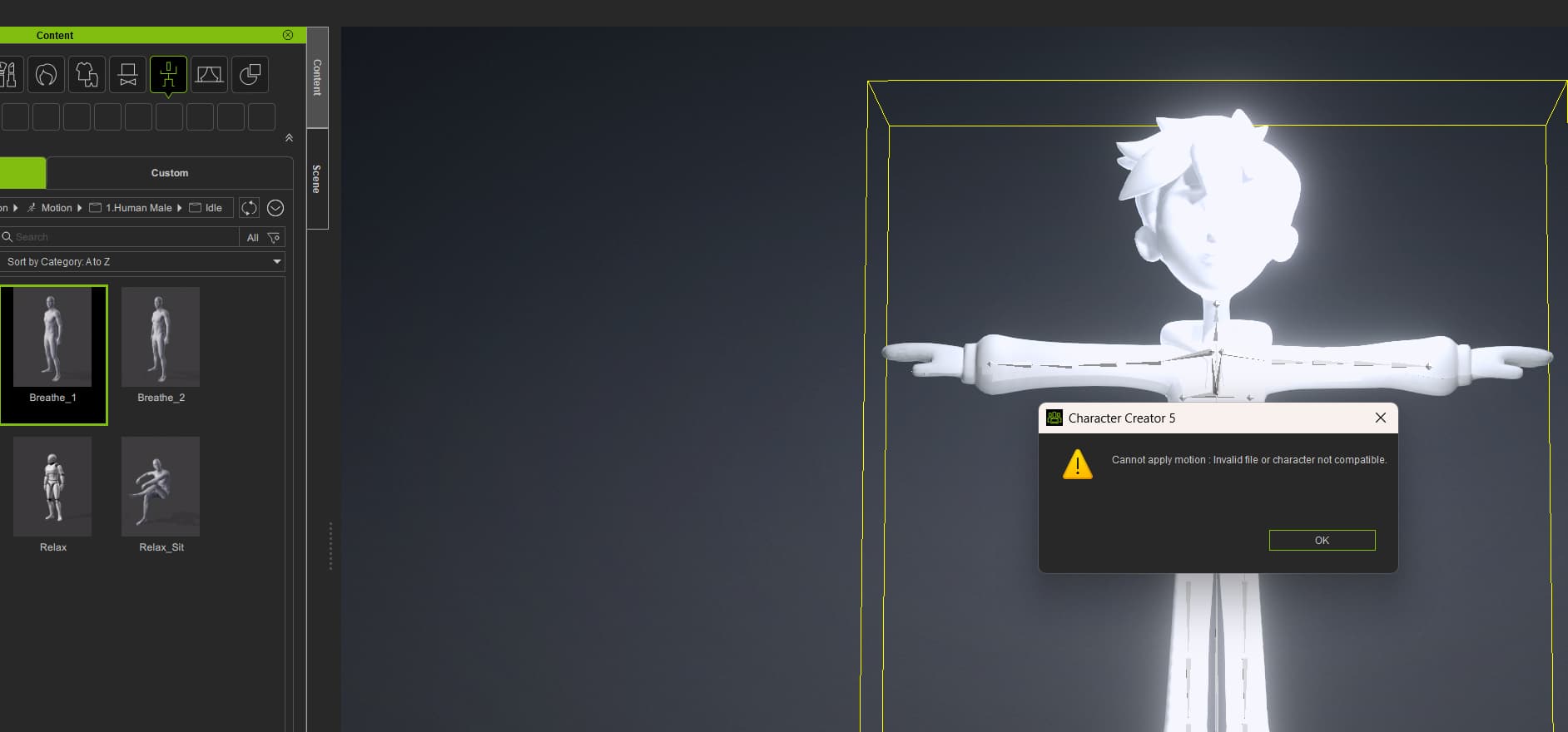
I export a non standard humanoid using the CC/iC pipeline in Blender, and then in CC I use the Plugins → Blender Pipeline → Import character from Blender option, but whenever I try to apply animation from the Content window to my character, I get this error, “Cannot apply motion, invalid file or character not compatible.”
2.) Is it possible to to use the facial rig from a Blender export? If not, how can one best apply a facial rig in CC to a character exported from Blender?
Thanks
The Rigify rig itself is way to complex to work in CC/iClone as is.
The Blender pipeline add-on can Rigify up CC3+ characters, but to then export them back out of Blender, it takes thousands of lines of code to rebuild a usable deformation rig, retarget to it and export it. Even then they are not compatible with CC3+ standard characters in CC4/5.
So it’s not an easy thing to get a Rigified character out of Blender.
Using Accurig on your custom mesh, you can export that to Blender using the pipeline and it can then Rigify that accurig character.
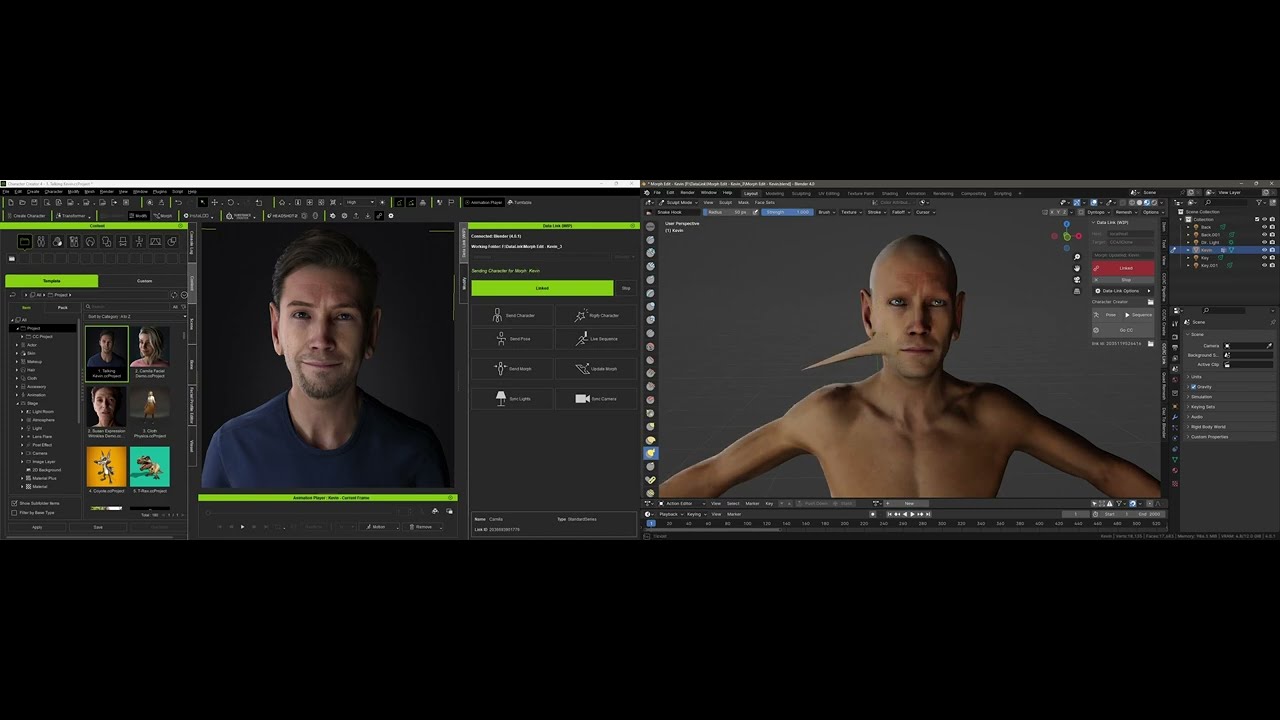
If you want to get a character into Blender then back into CC4/5 it’s best to use the DataLink:
I appreciate the response!
Could you also advise what would be the best workflow for a facial rig? Can we apply a facial rig in CC to our imported Blender model? Or what would you recommend for the cleanest workflow?
Please bear in mind our artist is starting with the character modelled in Blender, so we need to establish the best workflow from there.
The facial rig is just a controller rig to drive the facial expression blend shapes, and their related bones, it only exists in Blender.
To get a custom character to be compatible with facial animation in CC/iClone you would need to build a facial profile for it.
A place to start, for importing non standard characters:
https://manual.reallusion.com/Character-Creator-5/Content/ENU/5.0/09-Import-Humanoid/About-Convert-to-Non-Stnadard-Character-Mode.htm
And for building up a facial profile:
https://manual.reallusion.com/Character-Creator-5/Content/ENU/5.0/06-Facial-Profile-Editor/Creating-Expressions-for-Non-Standard-Characters.htm
and theres tutorials in the reallusion courses such as:
1 Like