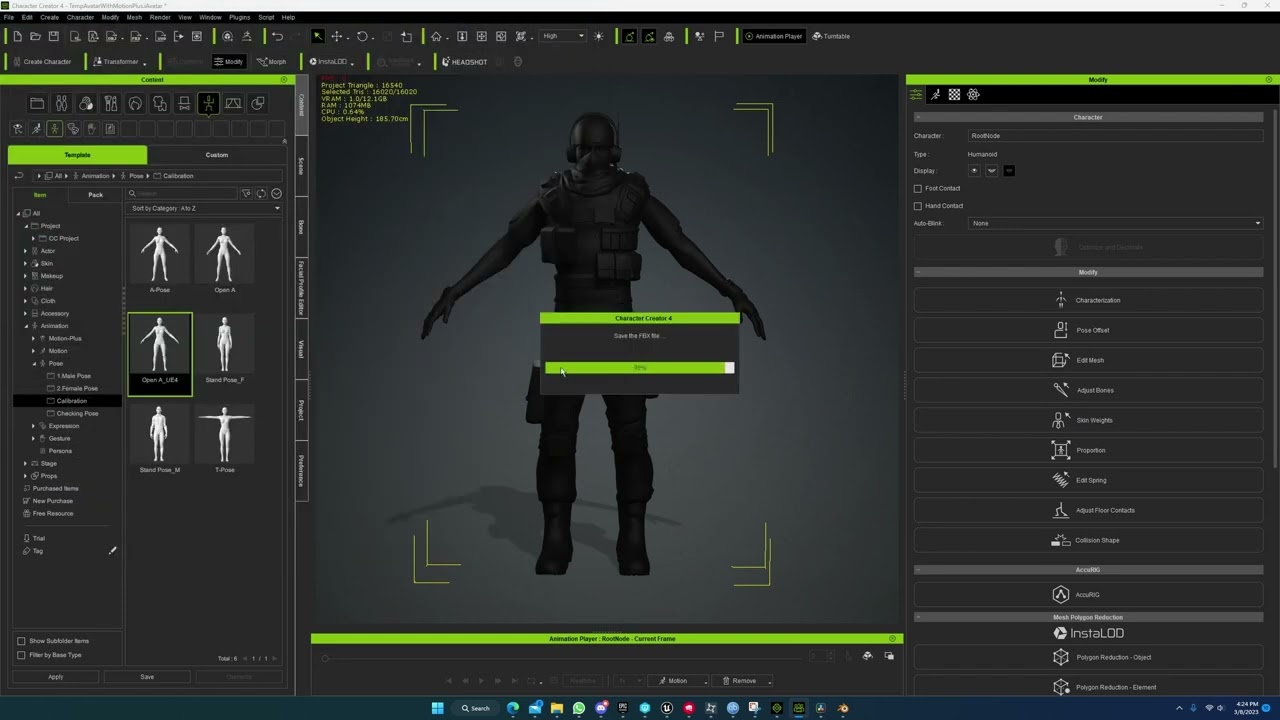
I imported a character into CC5 from Unreal using the standard bone system. I can animate it in iClone without any problems.
However, when I export the animations, it adds two extra bones above the root, so I can’t use the animations properly in Unreal.
Is there any way to export them using the original Root?
I found a video from 2023 with the same problem, oh my god. But how is it normal that it hasn’t been fixed?
Why does he happily add bones?
Hi DomusLudus,
We’re sorry that we haven’t been able to reproduce the issue on our side.
To help us investigate further, we’ll need your full workflow or a screen recording of your process. Please also provide the versions of CC / iClone , Unreal Engine , and Auto Setup that you’re using.
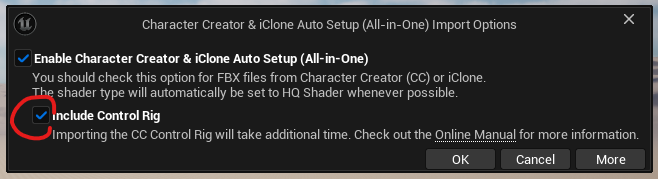
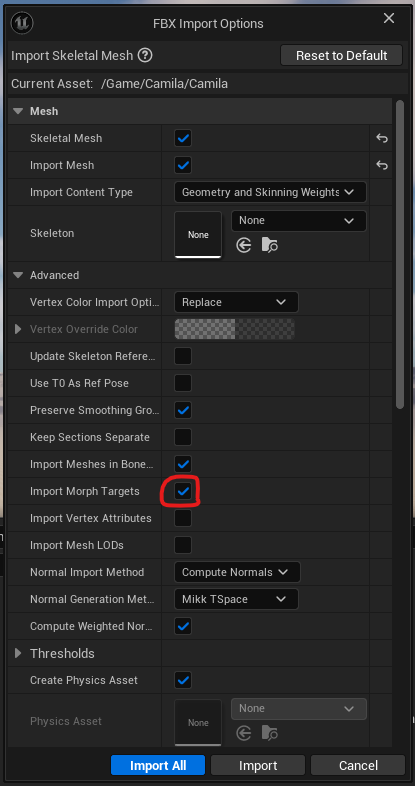
For reference, here is the workflow we tested. We suspect the issue may be related to the import settings, which could be causing the animation to not function properly.
Thank you for your cooperation.
Hi DomusLudus,
After discussing this with our team, we believe the issue may be related to the import workflow.
For custom characters, it is normal for an RL_root to be generated. However, if you use Live Link – Send Mesh to Unreal and then also use Live Link to send the animation to Unreal, this should resolve the issue.
If you need a tutorial on using Live Link , you can refer to this video:
Please give it a try and let us know how it goes.
1 Like
Thanks for your replies. I’m currently working on another part of the project. When I get back to this part, I’ll take a look and let you know.