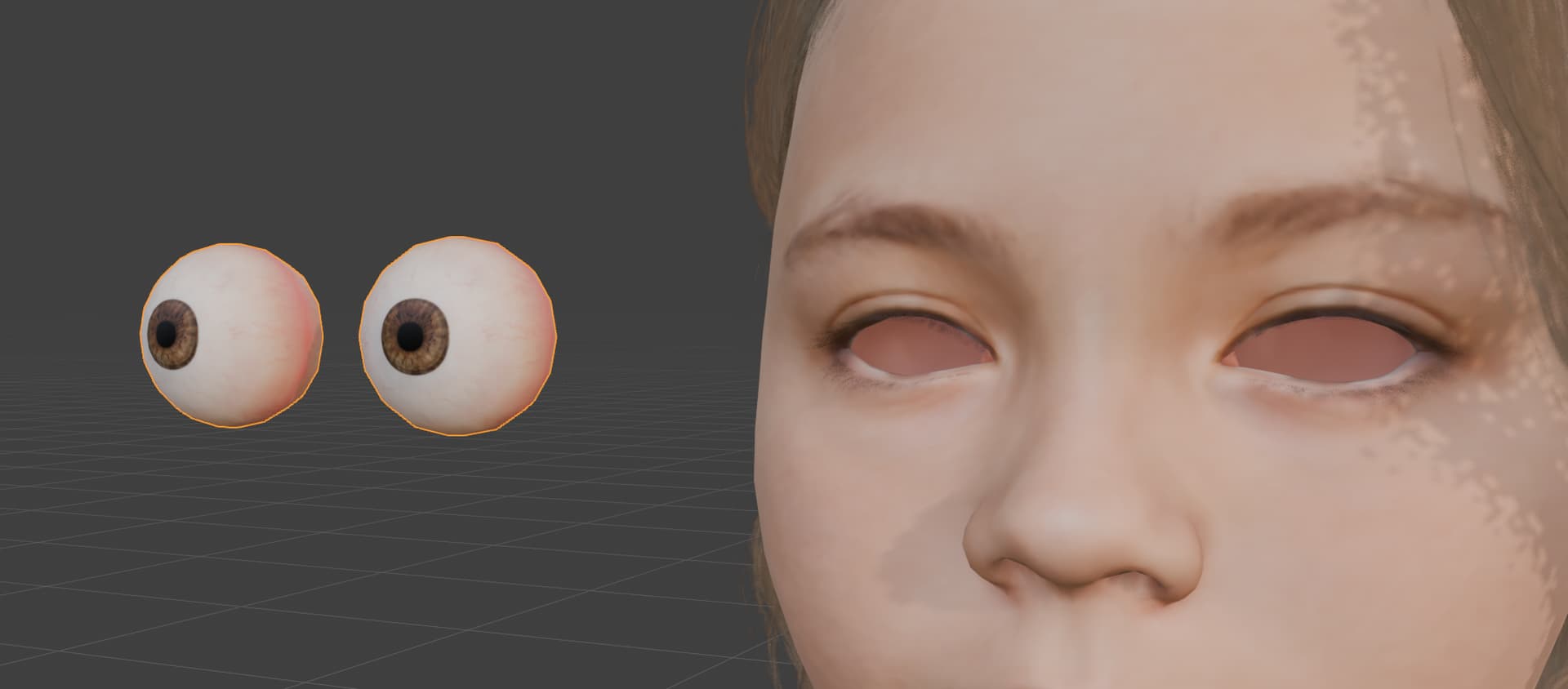
Hello,
we noticed that multiple exported characters have doubled eye ball meshes. You dont see it if you move the whole eyeball object, only if you select the overlaying eyeball mesh.
So this is not ideal for us, especially if we try to have an optimized character.
How do we prevent this? We couldnt find anything in the Export settings.
Cheers
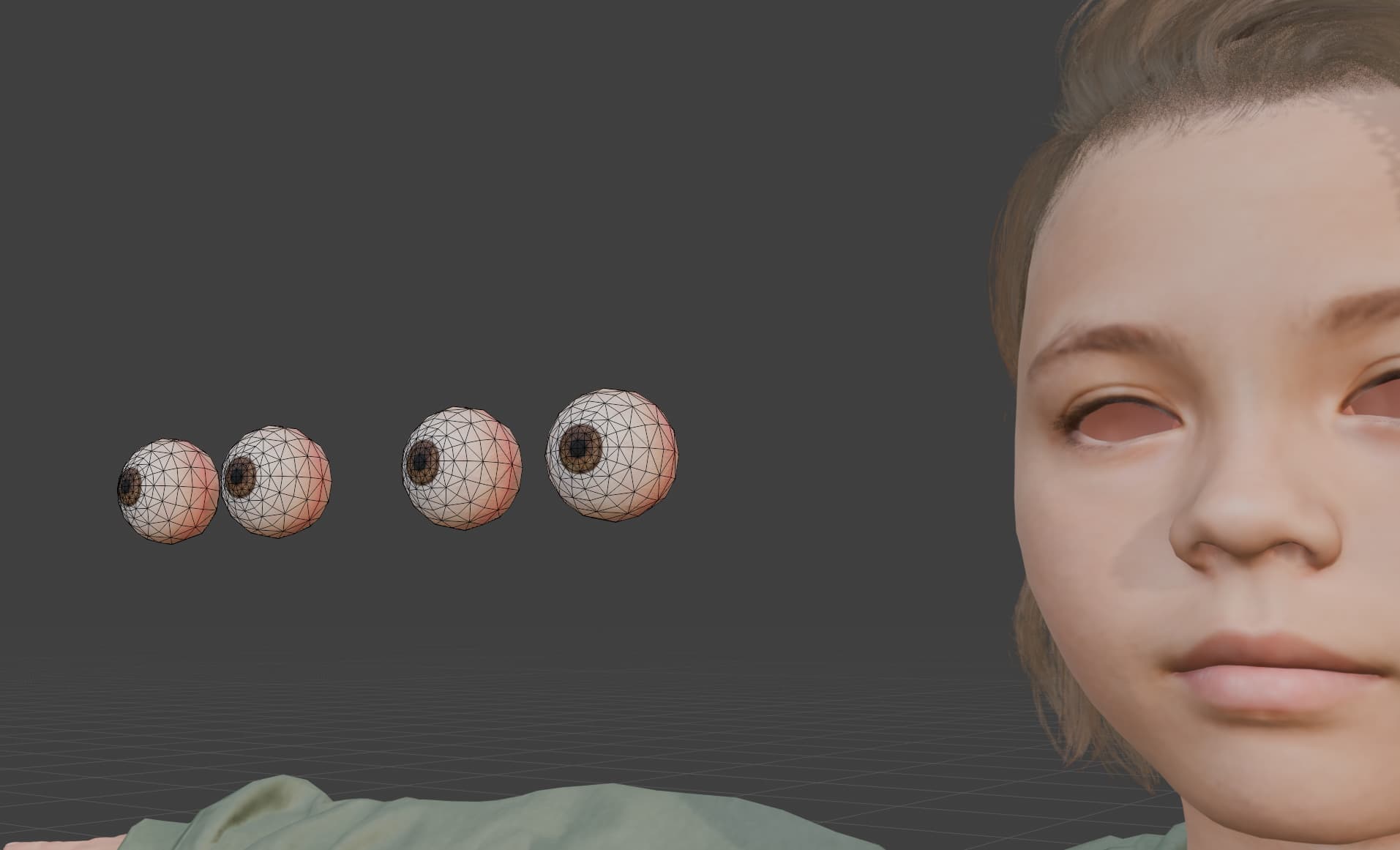
Hi skdanguy,
Yes, it is completely normal to have two separate meshes—one for the cornea and one for the eyeball.
This dual-mesh setup is standard practice in 3D modeling because it allows for realistic light reflection and refraction (glass-like properties on the outer cornea, and diffuse textures on the inner iris).
If your setup or application only requires a single mesh, you can simply delete the unused one (usually the cornea) without affecting the basic eye model.
Regards
Hi, how do I delete the cornea in CC 5?
Hi skdanguy,
To maintain model realism, the cornea cannot be deleted directly within CC5. However, you can remove it using external 3D software after exporting.
Regards