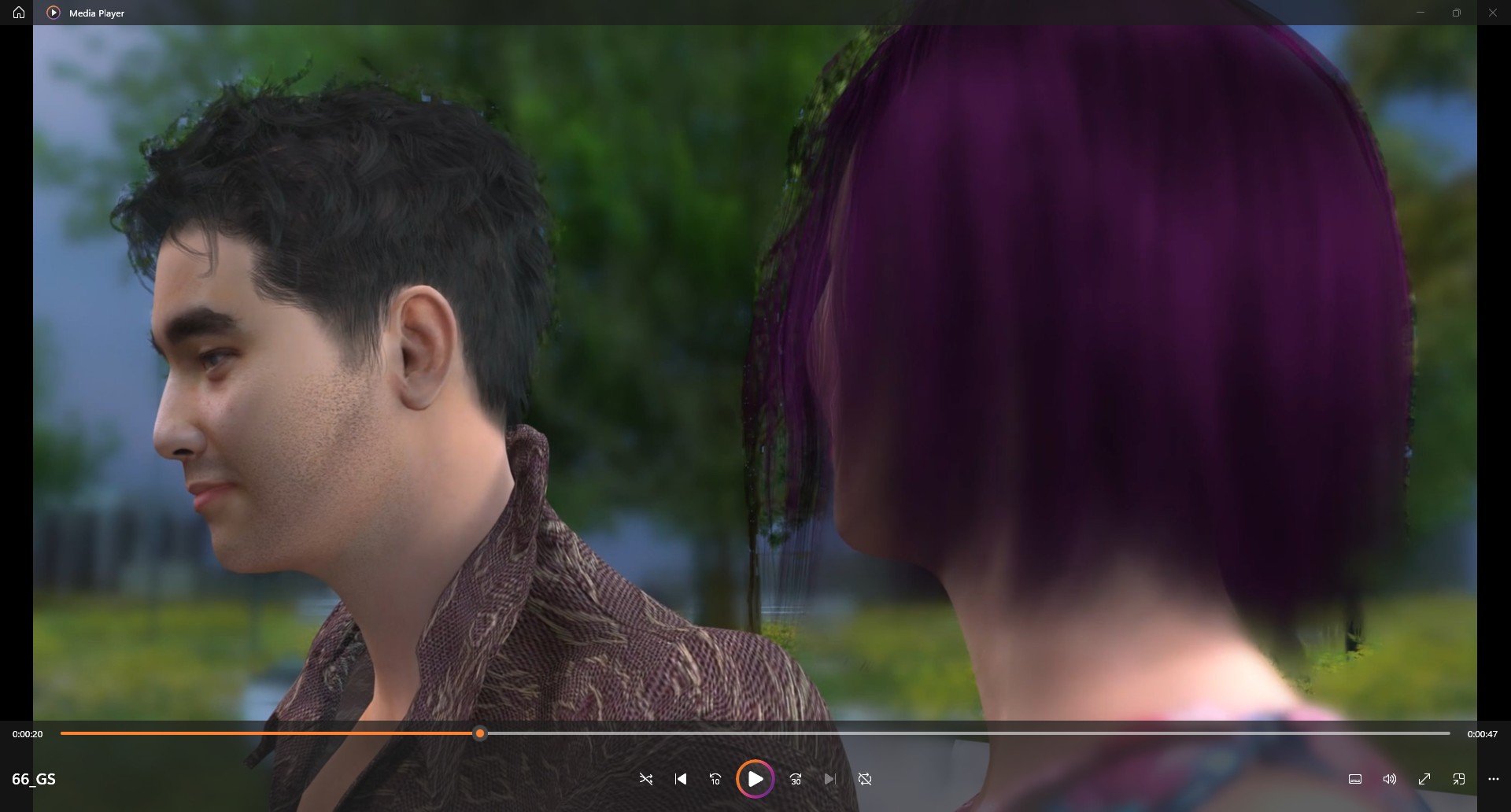
Hello, I have some scenes where the foreground character is in focus and the background is blurred. The issue is that the background seen around the hair remains in focus, creating a sort of “halo” around the characters head that is very distracting. The manual is less than helpful…any ideas on how to fix?
We’ve had that in the past and it should have been fixed (too long ago to remember what the fix was). However, when you render to PNG there is sometimes an issue when “Reduce color banding with noise” is selected.
You may want to post a render with the issue. I cannot repeat what you are describing under any light scheme, with or without color banding with noise control…
Background seen thought the hair is blurred as it supposed to here.
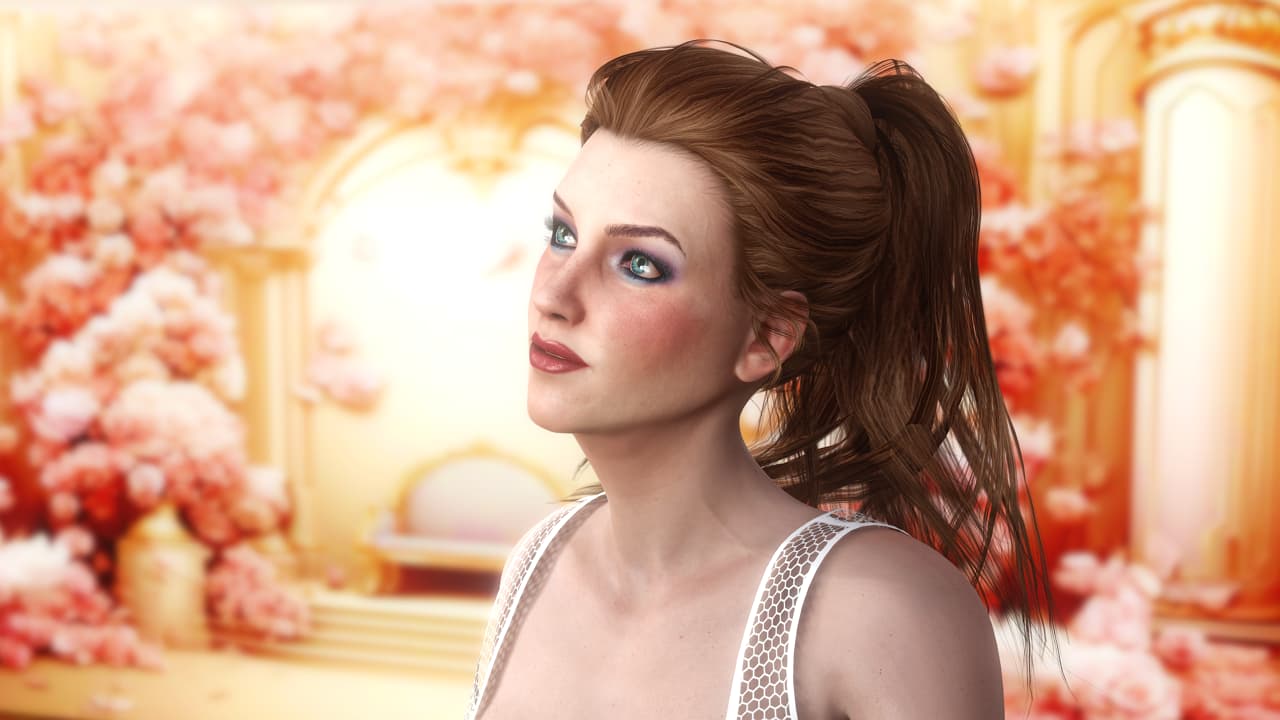
I think this is what you’re looking for:
Oh yeah, that’s right… “Correct Transparency” is checked Off I guess. I don’t know why that control even exists. Who would want an “incorrect transparency” anyway 
1 Like
Thanks for the replies, but I always have “Correct Transparency” checked for my default projects (it was also checked in this case). The only thing I didn’t try was disabling “Reduce color banding with noise”, but that is for rendering, and this problem occurs even in the iClone display. I was able to work around it by reducing the amount of blur in the background, but it is a real phenomenon. I’ve attached a pic of the problem. Especially noticeable around the girls hair, but also slightly around the boys hair.