Hi,
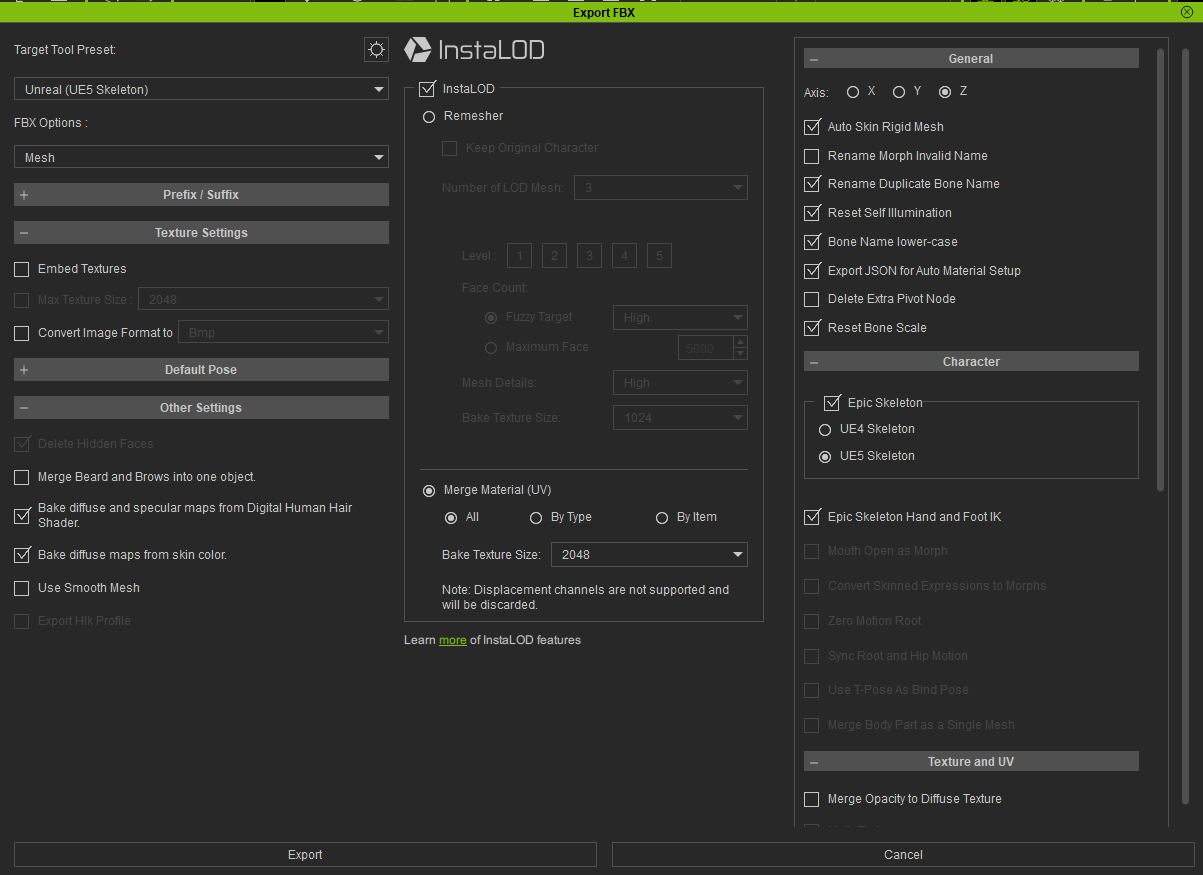
Why is “Delete hidden faces” option hidden when using Merge Material (UV) InstaLOD option? It appears back if the InstaLOD is disabled. Although it is “checked” while greyed out (maybe signifying that it will work nonetheless) it in fact DOES NOT work and DOES NOT delete hidden faces.
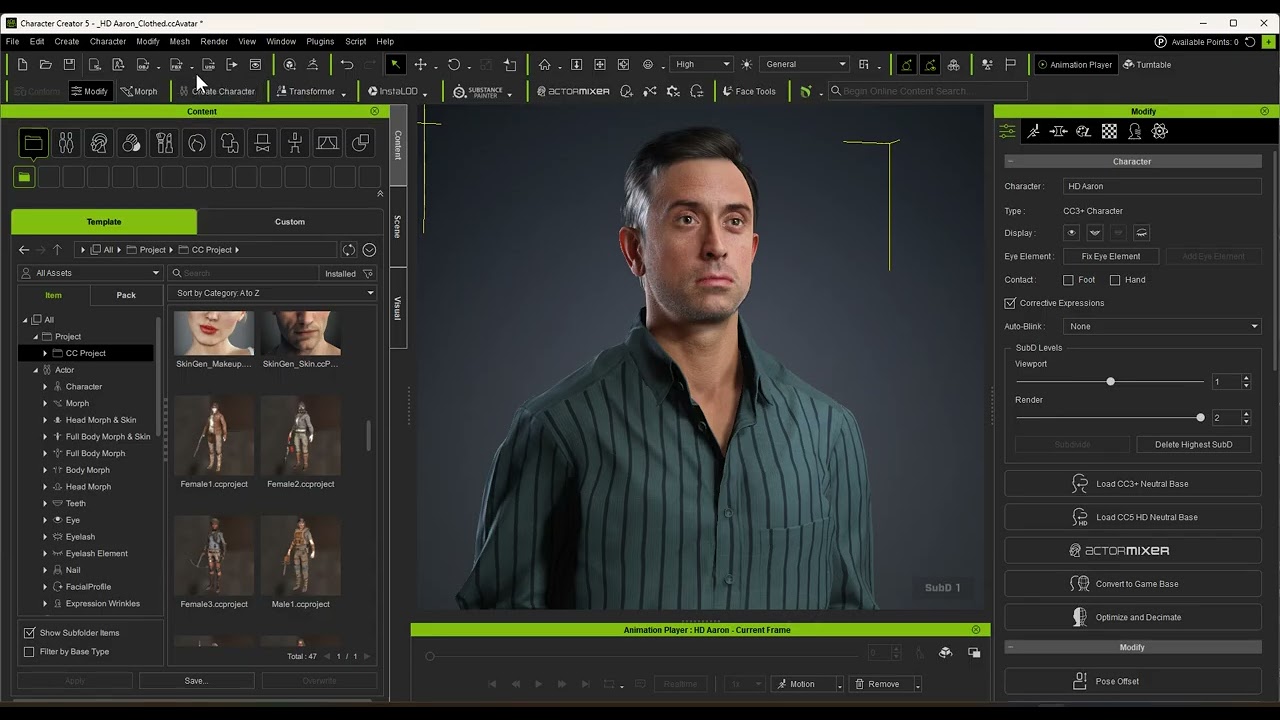
Is it by design or a bug? It can be seen in this official course (at 3:01) that this was not the case at some point in time.
Character Creator 4, 4.65.
Thanks for helping us to find the defects. The Delete hidden faces option will toggle off when you reopen the export fbx panel. Please toggle off the InstaLOD option and then toggle it on again; it will toggle on the delete hidden face.
The InstaLOD function will auto-delete hidden faces, so the option is disabled and toggled on. The delete hidden face with InstaLOD works on my side. If you check the option is disabled and toggled on, but does not delete any faces, please report on this post.
We will fix it on nearly version.
Hi,
Thanks for the workaround, it works! Once I uncheck and re-check the InstaLOD the hidden faces are in fact deleted.
Thank you.