Hey fella icloners,
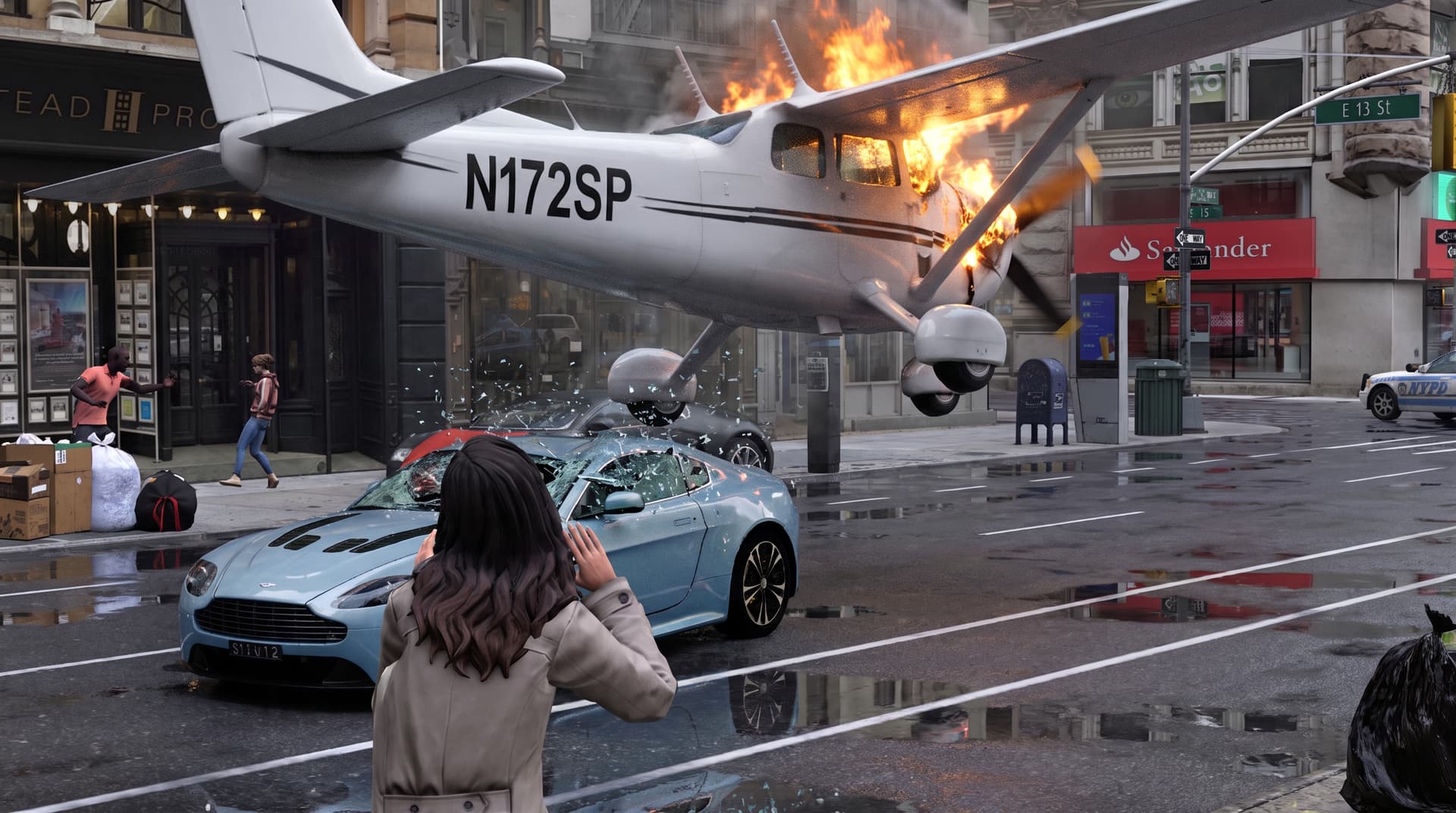
its been a while, i wanted to share some work in progress on my short called “Delayed”, the goal for this short was to:
- create a digital twin of new York street and figure out what is the optimal LOD for reconstruction of said street to make it look fully photoreal in Seedance when animated, both geometry and textural complexity.
- create shots that requires precision and timing that prompting alone would not be able to do accurately. This is why i love this 3d/AI hybrid workflow.
- take an iclone scene to full photorealism
- to direct my actors with precision via mocap, both face and body.
- create complex shots that would be hard to do on pro pipeline. (maya, Houdini, with renderers like octane, v-ray, etc. and compositor like Nuke ,after effect, etc)
- take advantage of real-time technology (real-time reflections) and go beyond just blockouts.
- to have lots of fun making it.
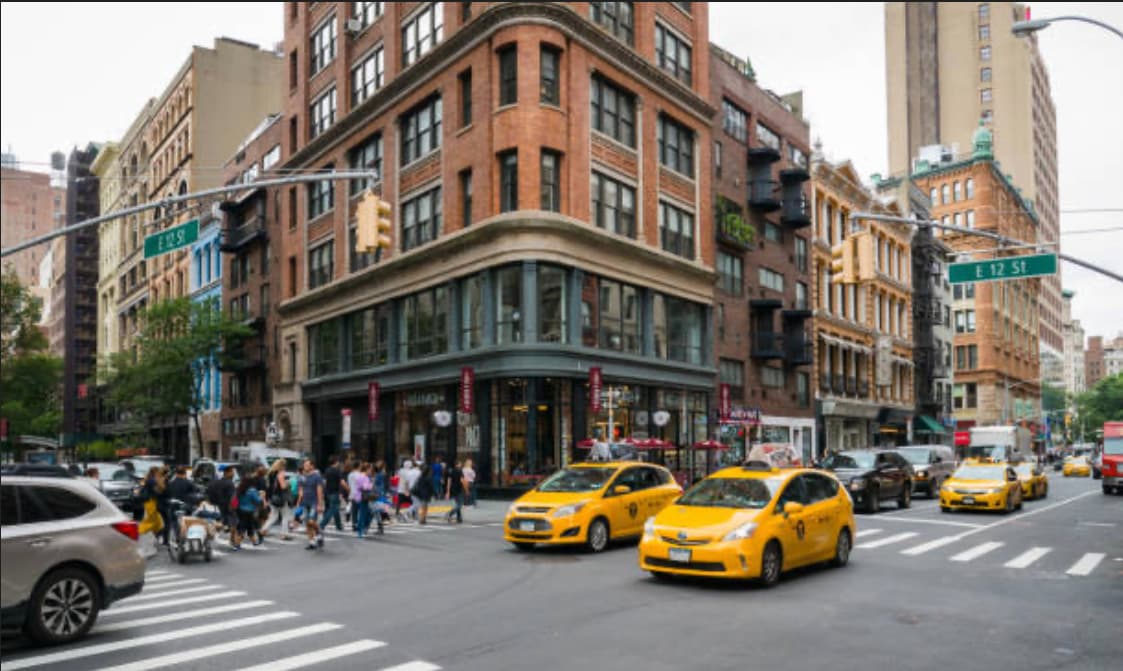
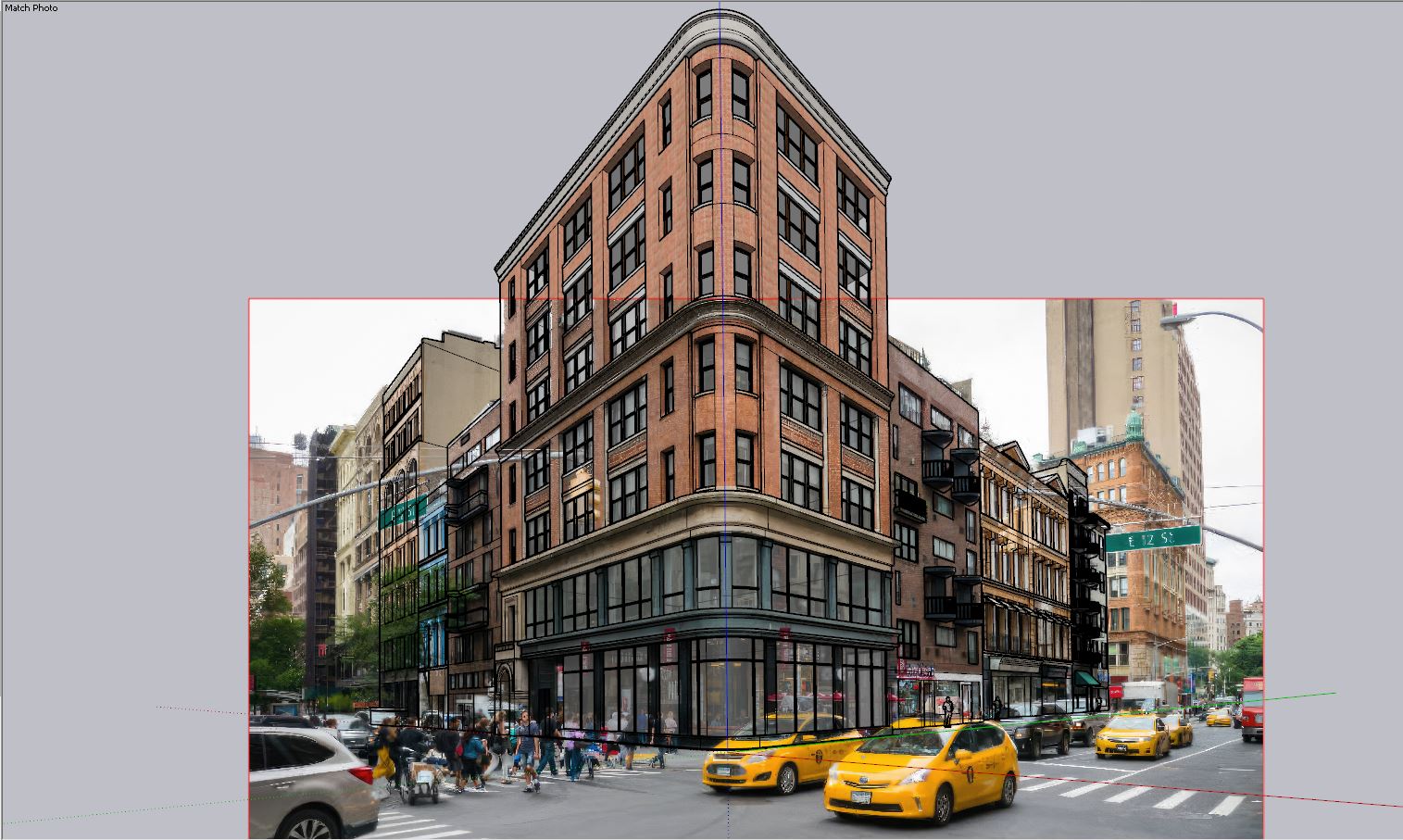
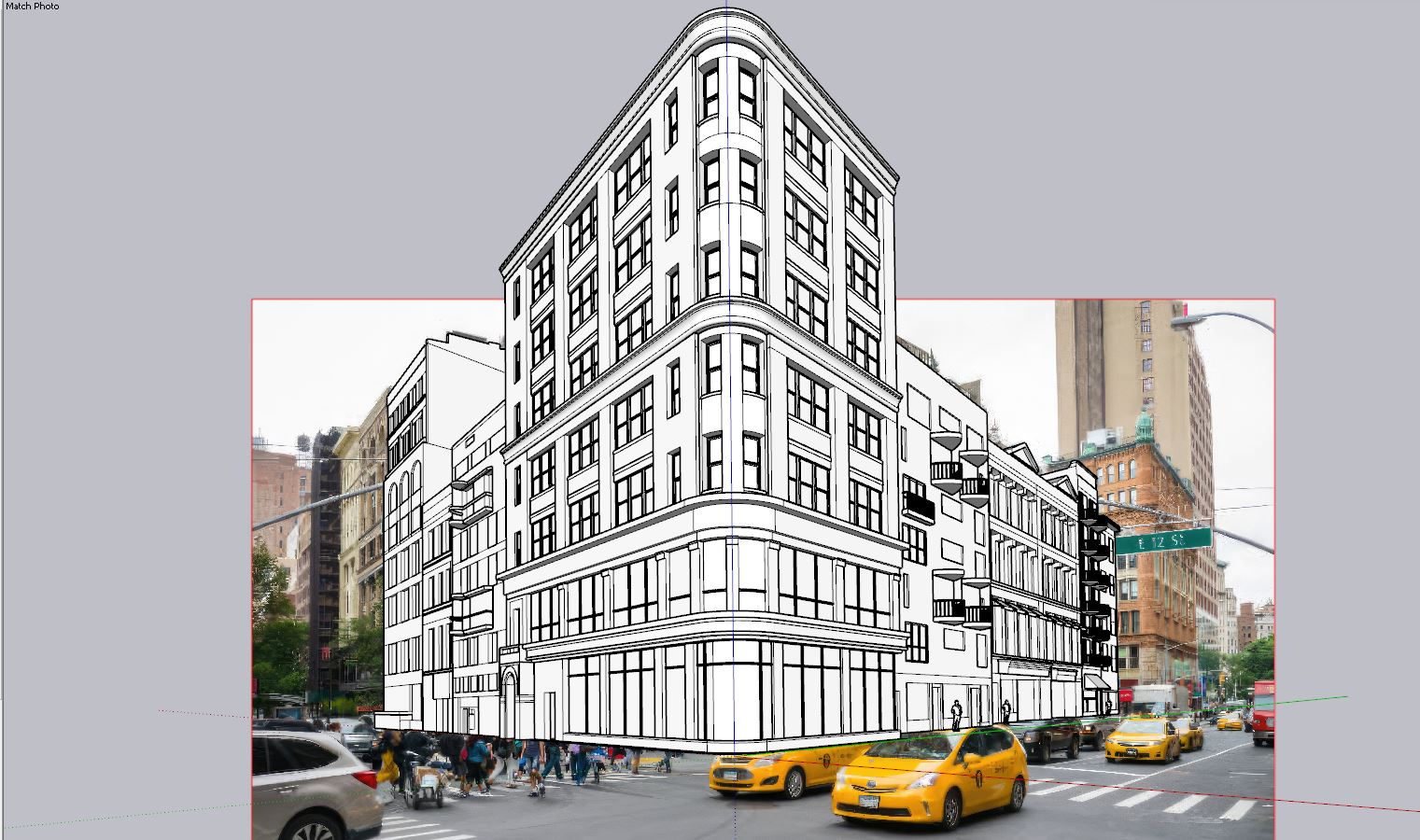
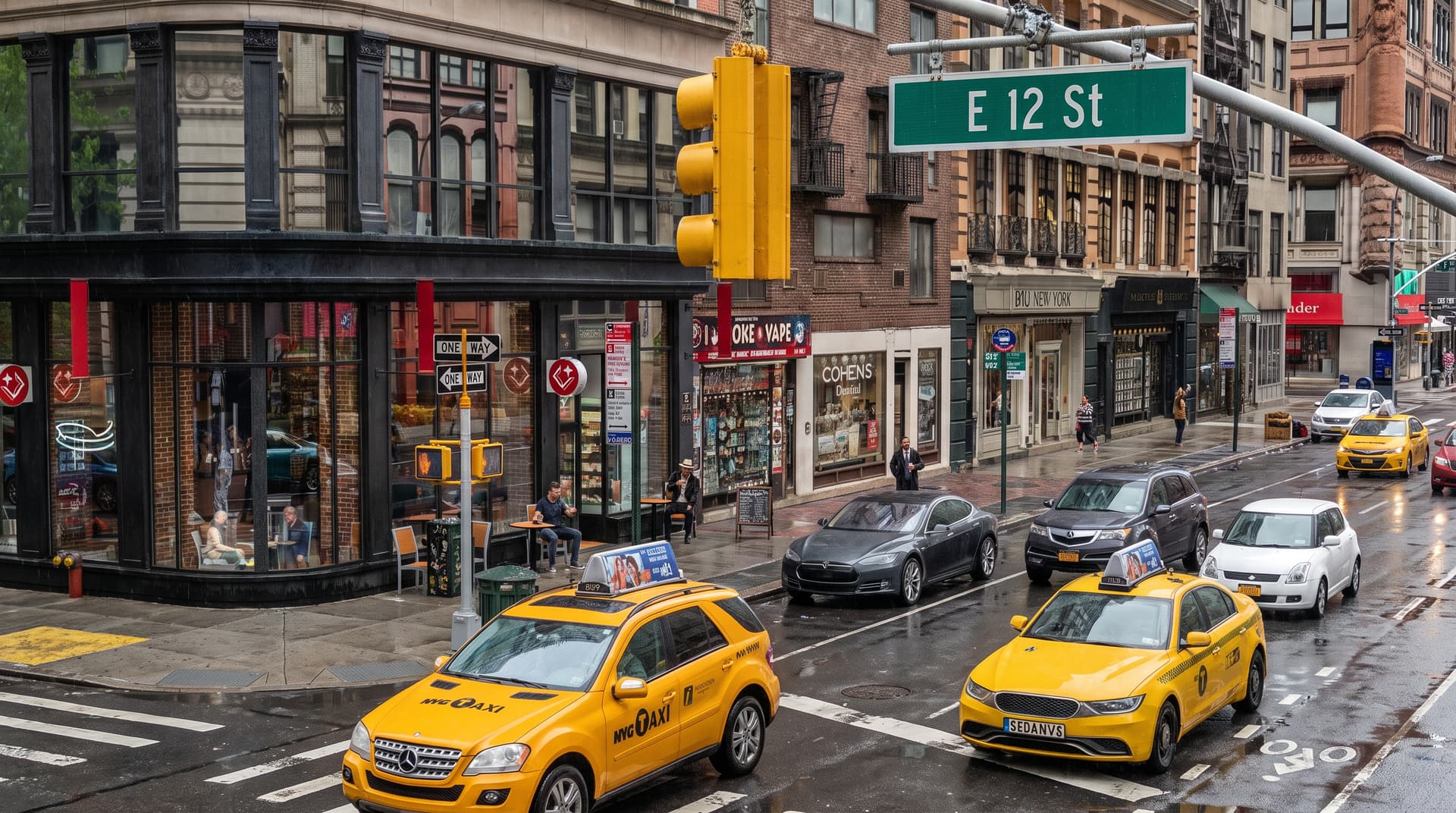
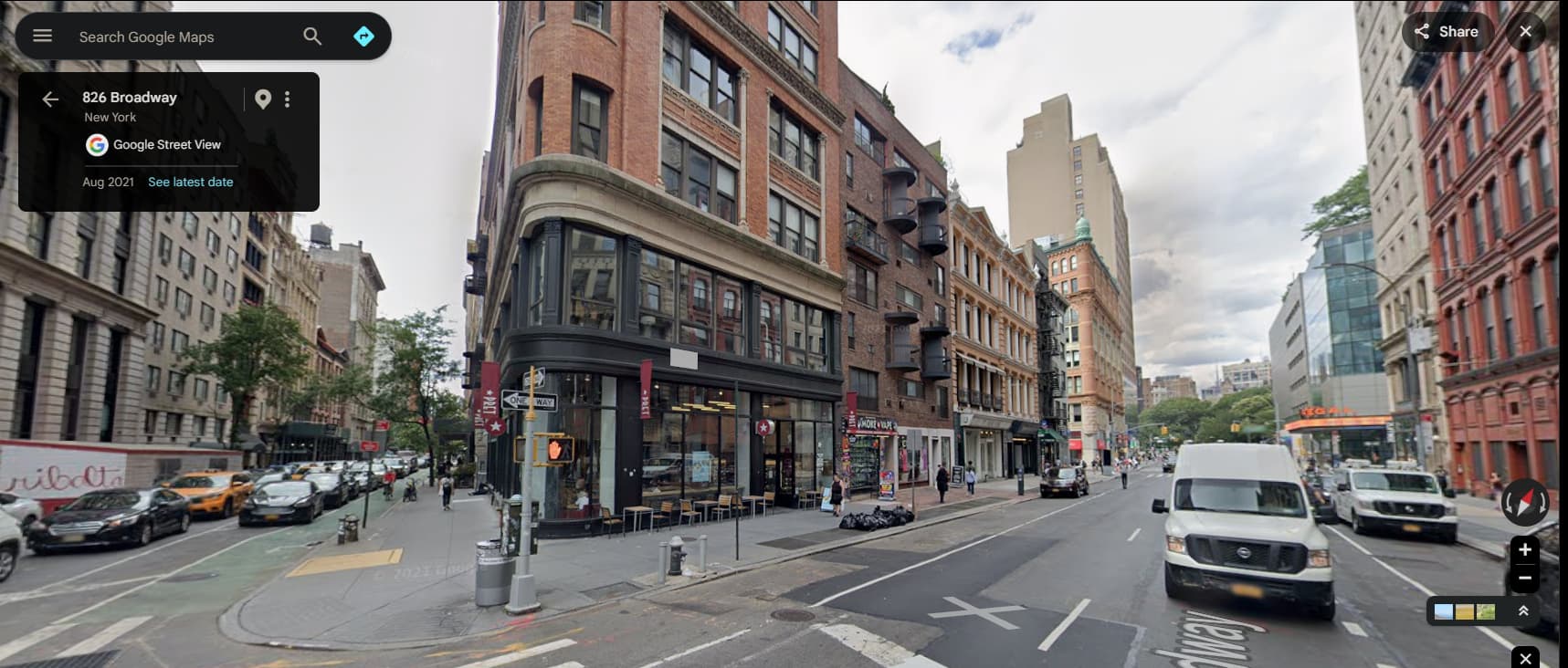
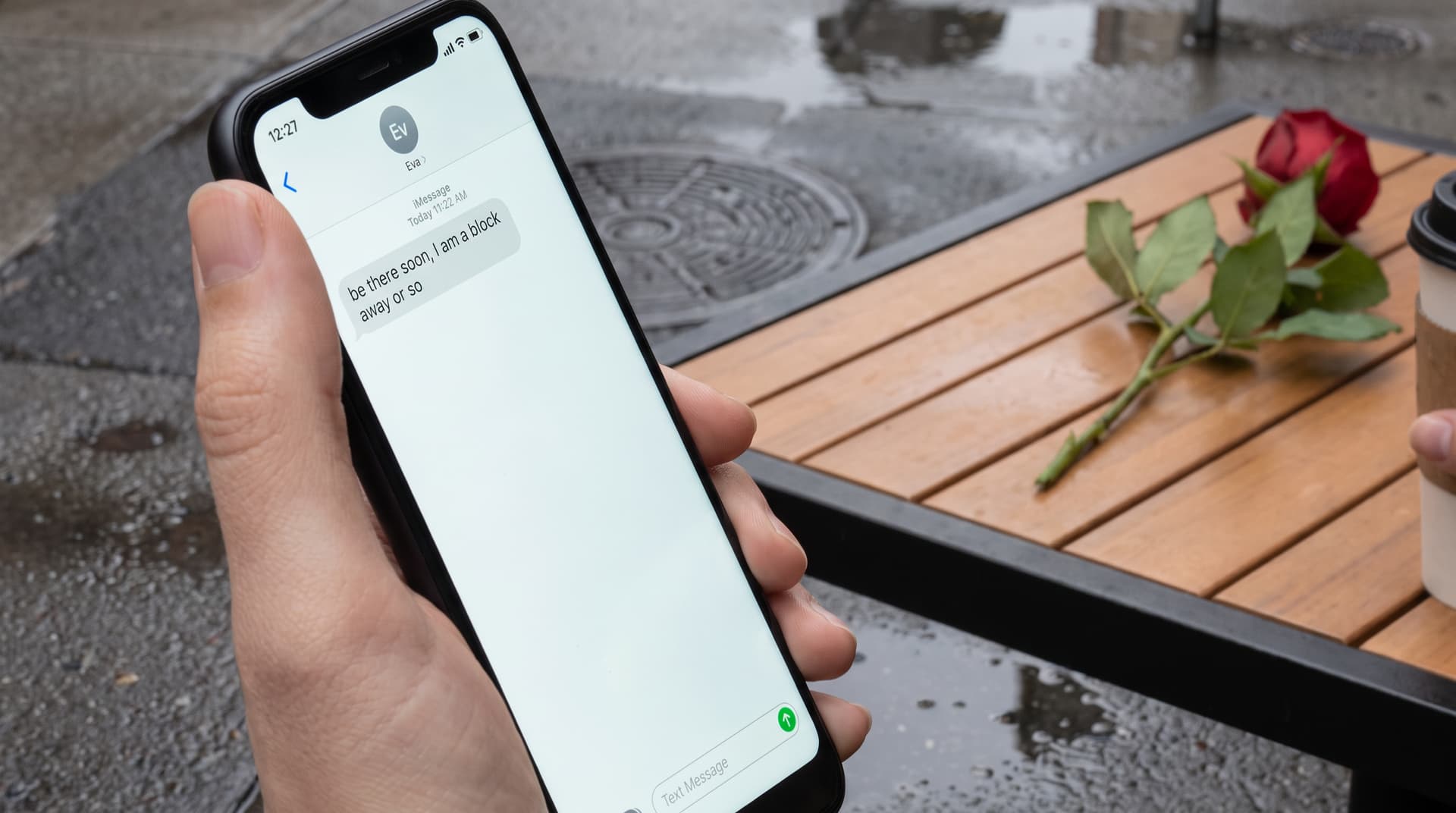
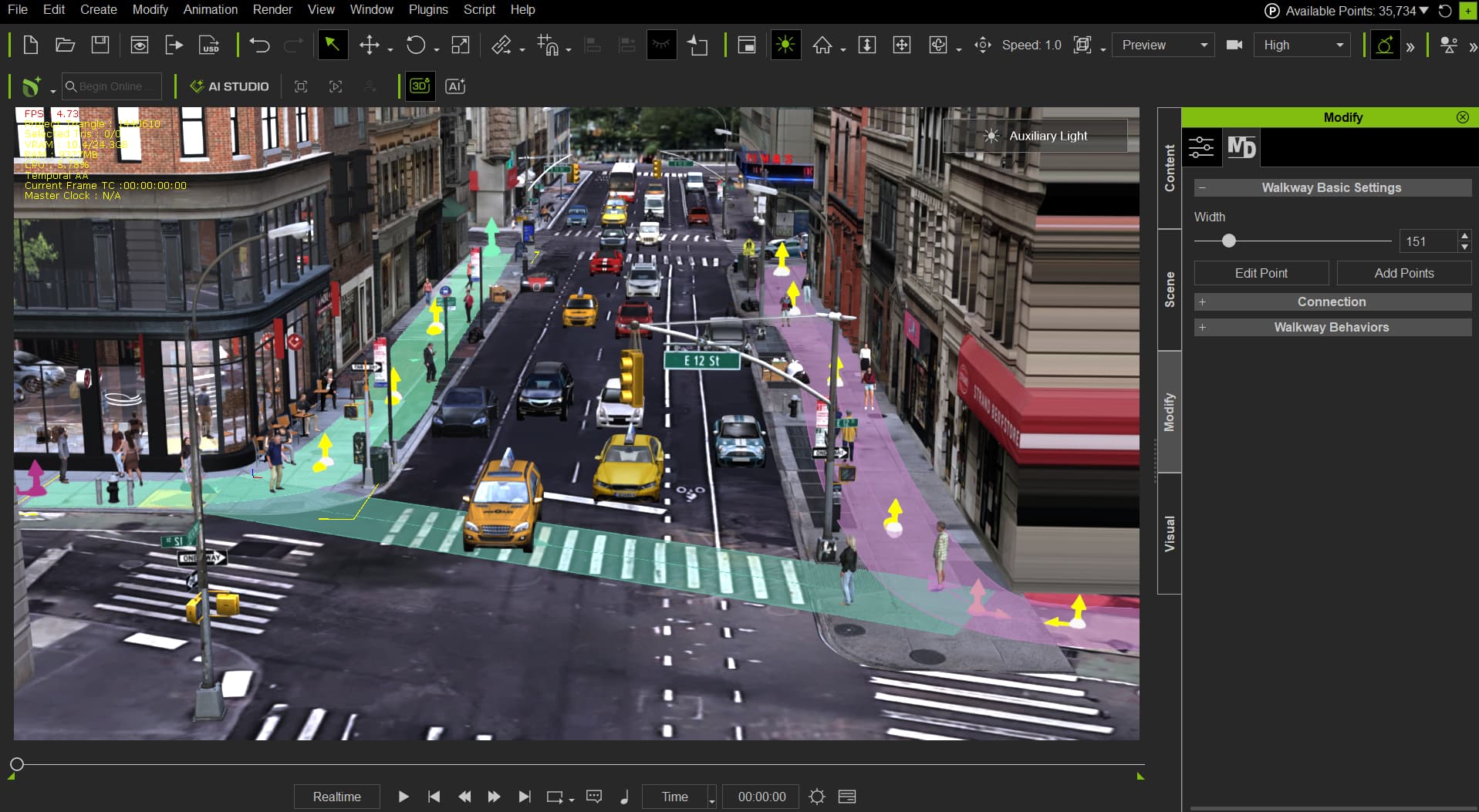
It all started with a picture from a possible client asking me if i could reconstruct it in unreal and make it come to life, i was pretty sure i could using the iclone/unreal pipeline, unfortunately i was not able to take on that challenge because i was already in the middle of another client’s project. But i really like that picture, the corner building was really cool so i started modeling it on my spare time. Here is the picture they gave me and the model i made of it.
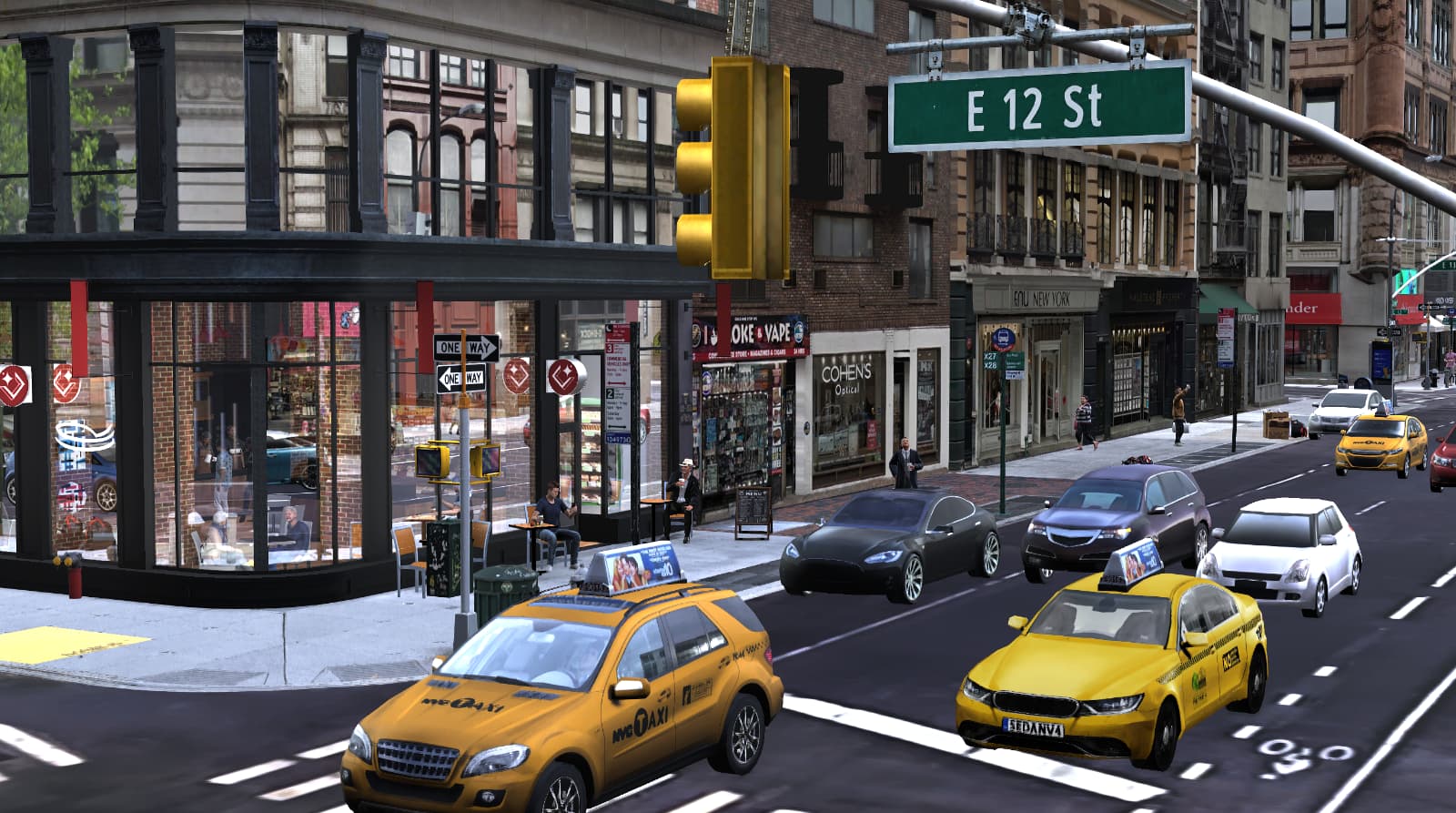
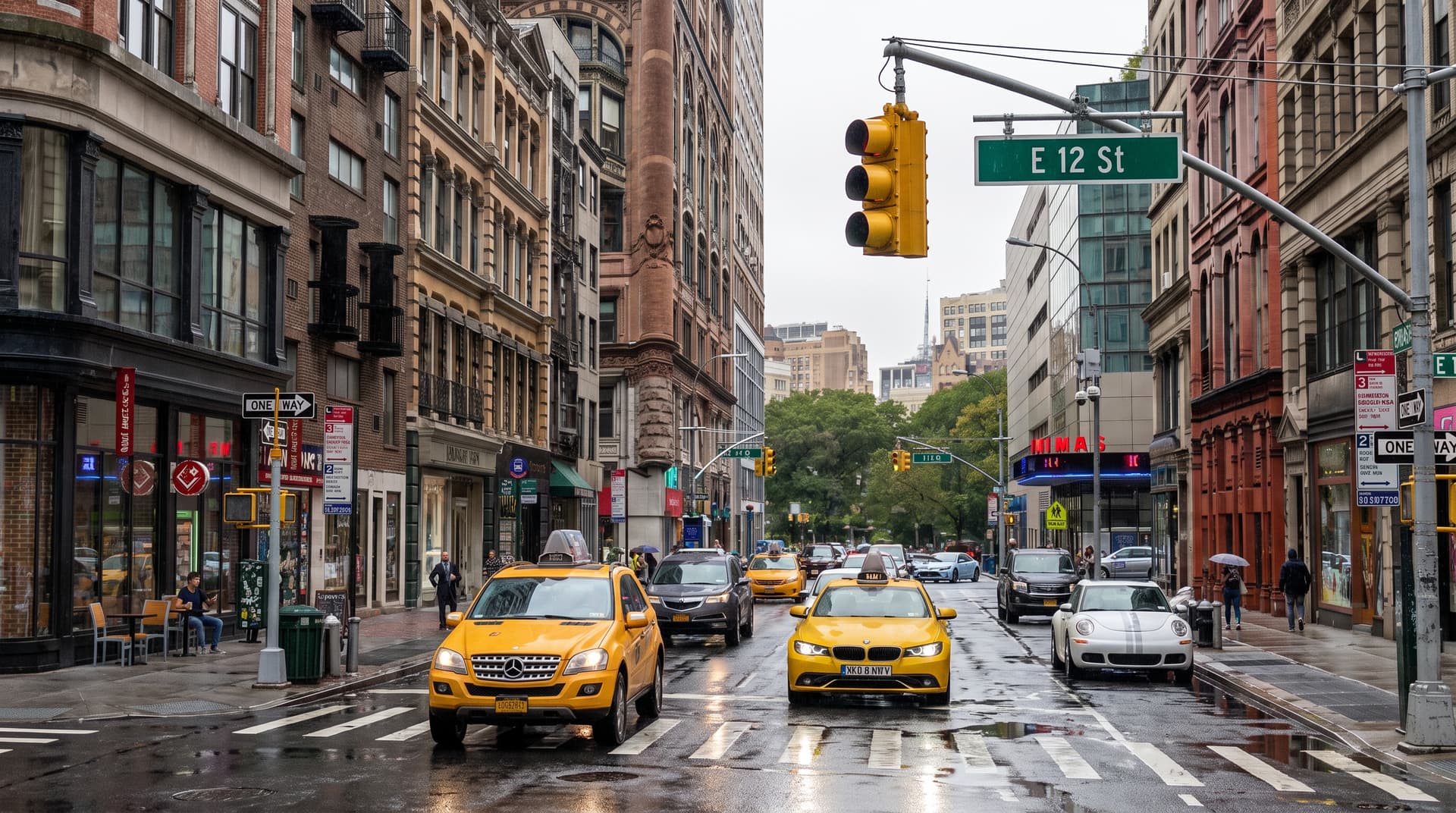
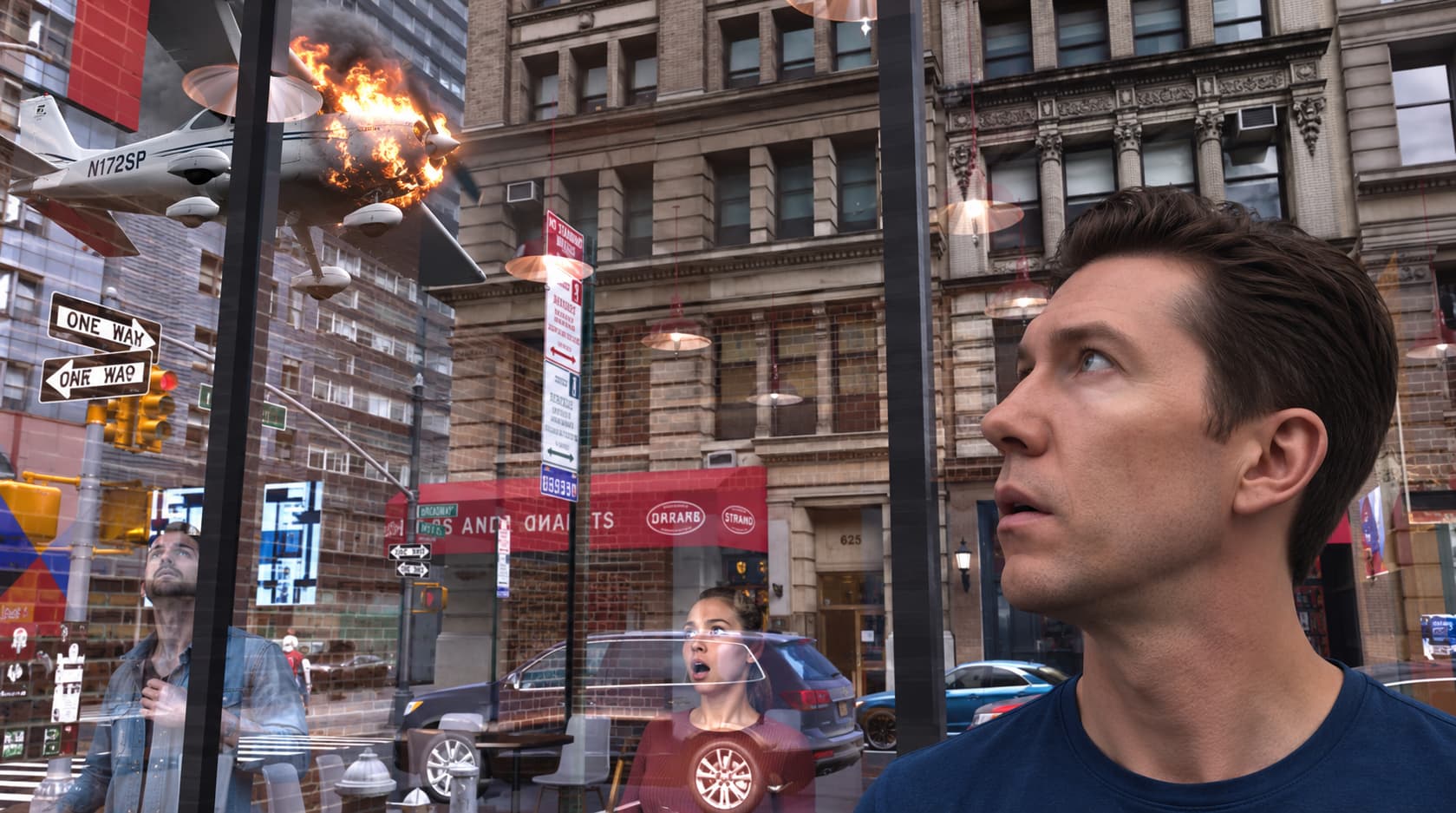
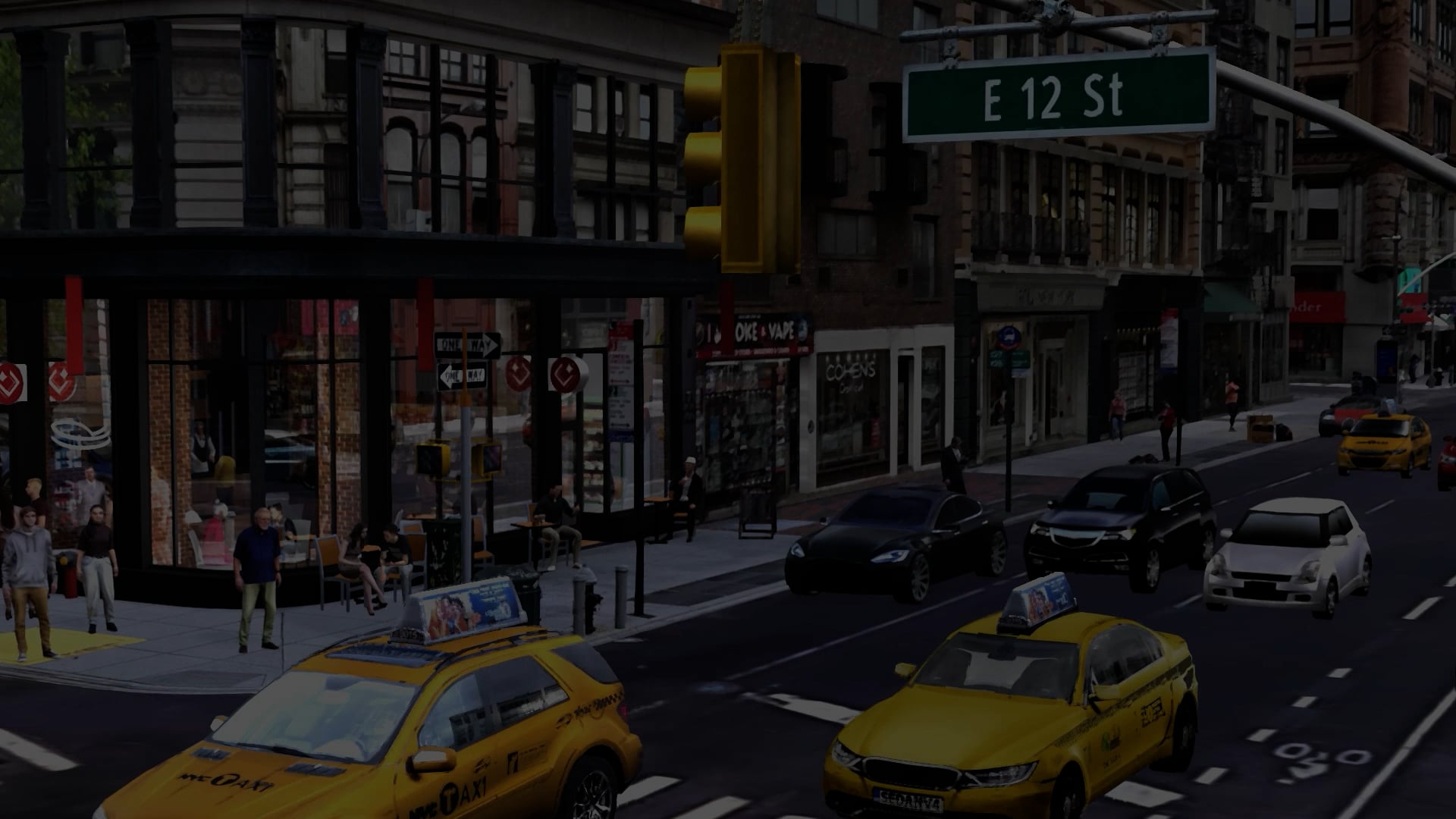
and here is the model in iclone and rendered with AI
more coming soon…
PS: i almost forgot, this is an actual street
3 Likes
You
,
8:28 PM
Which Animatic do you think will work best with Seedance 2.5 , links below:
https://lnkd.in/gBB8S5vE <------- high realtime detail
https://lnkd.in/gEr6TEvU <-------med detail
https://lnkd.in/g-7VTwSs <-------low detail
My first thought would be using the medium detail animatic. In the video-guided feature you would then bind AI Actors with each equivalent in the animatic, at least the important ones. There is of course a limit as to how many of those you can use but I believe the number is quite high.
Mind you, I’m just learning all this myself, so I may be off.
thanks animagic, i will post the result with all the versions and show the advantages and disadvantages of each. remember that with version two you dont get the reflections on the glass and the goal is to create repeatable shots for both the environment and characters.
Cheers
See, I thought you wanted to use a video as guidance for the animations and the camera movement. In that case you instruct Seedance 2.5 to create a realistic video based on an appropriate prompt, so the reflections do not have to be in the original video.
yeah that is exactly i am going to do , i will feed that video as guidance a well as a “first frame” and character/prop sheets ,
i will test all three and see which one give us the best repeatable result. i will run them twice each on “selected” shots since i have 12 shots and that can get expensive.

You are right about things becoming expensive. So I started to use 480p for tests and that helps. The upscaling feature in AI Studio is actually quite good, I have found.
there is a rumor that RL might bring in seedance new draft mode to AI studio which will make things less expensive. 

i decided to swap kevin and camilla with Ethand and Eva.
These two characters are surely more interesting! Looking forward to what’s going to happen…
1 Like
here is an overview shot of the digital lot
i got the crowds in there too.
36 characters fully animated. some ultra hd. some custom made/modified and some “Actor Core” for crowd sims
25 vehicles: vehicle pack.
19 buildings manually modeled and textured
30 props : some hand modeled and some AI/3d generated
and still under 1.5 million triangles and running at 29fps in quick mode . 
i have crowd sims going, mocap for both body and face on main characters, and motion libs for the crowds. This street is coming alive. This digital backlot has the right amount of detail to recreate shots in a repeatable manner. I cant wait to share how all this looks in motion.
1 Like
So will this then be used as guidance video for AI? That would really be interesting how that works out with so many elements.
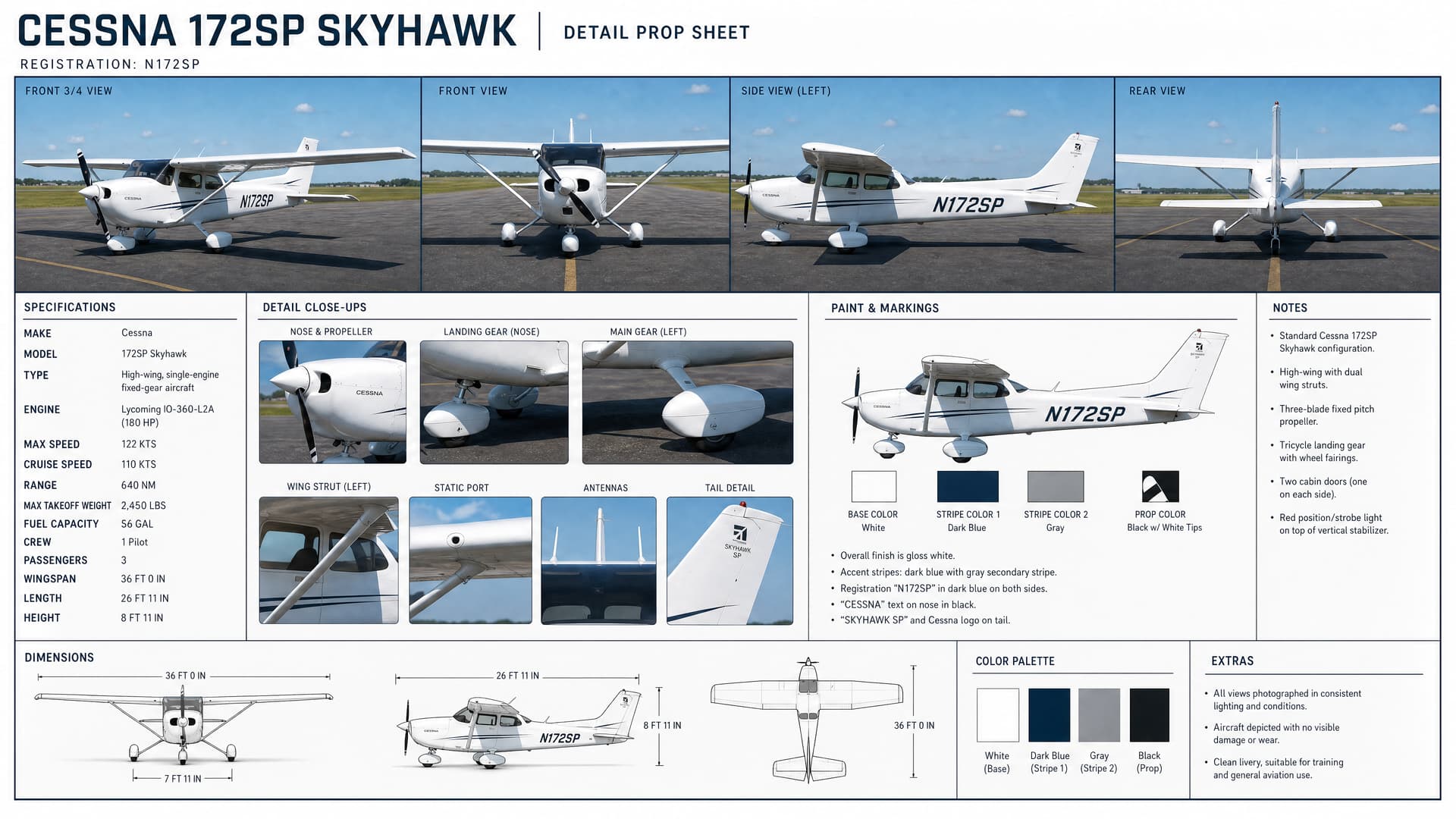
exactly, i will be providing the video clips, 10 to 15 seconds per clip/ cuts, and a ton of refence images, from first frame and last to character and prop sheets to everything in-between, i want to push seedance 2.5 to the limit and make sure there is no room for hallucinations. All i want from it is to make it photoreal.
I look forward to that. I am working on a complicated scene that I wouldn’t know how to explain with text prompts and references alone, so a reference video is what I want to use.
i need to work on Ethand toward the end a little more, he is not looking at the right area, when waving at Eva and i want him to look more excited and happy when he receives the audio message. and then go back to sad when he realizes she was in the cab. Here is some work in progress with audio, btw does anyone know why the video embedding is not working?: animatic_v0095wip_W_audio
type or paste code here`<div style="padding:56.25% 0 0 0;position:relative;"><iframe src="https://player.vimeo.com/video/1239193850?h=92701b922f&badge=0&autopause=0&player_id=0&app_id=58479&autoplay=1&muted=1" frameborder="0" allow="autoplay; fullscreen; picture-in-picture; clipboard-write; encrypted-media; web-share" referrerpolicy="strict-origin-when-cross-origin" style="position:absolute;top:0;left:0;width:100%;height:100%;" title="animatic_v0095wip_W_audio"></iframe></div><script src="https://player.vimeo.com/api/player.js"></script>`
Stunning amount of work and expertise involved here (I applaud the attention to detail with the peripheral characters and their actions). When you say you manually modeled 19 buildings, what software did you use to manually do that?
1 Like
cheers, for these kind of models i used Sketchup. it gives me the right amount of realism and simplicity. 
If you post the Vimeo link, it should work. It does for me.
i know the link to vimeo works, but how did you get the embedded part to work on your post? Cheers
So, you modeled them based on a perspective picture or street scene images then textured them with AI using the image(s) as reference? (Your modeling looks spot on, btw.)