Hi, I am using CC5.05, and exporting G9 and G9 cloth from DAZ to CC5. Everything is ok, only stockings and pantyhose are not working. I export them from DAZ, and use CC5 Transformer to import them, and get wrong results. All items and character are missing in CC5, anyone has ideas? By the way, the stocking and pantyhose in daz3d is “prop” type, and other cloths in daz is “figure” type.
Hi…
If you are new to using Transformer, I would recommend trying the process using the default G9 character with no modifications and just the clothing you are having problems with. This helps eliminate the character you are using as being the problem.
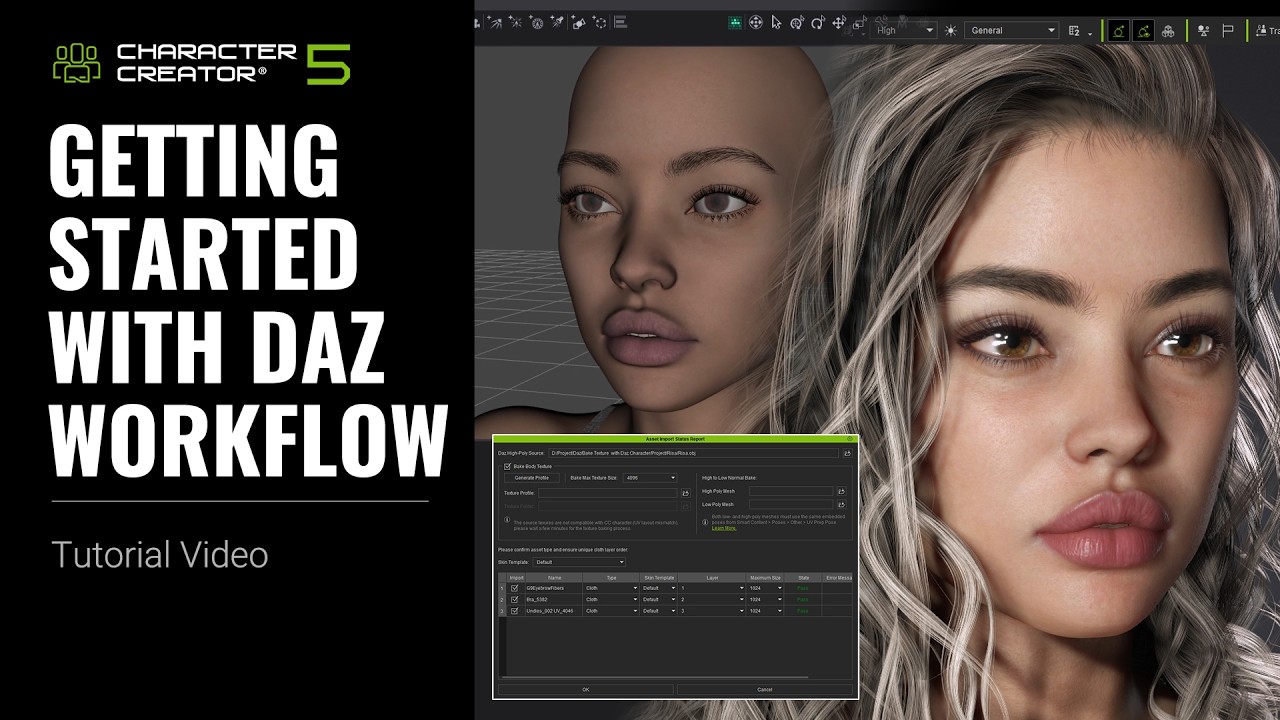
I would also take a look at the latest tutorial available below and ensure your export settings are correct.
You most likely will not be able to easily transfer them with Transformer, as I suppose those are being geoshells (used by Daz for items to replace body parts on the fly). Years back I played with it and successfully converted by selecting one of Hair types in Transformer for them and then working out other details. But a lot has changed since. So there is no guaranty it will work right.
Read through this post: Clothes dont fit when exporting from Daz3d to CC3
Update
I just tried those methods and it did not work right. Does not even work in CC v3 anymore. Something has changed in one of the CC3 updates 5 years back and has never been fixed. I meant to open a feedback tracker ticked about the issue for a very long time… I probably will now.
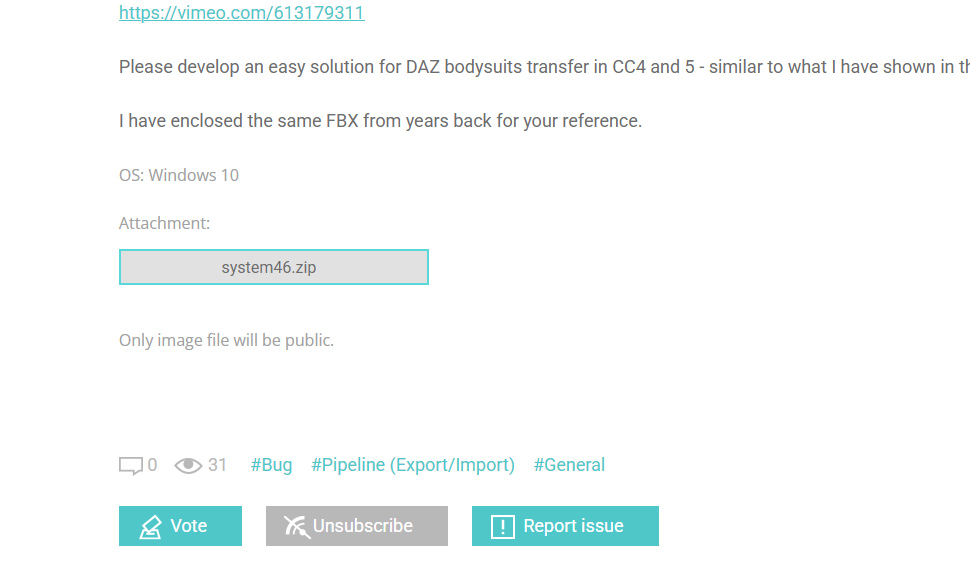
There, I finally created a ticket for that major issue.
Please add your vote there!
Lets see how RL would respond. 
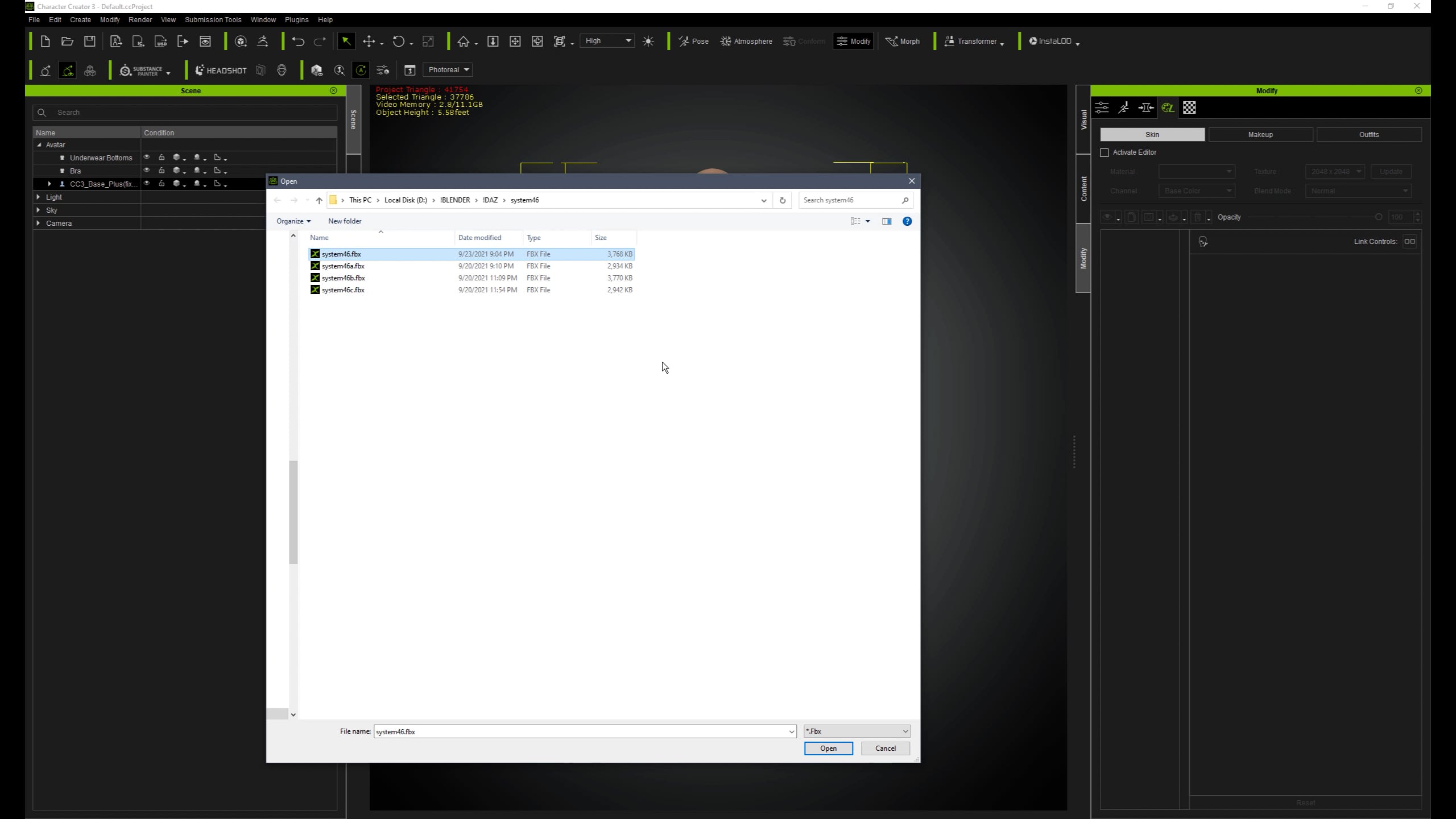
And this is a video on how easily I did it back in 2021:
Hi there! I’m currently using the default Genesis 9 model, and I might not have explained my issue clearly enough earlier.When converting DAZ G9 characters to Character Creator 5 with the Transformer tool, everything works perfectly-including clothing items like tops, skirts, hats, trousers, and shoes, all of which transfer without any problems.However, there’s one specific item that keeps failing to convert properly: stockings or pantyhose, particularly the"Sexy Skinz - Pantyhose for Genesis 9" asset available on Daz3D.
Could you please look into this issue for me? Thank you so much for your response.
Well, that exactly what I was explaining to you. Items of cloth which fit tightly on a body, e.g. bodysuit (like in my example), stockings/pantyhose (like in your example) bound as geoshells in DAZ, which basically replace/hide body parts underneath them.
While in Transformer those items recognized as accessories, which in no way will transform properly. I suggest you carefully read my post and a ticket, because there is no easy solution at this point.
The other solution is to try converting those items to cloth in DAZ before exporting. I believe I did some like that in the past, but do not remember how.
Yes, you’re absolutely right. I did try to cast a vote for it, but the system wouldn’t grant me the necessary permission to do so.
Hi there,
Here is the workflow from our dev team on how to properly bring Genesis 9 (G9) stockings into CC5. We have also prepared a video tutorial on YouTube to guide you through the process: https://www.youtube.com/watch?v=OE0lvmAKqSg
Workflow Steps:
- After applying the stockings to your character in DAZ, export as an FBX.
- Import the FBX into CC5 using the Transformer. (Please note: the stockings will fail to import correctly at this stage, which is expected behavior).
- Import the same FBX file into CC5 again, but this time select “Import as Prop”.
- Locate the stockings in the Scene Manager, select “Convert to Sub-Item”, and then Detach them.
- Delete the remaining DAZ prop structure from your scene.
- Align your CC Avatar with the stockings. You can use “Edit Pose” on the avatar until it matches the position of the stockings perfectly.
- Attach the stockings to the CC Avatar.
- Use “Transfer Skin Weights” on the stockings to convert them into a clothing item.
- Finally, use the “Conform” tool on the stockings to adjust the fit and fix any poke-through to get your desired result.
Hope this helps!
Sorry, but this is a lame solution  .
.
It will never work properly without a huge re-alignment effort… specially for complicated items such as a full bodysuit with hands/fingers. Take a look at my video please and see how easy it was back then. It was just working!
An FBX bodysuit sample is attached to my ticket. Try to align that one… I have a few more which I was lucky to easily transfer years back and then could never repeat the process.
1 Like
Hi,
We’d like to look into this further.
Do you have the bodysuit file still? (I didn’t see any attached file in the ticket.  )
)
You can also provide link to cloud space.
Thanks!
Probably only Feedback Tracker admin can see it. I am kind of hesitating to share publicly due to DAZ licensing agreement.
It’s understandable. I got the file from admin just now.
However, it seems like there’s only body mesh in the .fbx file?
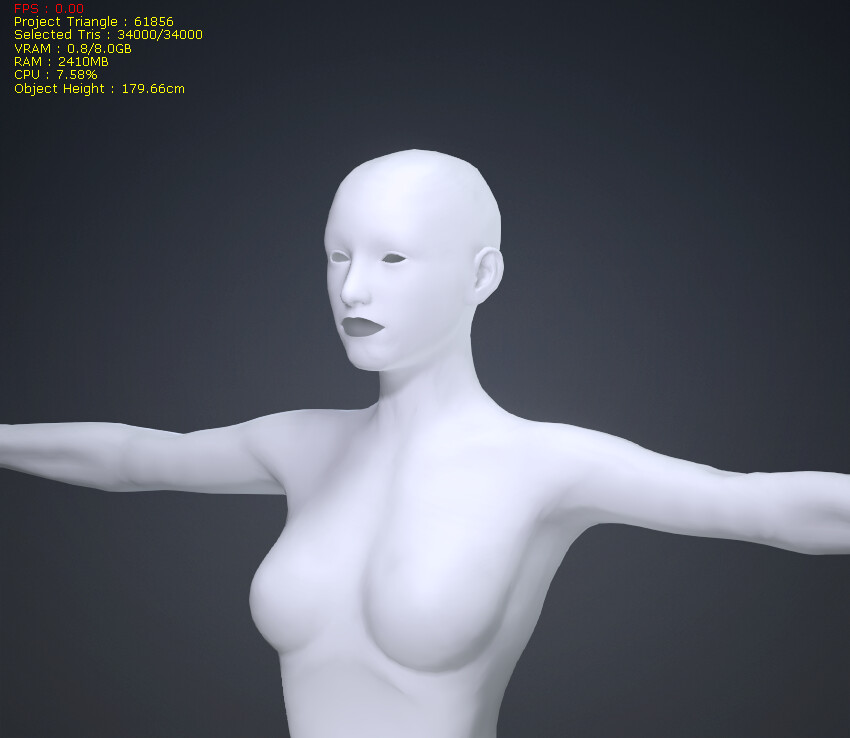
Could you check if the file is as intended (At least work with the new workflow)?
The file should be created by first applying in Daz, then export as .fbx.
Our dev team would like to start from there.
You can contacted me with this address if you want to share anything privately: alanyang@reallusion.com
It is sure the right file. The date stamp of the FBX should be 9/23/2021 - Original DAZ export as in my previous video.
Here I am using the same FBX to import character into CC4 via Transformer. I even imported original DAZ rest pose, but due to pose conversion mismatch it is still does not fit right.
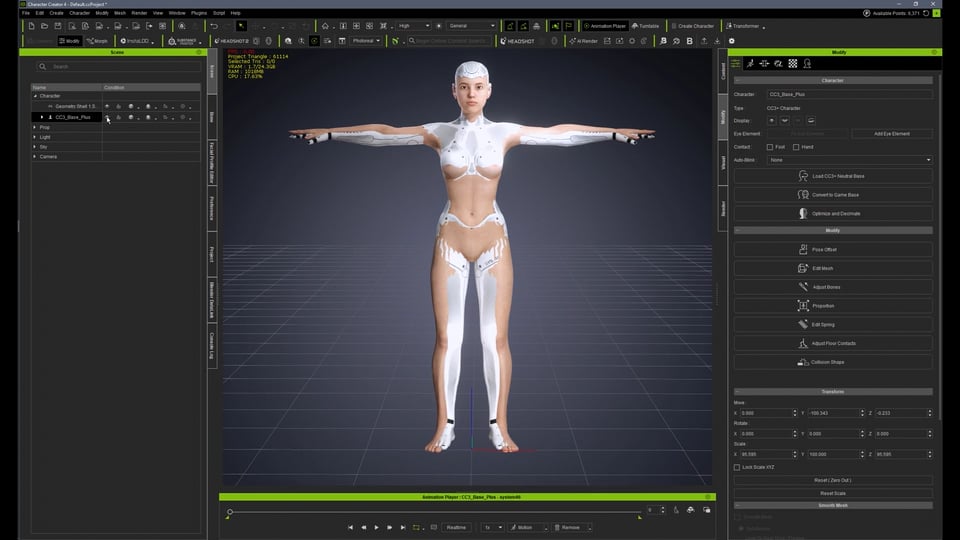
But back in 2021 in CC3 as you have seen, selecting “Hair Acc” as a layer would make a perfect bodysuit fit.
UPDATE: I know why you do not see the texture. Checked the texture images path in Blender and figured that the original export was not texture embedded and referenced to local DAZ 3D Library folder
Will send you another one I created via email…
Wow, my ticket has status changed to “Assigned”!
I’ve struggled with a lot of DAZ items getting geoshells and accessories out of place after transfer. Hope RL would come out with vital solution, which would benefit to a lot of users I guess.
(should have opened a ticket sooner  )
)
Checked the latest update for CC and iClone.
The original issue is not yet fixed… but they rectified another major issue with transforming accessories, which was also broken for years. Just tried to re-import a Solo borg with Transformer and it went fine for the most parts. Some minor, expected issues with fingers and some accessories bound to the wrong bone, which could be easily fixed.