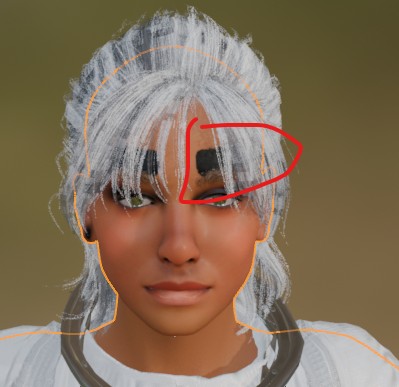
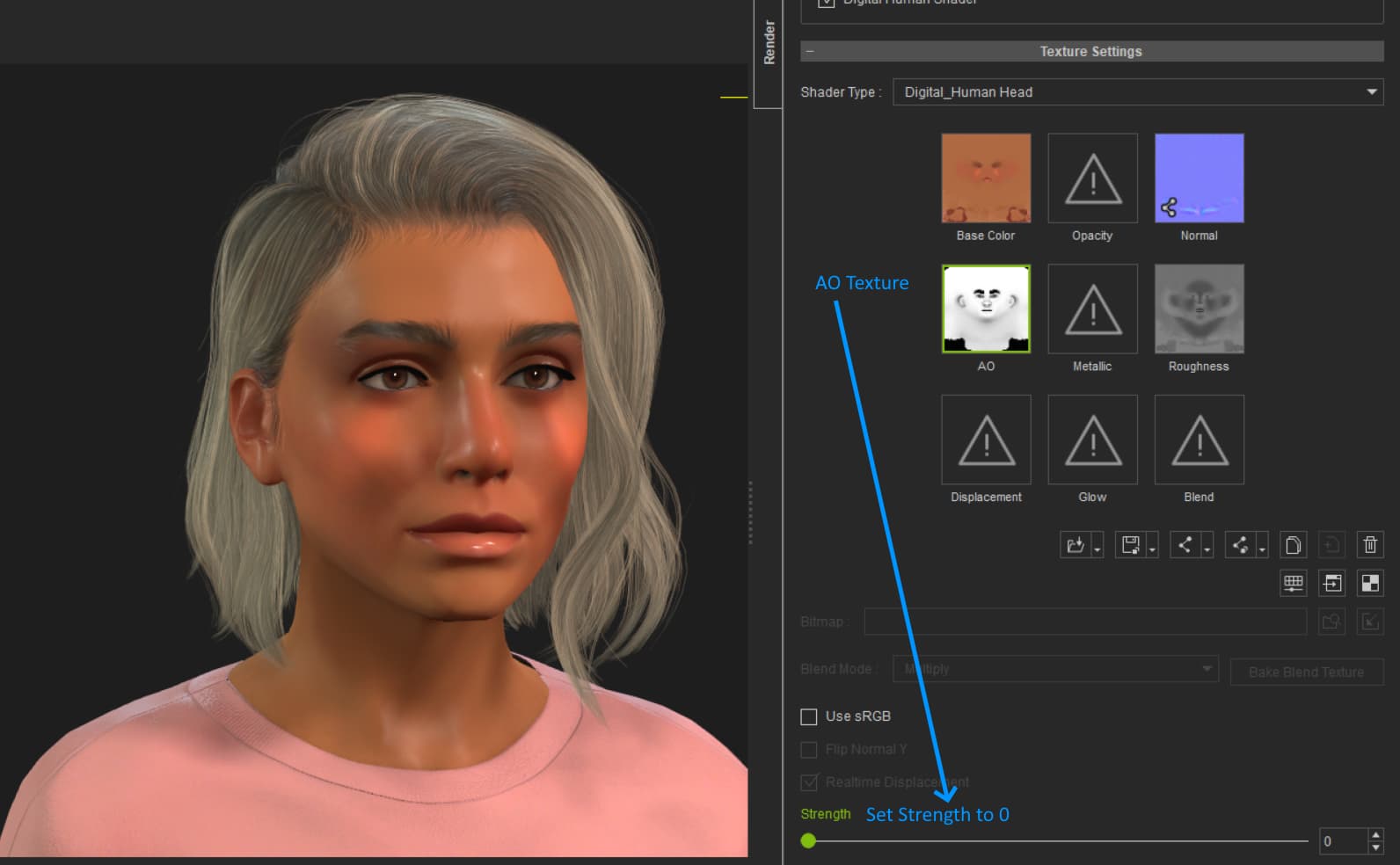
Hello, I am very new to 3D and have run into an issue.
I am using a Character Creator 5 and use (CC4)Camila avatar and have replaced the default texture with the HD Milla 2k Skin.
The character looks perfect within CC4, but when I transfer it to iClone or Blender, I encounter errors (such as black area on upper eyebrow)
I have tried the following transfer methods:
-Exporting the avatar as an FBX file.
-Using the Send to iClone button.
-Using the CC Auto Setup add-on in Blender.
-save it as avatar
How can I fix this texture issue so the HD Milla 2k skin displays correctly in iClone and Blender?