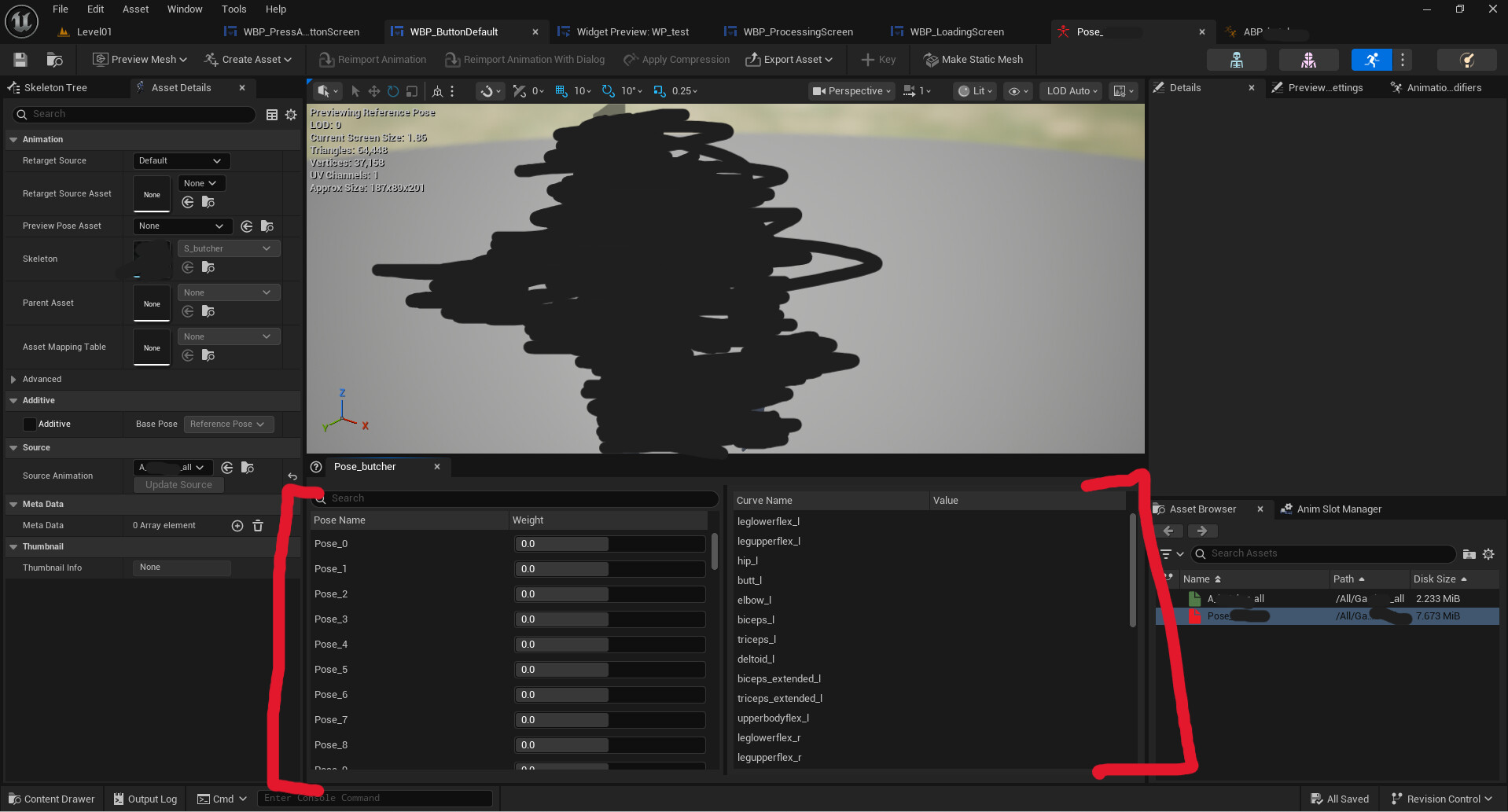
My first time posting on here, so I apologize for informalities and lengthy question. In sum, I made a custom character (completely separate from CC5 pipeline) that I’m trying to import into CC5 and use in iClone 8, but I’m stumped on what to do with my corrective shapekeys (i.e. fixes deformations along the hips, shoulders, knees, etc). I understand I can import them through the Facial Expression editor tool, but from there, how do I make them usable on my mesh for my animations? In blender, you can create drivers that are tied to particular bones in a skeleton and the corrective shapekeys would automatically work, but I have no idea if this is an option for CC5 or iClone 8. In UE5, I believe you set up the driver logic through Pose assets, but that’s a whole other story that I need to spend time learning. I’m specifically wondering if this would work for Reallusion’s tools because I plan to create all my animations through iClone 8.
To give some context, the creature was sculpted in Zbrush, retopo and UVed in Cozy Blanket, rigged and weight painted in Blender (using Auto Rig Pro), and now imported into CC5. CC5/iClone 8 have an excellent interface for making animations from other rigs universally usable (like applying the UEFN animations from GASP with my creatures), but I’m a novice with Reallusion’s tools. Any advice on what to do with the corrective shapekeys and possibly setting up driver logic?
In my understanding, when RL would come up with JCM, it would be for Standard characters. Humanoids would most likely be excluded.
The only way I see it’s done for creatures, is to manually animate morphs imported with Morphs Creator, which can be really a PITA.
A little sad to hear that but that’s what I figured how most people were using them (if they used them at all) in CC5 and iClone 8. I dont plan to use them while creating any of the animations in iClone 8 since it very well might be too time consuming to manual turn on and off each corrective shapekey. I hope they add a corrective shapekey interface/feature that we’d be able to use for any model imported into the Reallusion economy, but it seems they are specifically focused on making something for only CC characters. If I understand correctly, shapekeys are deformations applied to the vertices, so you’d think the pipeline for a CC character wouldnt be much different from a humanoid or even a cube. The only real issue would be that the vertex order be identical between the original FBX and the shapekeys being used on the FBX.
Yes, but that not just a mesh deformation. I will be purely speculating, but given past history with RL I suppose the bone drivers in JCM (which would deform mesh depending on a given pose) would be preset and would not work with armature other than standard.
In blender, you can create drivers that are tied to particular bones in a skeleton and the corrective shapekeys would automatically work,…… I’m specifically wondering if this would work for Reallusion’s tools because I plan to create all my animations through iClone 8.
……I dont plan to use them while creating any of the animations in iClone 8 since it very well might be too time consuming to manual turn on and off each corrective shapekey. I hope they add a corrective shapekey interface/feature that we’d be able to use for any model imported into the Reallusion economy, but it seems they are specifically focused on making something for only CC characters.
Hi, I’m curious as to what is the final destination for your finished Rendered animations?
is it iclone or unreal engine?
I ask this because you have the auto rig pro add-on (which I have for blender. )
You already seem to have figured out how to make your joint correction shape keys ony your rigged actors in blender,
The Auto rig pro add-on has a universal retarget system so you will be able to retarget from almost any biped source, including those UEFN animations,
as well as any iclone created animations that you make inside iclone 8 and export is FBX.
The only drawback I would see is if you plan on doing a lot of facial animation which is honestly where I clone gives you an advantage however
You could just spend the $75 and get the faceIt add-on from blender market. (Which I have also) and rig your character’s face for facial mocap animation in blender.
The plan is to have all the final rendered animations in UE5, but iClone is being used to create those animations. I know exactly what you are talking about as far as the retarget system goes (I believe it’s called ARP Quick Rig or something), and it’s a pretty nifty system for sure. Still, iClone 8 feels significantly more comfortable for me as far as animation creation goes, so I’ve been avoiding Blender’s animation interface (aside from testing the rig and weight painting). No facial animations at the moment, just keeping it simple with just the head and jaw lol. Very good suggestions so thank you. I dont own FaceIt but I’ll bookmark it for a look sometime.
Just looked up what JCM (Joint Corrective Morphs) is and I see what you guys are talking about. Announced last month too so it is very recent although not much info provided from I could tell from their website. And you guys are probably right about the bone drivers in JCM because Reallusion might want to make products in JCM universally applicable across other CC models too, and I would assume that means it’s dependent on a specific reallusion bone structure and vertex order. I’ve stumbled upon some interesting deformations on the CC characters when you start pushing the edge cases (i.e. making excessively large body proportions), and implementing JCM for those CC characters would have been very nice. Maybe somehow they can create a framework that can be versatile outside their own proprietary model structure. A little bit outside the topic, Im not sure if you’ve checked out the Auto Rig Pro’s method of producing drivers but it’s absurdly easy to create them. Generally, I would have to think through the driver’s rotational function between two bones, but ARP kind of skips a lot those steps and gets you roughly in the ballpark without thinking about any math. And ARP’s driver tool can be applied to just about any skeleton too which is very nice.
I have never been a UE5 user
(perhaps others could chime in)
But even if the joint correction is working in Iclone , do they carry over to UE5 when exported as FBX?
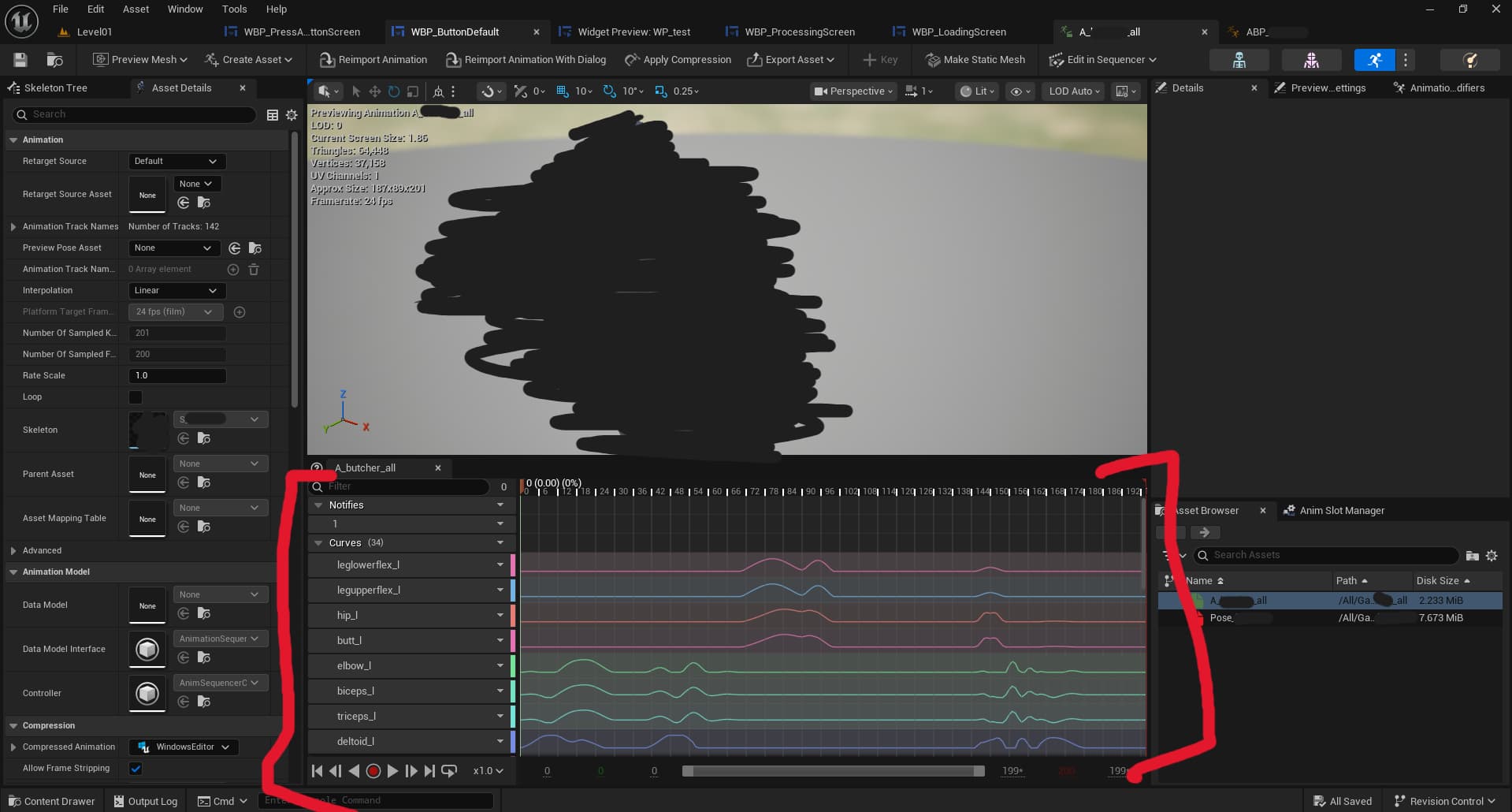
I’ll have to check on my end, but from what I remember, any shapekeys that are attached to an FBX can be imported into UE. In fact, the corrective shapekeys literally behave identically to the shapekeys for facial animations. Drivers are not transferred, so I find that baking an animation with the corrective shapekeys baked in is a good framework to rebuild your drivers in blender or anywhere else. When exporting an FBX from CC5, I found that all the shapekeys are sent with the model (even the facial animations which most of them are empty for me rn), so I tend to clean up the model in Blender by deleting all the empty shapekeys. As a side note, you might want to check out ShapeKeyWrap. A free and very powerful add-on on blender for editing and transferring shapekeys to other models (identical or very different). When you get your model imported into UE5, the shapekeys are available as curves and somehow you can utilize them using sliders in a pose asset. You rebuild your drivers using pose drivers in UE5 I think, but that’s about my extent of knowledge on it.