I opened CTA 5 after not using it for over a year, and now I can’t figure out how to enter Composer Mode. Previously, after selecting an actor, the option would appear at the top of the left toolbar, but now I don’t see it anywhere.
Hi…
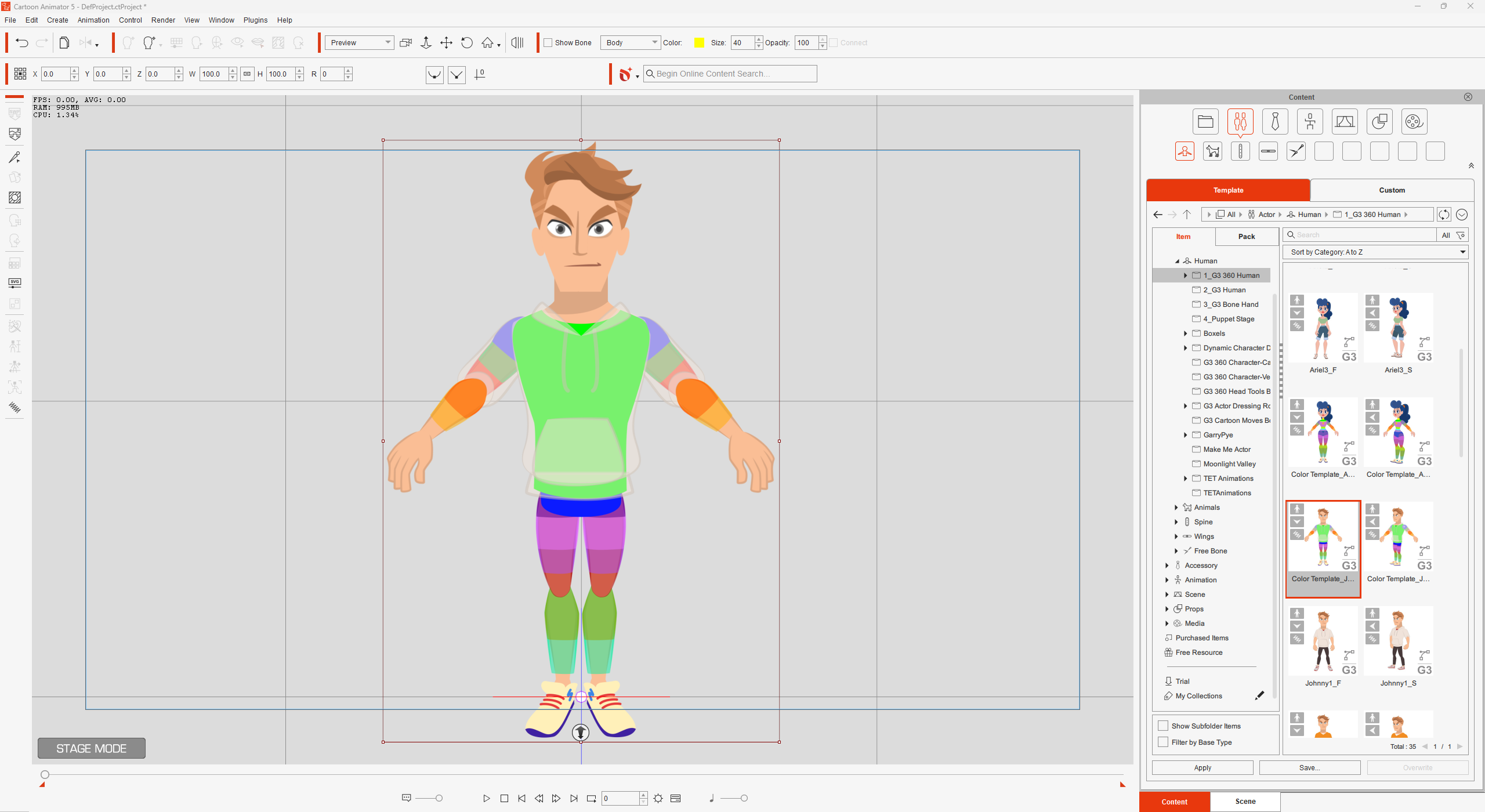
When you first open Cartoon Animator the button for Composer mode will be greyed out because no character is selected.
However, once a character is loaded into your scene and selected (it will have a bounding box around it), then the Composer mode button should become active.
If you are not seeing the Composer mode button on the top left toolbar, try also checking under File > Composer on the Menu Bar as the option should also be there.
If after checking the above you still can’t see the Composer mode option, then I would advise uninstalling CTA5 from the Hub or Windows > Settings > Apps and then reinstall it again. This will normally resolve the problem.
1 Like
