Hello,
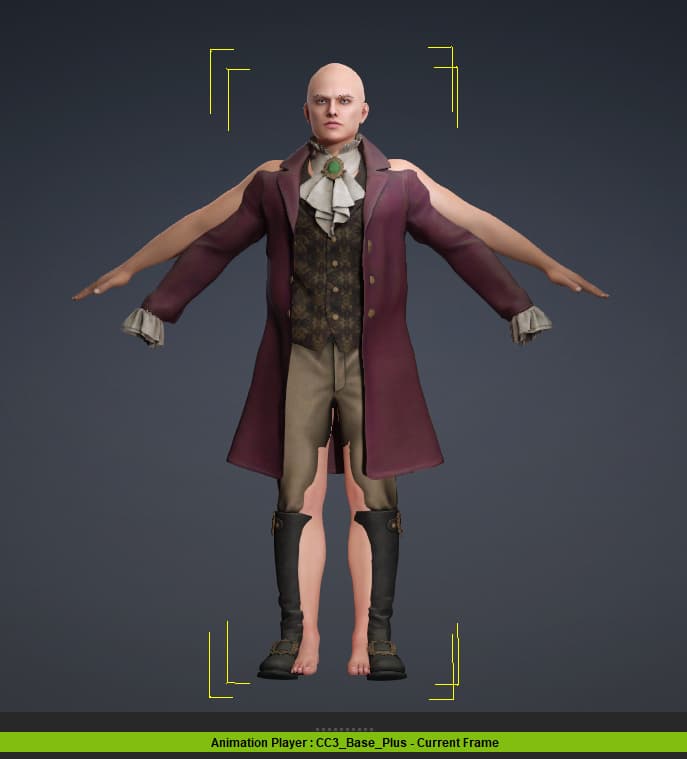
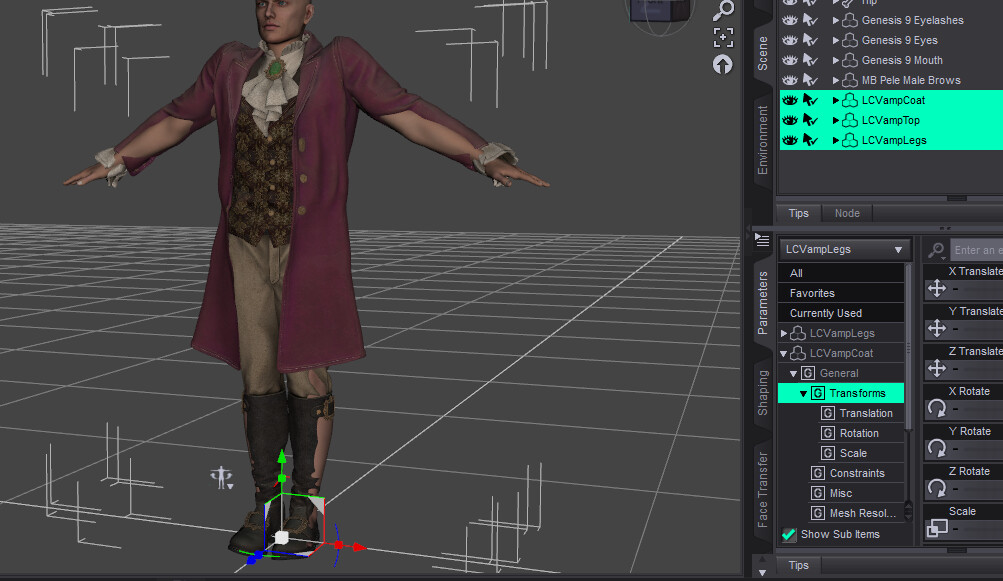
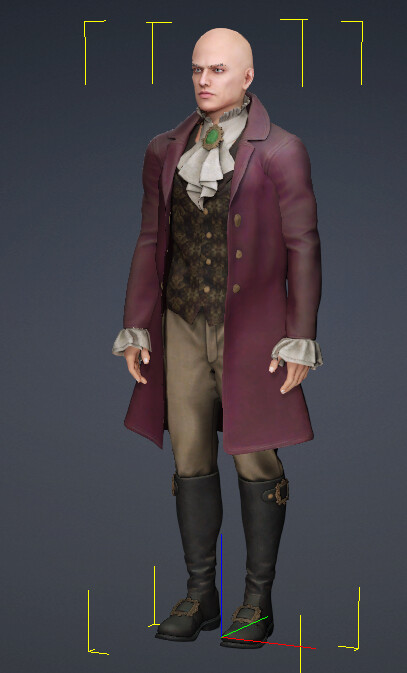
I’ve exported this character from DAZ:
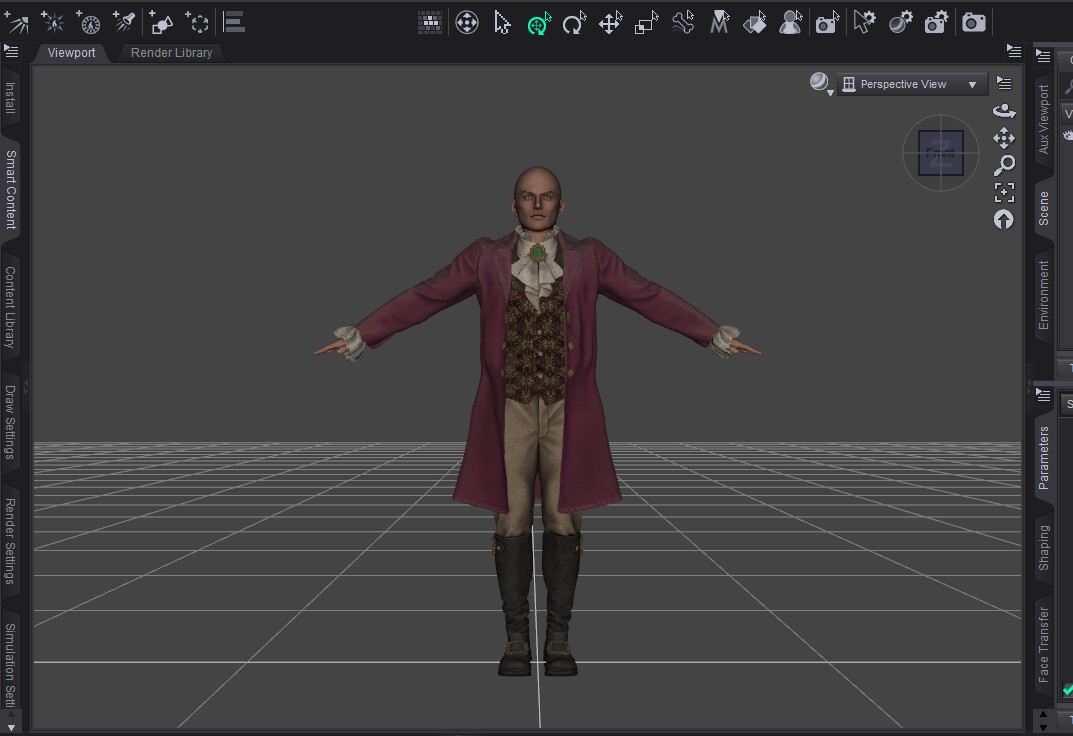
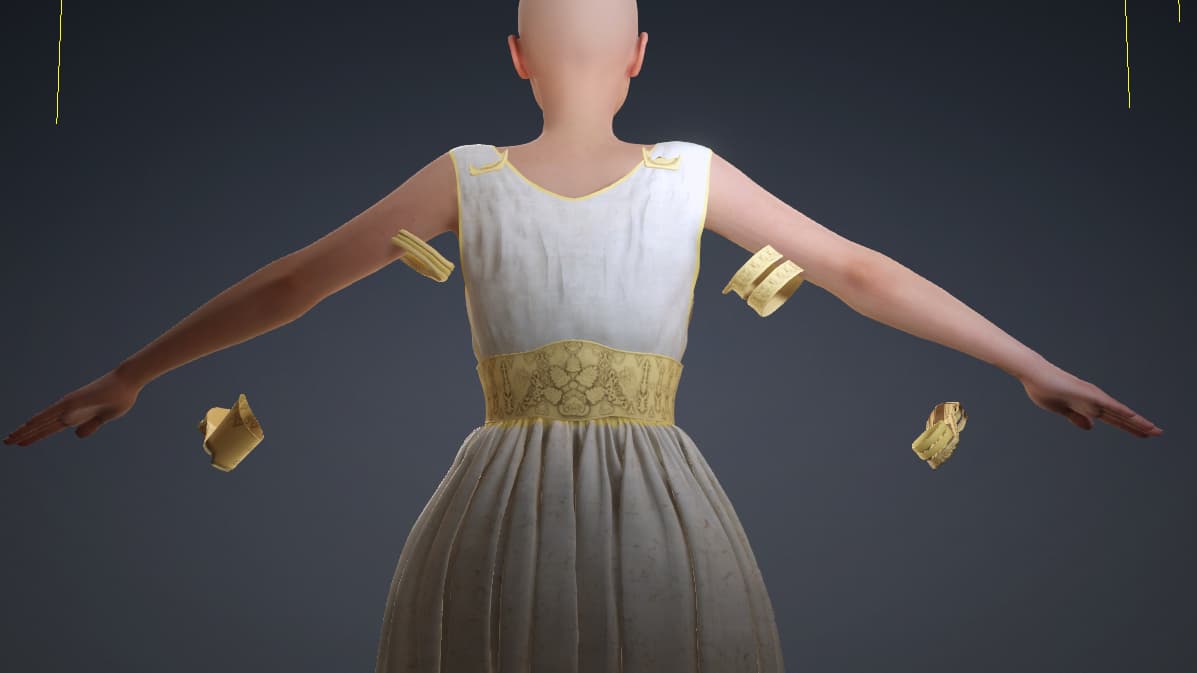
But when importing into CC5 i get this:

As you can see, the cloth have not been posed correctly during the import.
Is there a way to fix the pose of cloths on a character ?
Thanks
Cedric
Hello,
I’ve exported this character from DAZ:
But when importing into CC5 i get this:
As you can see, the cloth have not been posed correctly during the import.
Is there a way to fix the pose of cloths on a character ?
Thanks
Cedric
Did you bring it in through the Transformer tool?
Yes, i think i did everything by the book.
I’m new to CC5 though, so i can always miss something.
But roughly:
I did put everything in DAZ to subdivision 2 (character and cloths)
Exported from DAZ with the CC5 pose (got from the transformer menu)
Imported through the transformer menu (G9 Male/Basic).
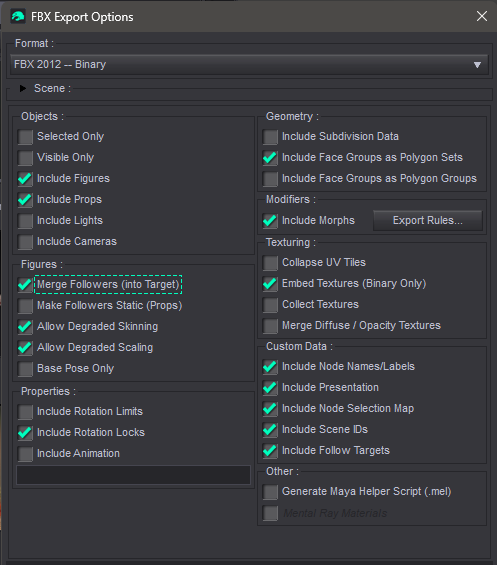
Then in the options:
Let me know if i missed an important step.
Cedric
See what the clothes were trying to come in as. It might recognize it as something other than clothe (accessory, etc)
Personally, i would do this in two parts: one for bringing in the clothes and one for bringing in the HD mesh (which are the parts of the process where it told you to set eye subD to 2 and export a companion OBJ). For the clothes, leave everything at SubD 0 and don’t export an OBJ. Bring it in to Daz via the transformer the same way as before, but uncheck bake textures (it’ll go much faster and you don’t need the body textures) and leave the options for OBJs and Ini files blank. Set the clothes to be clothes with a default profile (unless it’s separated into multiple parts, then set them to their corresponding profiles)
Then, bring in the nude character separately with the HD workflow
If that doesnt work, try taking some screen shots of the different steps to give more details about whay could be going on
If you’re applying a pose (like the CC5 A-pose) to a character export with clothing you need to use the Merge Followers option.
Otherwise the clothes in the FBX aren’t posed with the body and are skinned incorrectly in CC5.
I remade the full process entirely with another DAZ figure + cloths and got the same result:
Anything on the arms or legs is not correctly posed.
Ok, i found a workaround.
The character and the cloths have to be reposed separately, even if the cloths are children of the character.
So the process is the following:
Apply the CC5 G9 pose the the body
=> the cloths are following the pose and look good in DAZ but they will not be correctly posed in CC5.
Then reselect all the cloths and reapply the CC5 G9 pose.
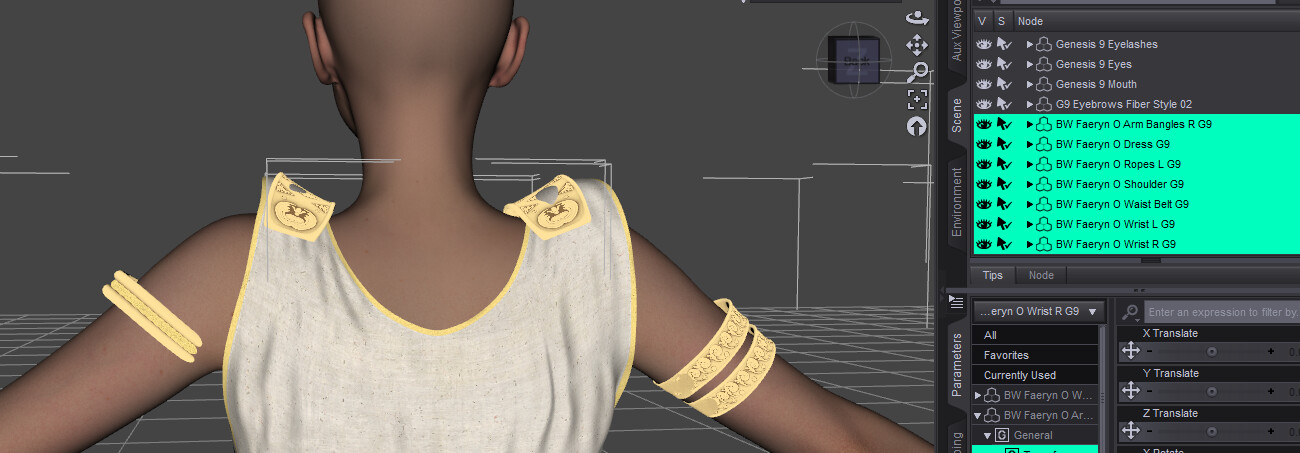
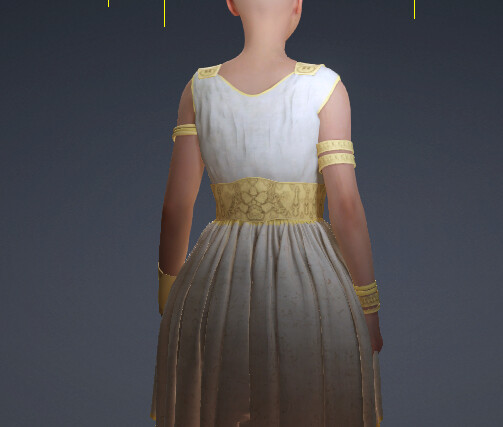
Now the cloths look bad in DAZ: the arm cloths are too high and not aligned:
Continue the export/import process and they will look ok in CC5:
Cedric
Confirmed with the first character.
Apply the CC5 G9 pose twice on the cloths.
In DAZ it looks like this:
But it ends up good in CC5:
Cedric
Also try it without adding the pose. Just go with the pose the character is already in when you load it in DAZ. Does that make a difference?
Hi Cedric,
Thanks for sharing your findings here.
Just wanted to say that this definitely isn’t normal behavior.
We’d really like to dig into this and get it fixed. Would you be able to share your original Daz files with us so our dev team can run some tests?
You can send the files (or a cloud drive link) directly to my email: alanyang@reallusion.com.
Thanks for the help!
Update,
We tested with the same outfit of your test, the workflow seems to be working as intended on our end.
Could you check if your export setting is the same with us? Here’s the recording of our process.
I can confirm that this method helped.
I just had this issue today. I went through the process on the CC5 tutorial for Daz Tranformer, when I imported my character the clothes didn’t match the pose. I can confirm that all my settings matched the tutorial. Your video is no longer available.
Hi middlemonster,
Unfortunately, Alan has already left Reallusion. If you have any questions, please let us know, and we’ll be happy to assist you.
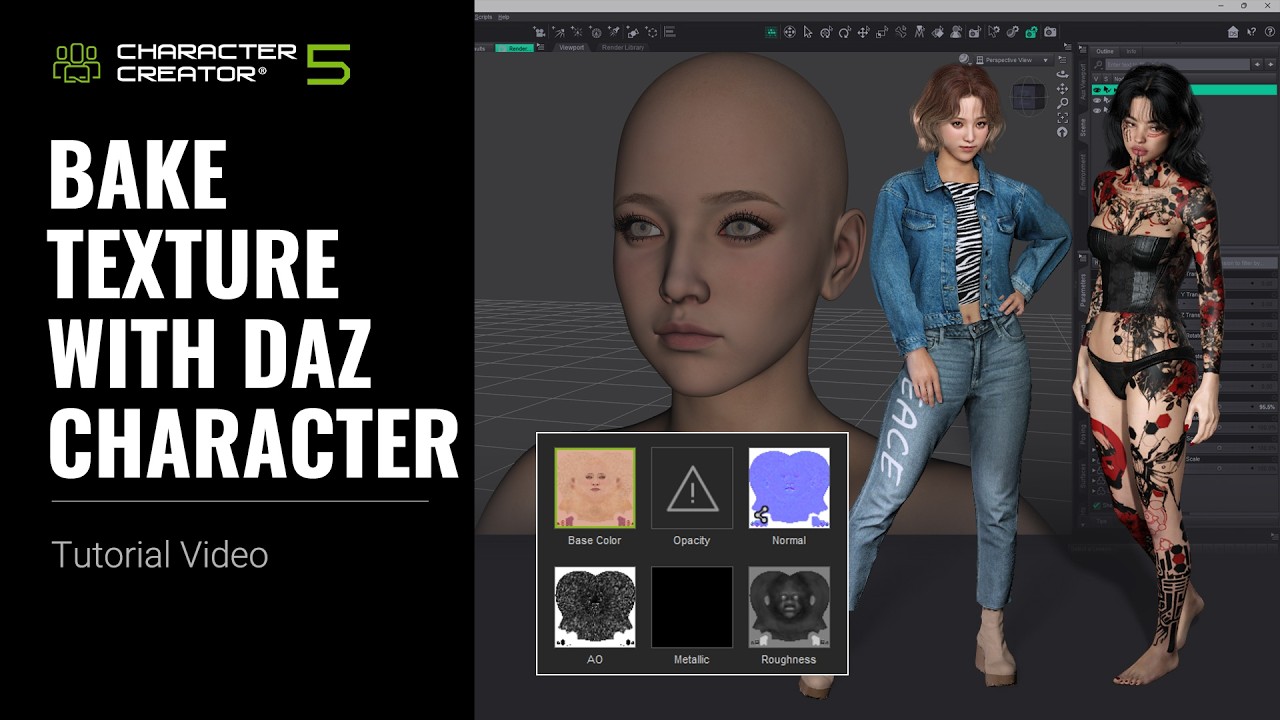
You may also search our forum for discussions on the same topic, as you might find some helpful answers there. In addition, our official tutorial on baking textures and clothing from Daz to Character Creator may be useful:
Best regards,