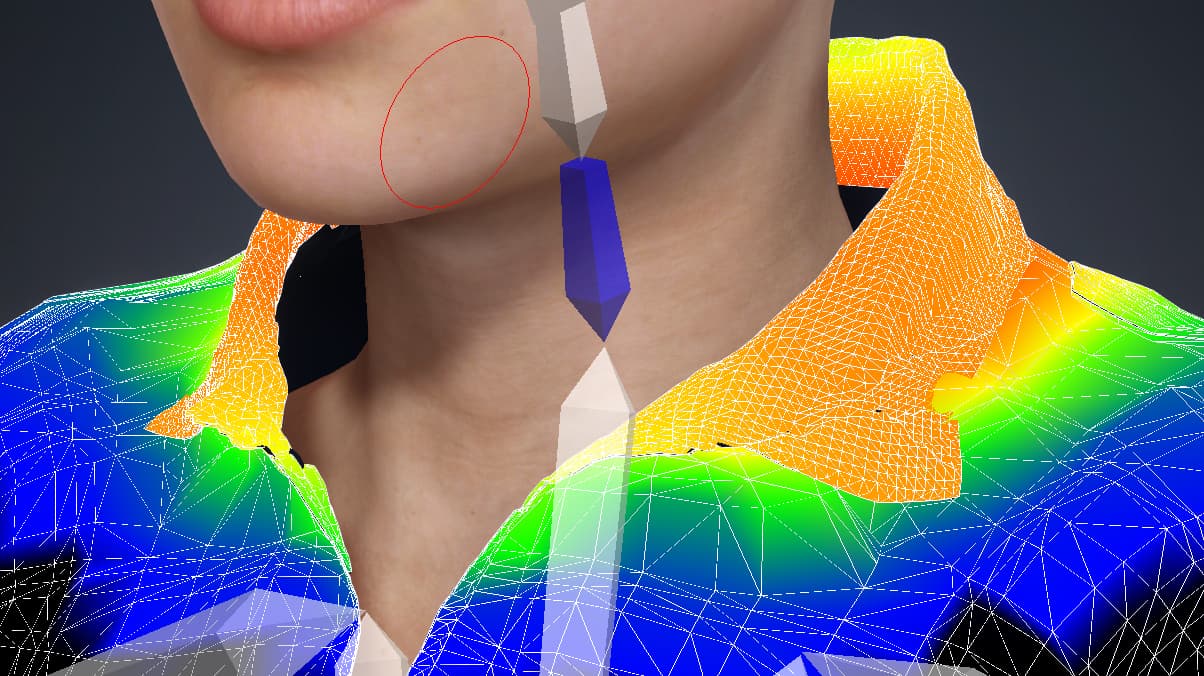
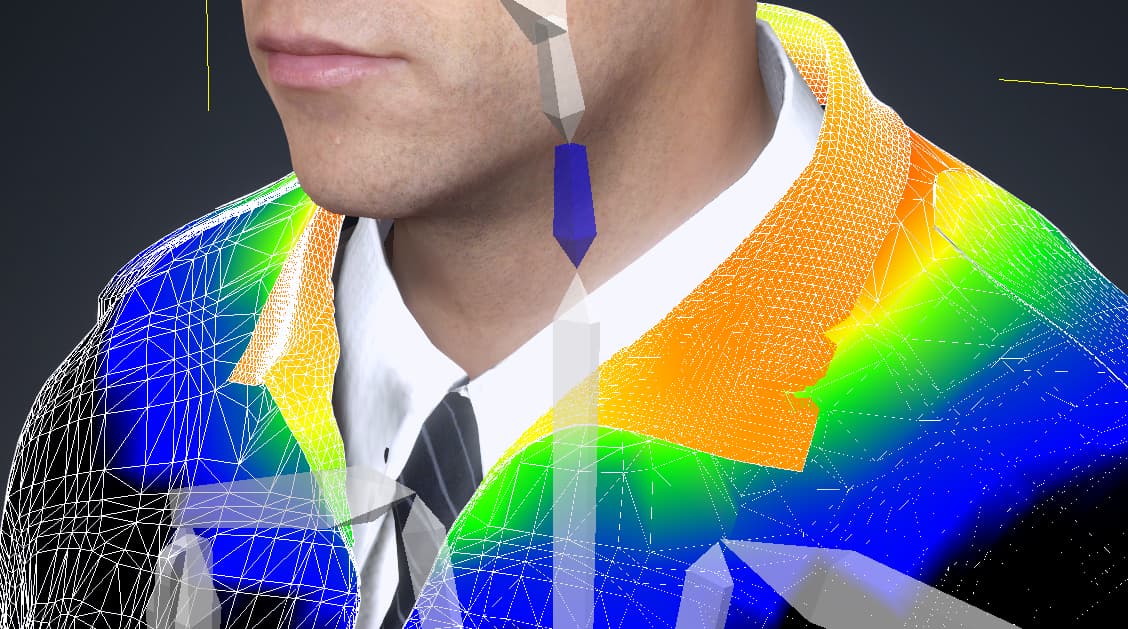
Here is my workflow:
Maya → Substance → MetaTailor → CC4 → Save as Custom (Cloth > Coat)
The jacket looks correct and animates perfectly on the original character.
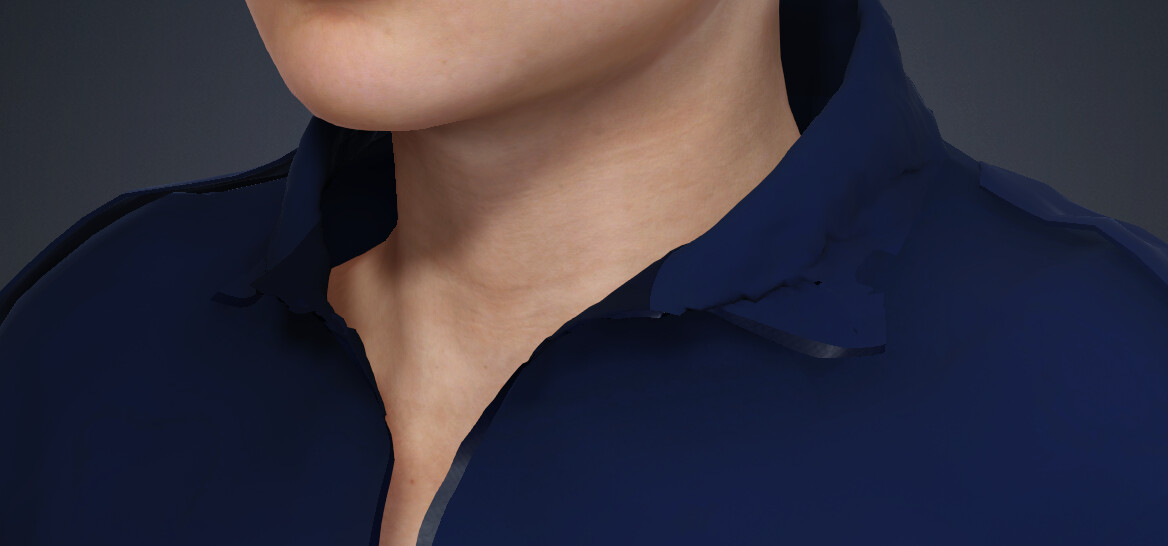
However, after saving it to Custom and applying it to a different (similar) character, the jacket deforms immediately upon drag-and-drop — before I perform any conform, collision, or additional steps.
This happens instantly on apply (no conform or calculation done yet)
I have already tried:
- Conform → Reset before saving
- Transfer Skin Weights
- Painting problem areas (collar) to full blue (no influence)
The deformation still occurs even with zero weights applied to the collar
The collar collapses and distorts significantly on a new character even though it behaves correctly on the source character. There are a few other areas that have similar issues, but the collar is pretty dominate, visually, so it stands out right away,
What is the correct process to ensure a custom cloth asset saves as a clean, reusable CC4 garment (like marketplace assets)?
Is this likely:
- a skin weight issue,
- a conform/morph offset issue,
- or a limitation related to MetaTailor-generated meshes?
Any guidance on creating a “neutral” cloth asset that works across multiple characters would be appreciated.
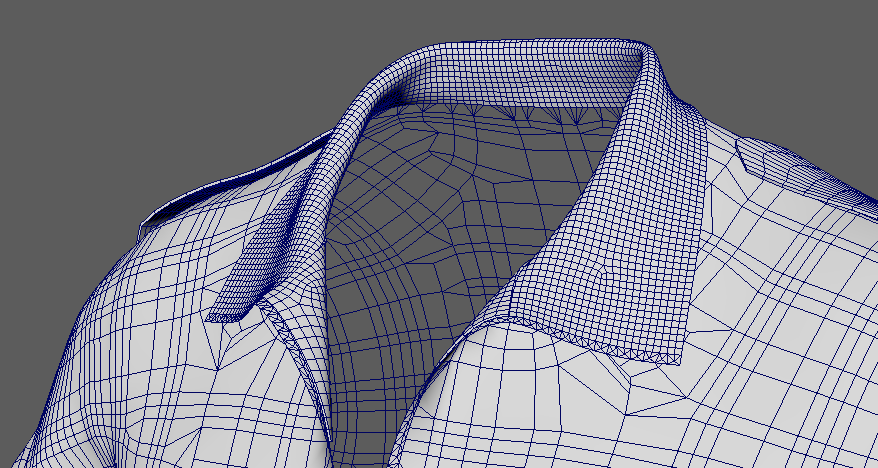
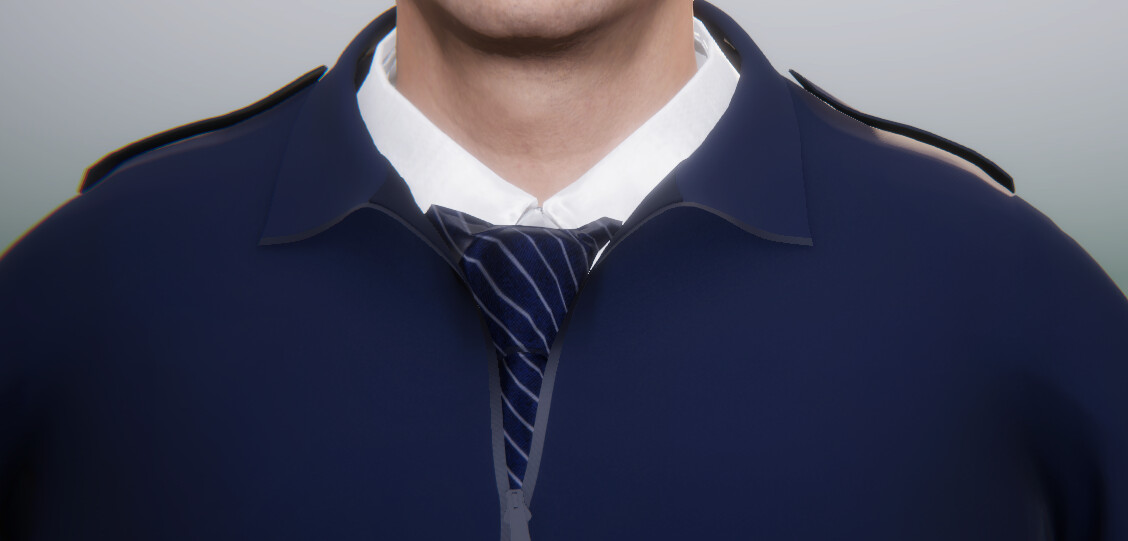
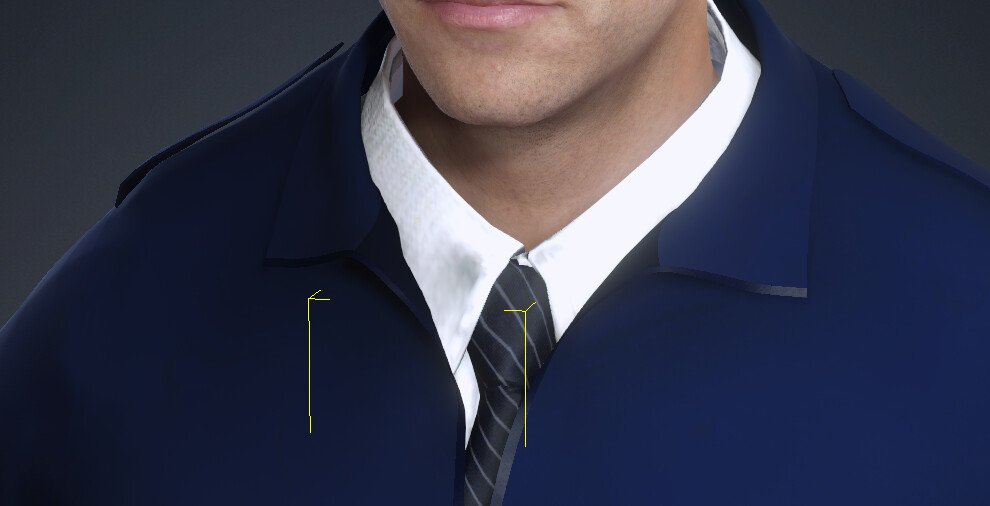
ok, I realize maybe my description does not paint the full picture. So, here is my jacket from maya, metatailor to cc4. the 4th image is what I question… once I have the jacket in cc4, I save out this jacket to a custom coat folder, then re-apply it to a totally different character, and I get what you see in the 4th image. A really deformed collar. This will happen no matter what character I add this jacket too, except for the one i used from cc4 to metatailor to cc4.
I don’t know where this is coming from. The weights appear to be similar, its just, that when applied on a different character the collar gets deformed.
This would not work if I were to sell it this way, people would complain, nor have I ever encountered this issue with assets i have purchased, so I believe I am missing a step somewhere.
Any ideas?
Hey, for clarification, you are getting this issue before going to METATAILOR or after METATAILOR?
This is after.
The initial jacket never starts in cc4. I use cc4 to use default character in A frame pose, send to metatailor, and in that, I import the clean fbx and set it up. Then from there I send to cc4.
I Believe my issue is the weights that metatailor bakes when going back into cc4, as its designed for that character. While I would like the jacket I made to be universal for most of the default cc4 characters, male of female, I “think” I need to strip out the weights.
So, with that said, I am basically using metatailor to match and fit the pose, instead of the tedious operation in maya.
However, even though in Metatailor, under fbx export, there is a box to exclude skin weights, if I check that, then export, no file is created. If I keep it checked, and export, that works, but the sizing is way different. If I uncheck both skin weights and clean bones, no mesh is created.