Issue:
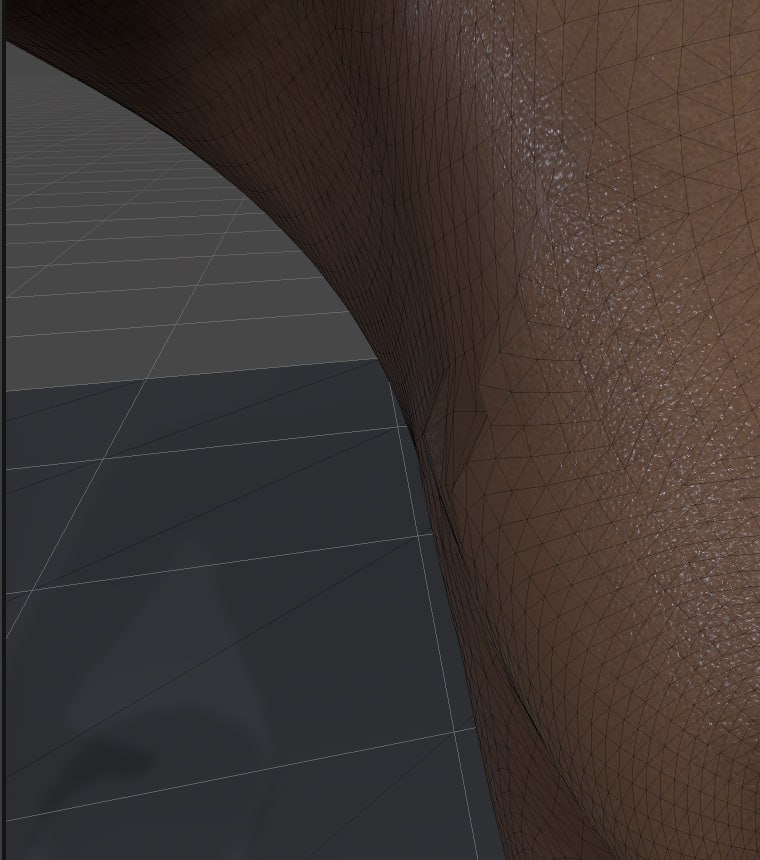
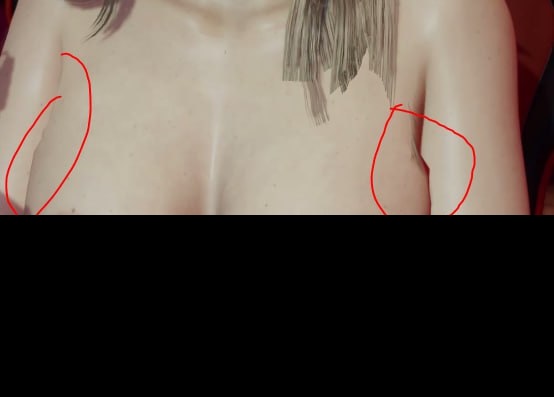
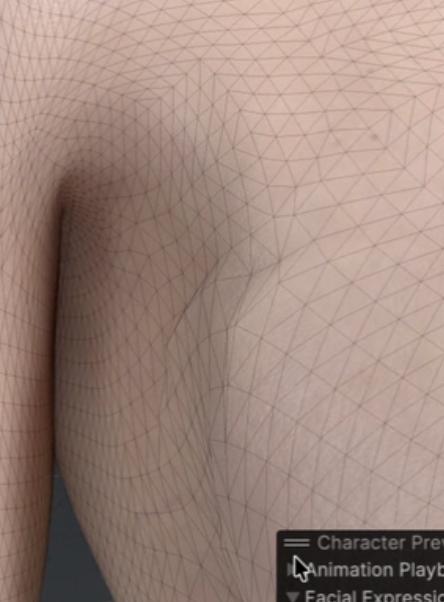
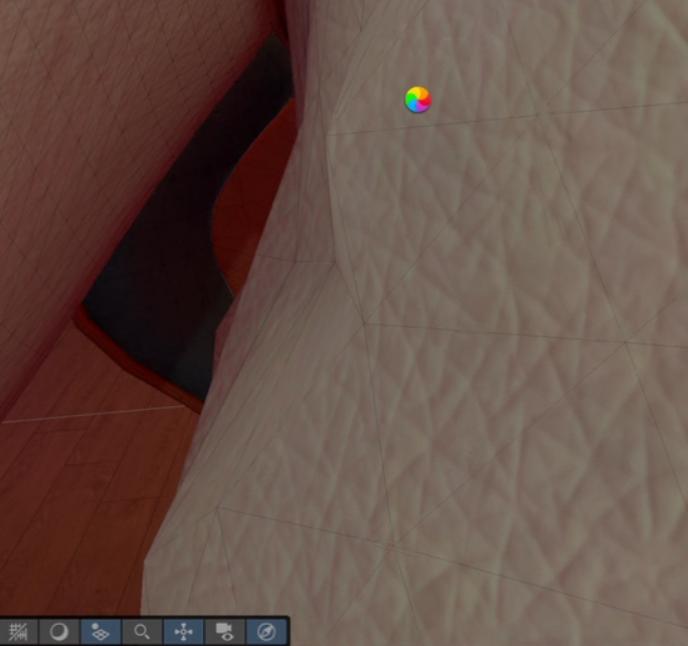
When importing a character into Unity, the mesh in the chest/armpit area becomes visibly deformed. The deformation looks like pinching or collapsing triangles and incorrect shading, especially noticeable during animation or certain poses.
Steps to reproduce:
- Import a character created in Character Creator 5 into Unity.
- Apply the default CC5 Unity setup (standard pipeline).
- Play any animation or rotate the character to expose the chest/armpit area.
- Observe the mesh deformation.
Actual Result:
The chest/armpit area mesh deforms incorrectly. The topology appears compressed, with visible artifacts and shading issues.
Expected Result:
The chest mesh should preserve correct shape and smooth deformation without collapsing or visible artifacts.
Additional Information:
- We tested the issue not only with our custom character, but also with the standard CC5 default model, and the problem is still present.
- This suggests the issue is likely not related to custom topology or skinning, but may be related to the CC5 to Unity pipeline, skin weights, or import/setup settings.
- Screenshots are attached for reference.
It sounds like you don’t have enough bones in your skin weights.
Check your project’s Quality settings for Skin Weights: Make sure it’s set to at least 4 bones or Unlimited.
Thanks for the suggestion!
I’ve checked the project settings — Skin Weights is already set to Unlimited , so unfortunately that doesn’t seem to be the cause in our case.
Hard to say without the screenshots. It should let you post them now you’ve made 2 posts.
Also what version & render pipeline of Unity.
And what version of the CC/iC pipeline?
For reference pre-release version 2.2.1 is the very latest.
Thanks for the reply.
We are using CC/iC Unity pipeline version 2.2.1 (pre-release). However, the same issue was also present in earlier versions of the pipeline.
The characters are created in Character Creator 5, and the deformation occurs even with the default CC5 base model, not only with our custom characters.
Screenshots are attached above for reference.
Ah, there’s another skin weights setting in the model itself.
Select the FBX. In the Inspector: Rig > Skin Weights - set to custom. Set it 8 bones and apply, see if that improves anything.
1 Like
Huge thanks for the tip! That was exactly the issue — after changing the setting, everything started working correctly.