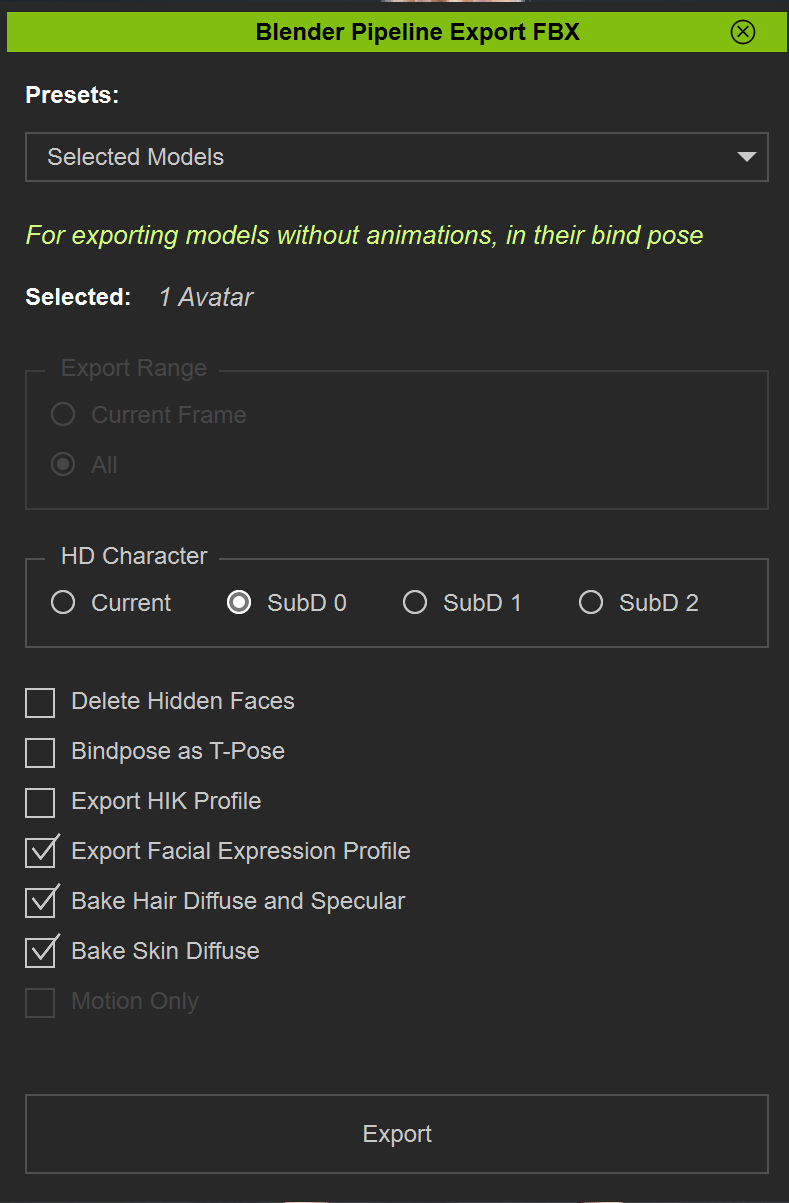
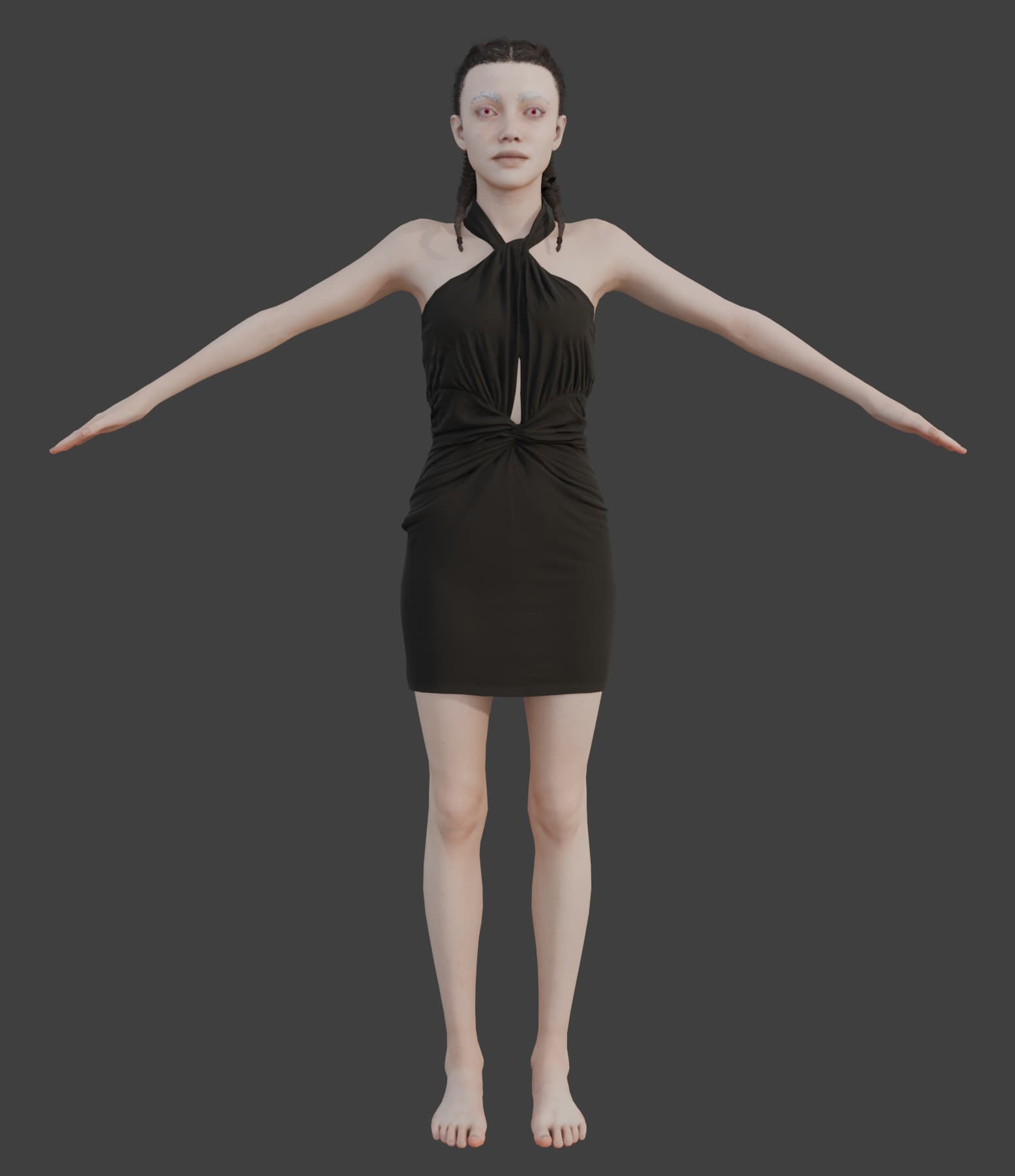
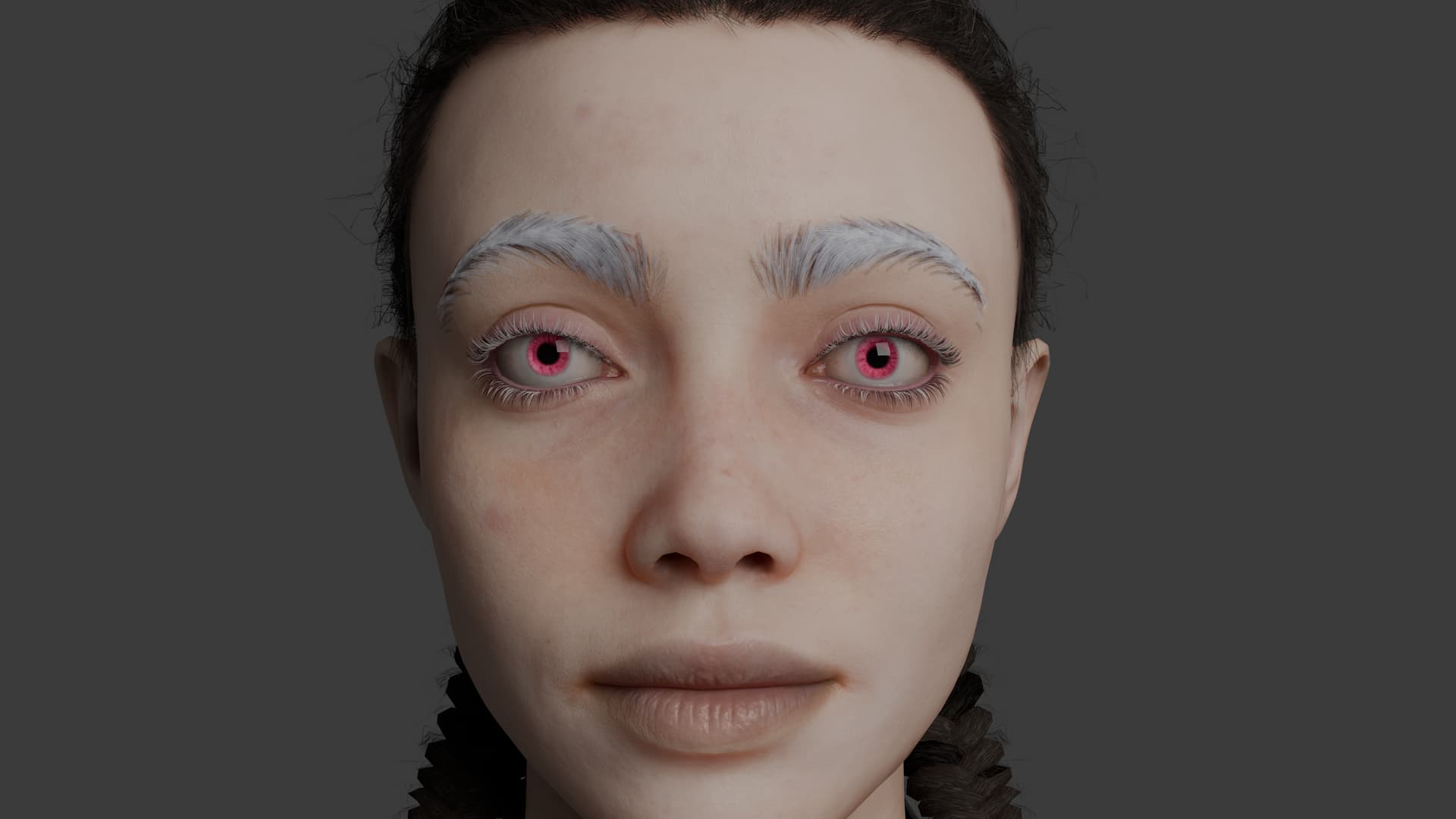
I may just be doing something wrong, but I am using the Blender Pipeline Addon to export my character to FBX for blender. The character had hair from a creator on the assets store and used some extra skin elements like blemishes and freckles and the skin tone was lightened. I also colored the hair and eyebrows white.
When I import using the latest version of the CC tools for Blender, the hair turns dark again and I’m pretty sure the skin isn’t as pale as I made it in CC, but I may be wrong about that one, other skin elements did come through.
I checked the settings to bake the hair specular and the diffuse color during export, but the figure still doesn’t come into blender looking anything like the model in CC5.
Maybe I need to try the datalink? But the FBX export/import seemed to work for me in CC4.
Hi Hans, The import isn’t quite as far off as I originally thought because the first time I exported, I did not check the boxes to bake the textures, which seems to be required to capture customization, however the hair I am using is still not coming in correctly.
I am using the latest version, as of release day, of all the software, and am using Blender 4.5.1 LTS.
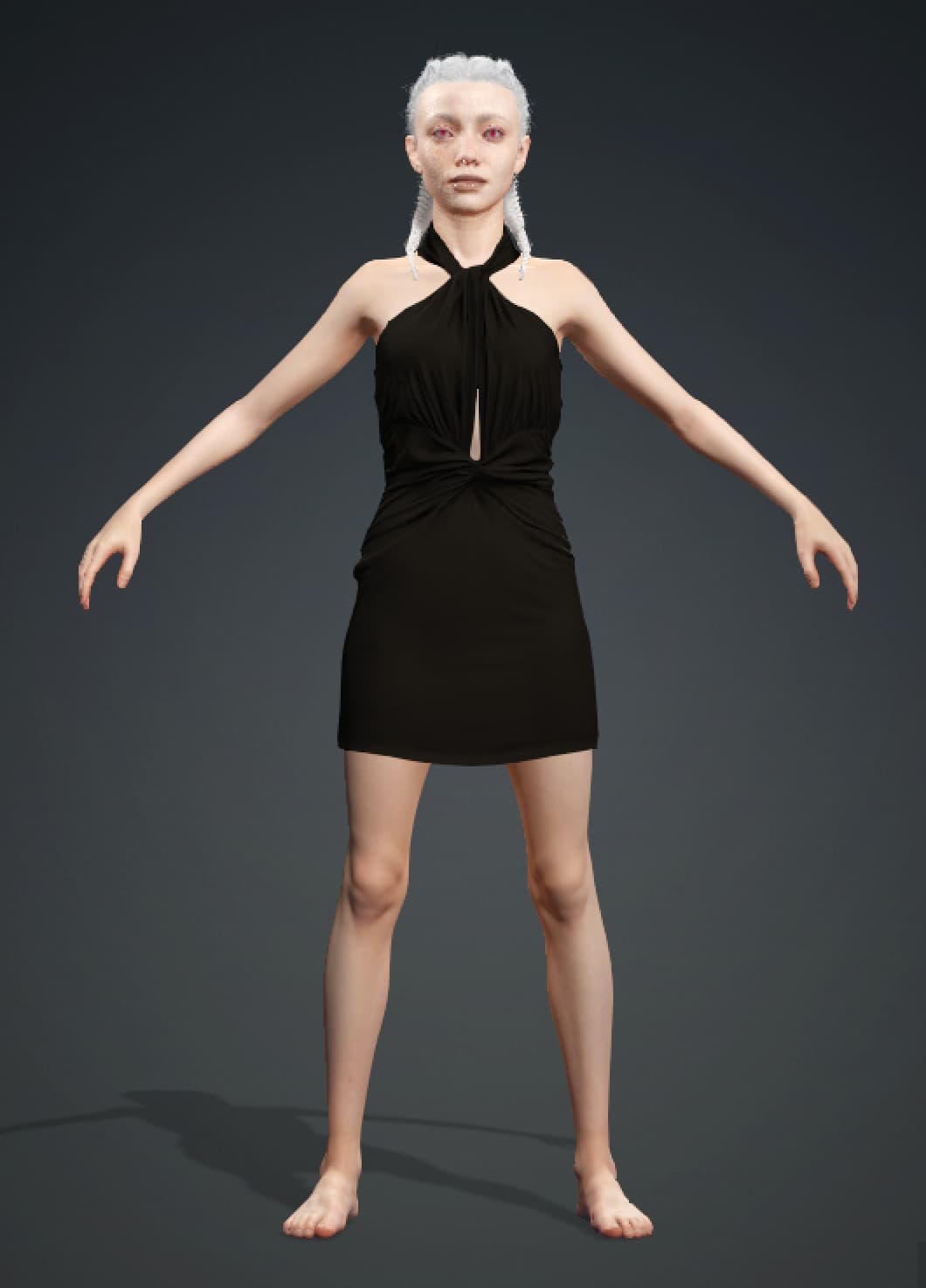
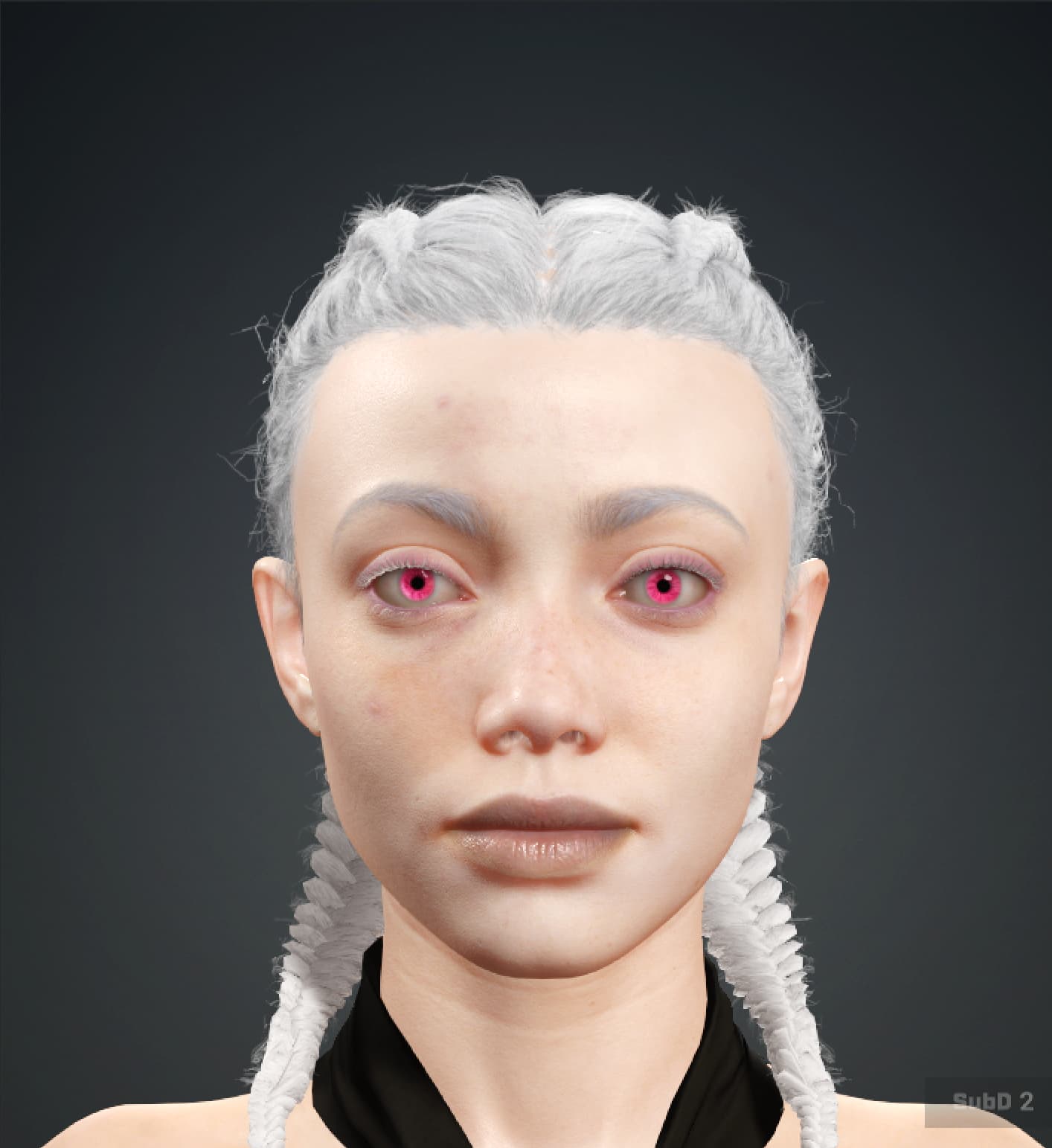
First here are a few shots of the model as it is in CC5:
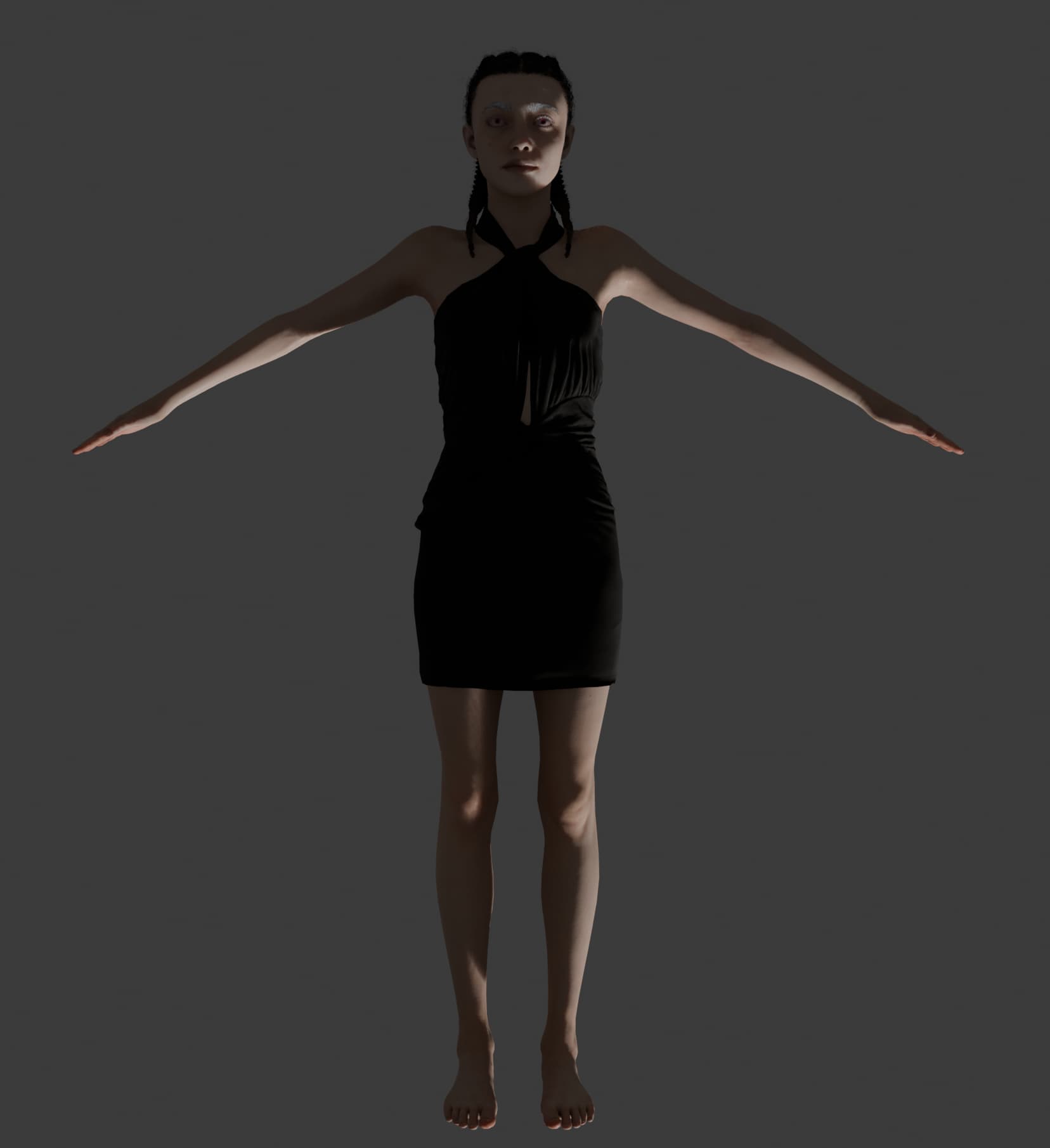
And finally the results. There seems to be more of a mix of dark color in her brows and eyelashes, but they may just be a difference between the display/rendering systems of the apps.
Main differences are that, even though I activated “Lighting” on import, no lights were imported. Is that because in the past I was using the standard FBX export and this Blender pipleling exporter only handles the figure?
The other change is that her hair has reverted to the standard color for the asset. Since this is a third party asset that might be the cause of that specific issue?
How are you changing the hair color? Via the Root/End colors or some other means?
Could also be Anomalies in the Vertex Colors maybe. With this hair I see strange artifacts in the Vertex colors that aren’t there in CC5. So it could be a bug in CC5, but I haven’t seen it affect the entire hair like that.
What happens if you set the vertex color strength to zero?
I checked “Use sRGB” and lowered the strength down to about 14. That did most of the lightening. I’m checking the file and it looks like I didn’t really change the root/end colors, although I may have slightly lightened the Diffuse Color and the Ambient Color.
You may be on right track with the vertex color question, because in Blender to get the hair lighter after import one of the things I had to do was set the vertex color to white. In CC5 on that hair asset, the vertex color is very dark, perhaps completely black.