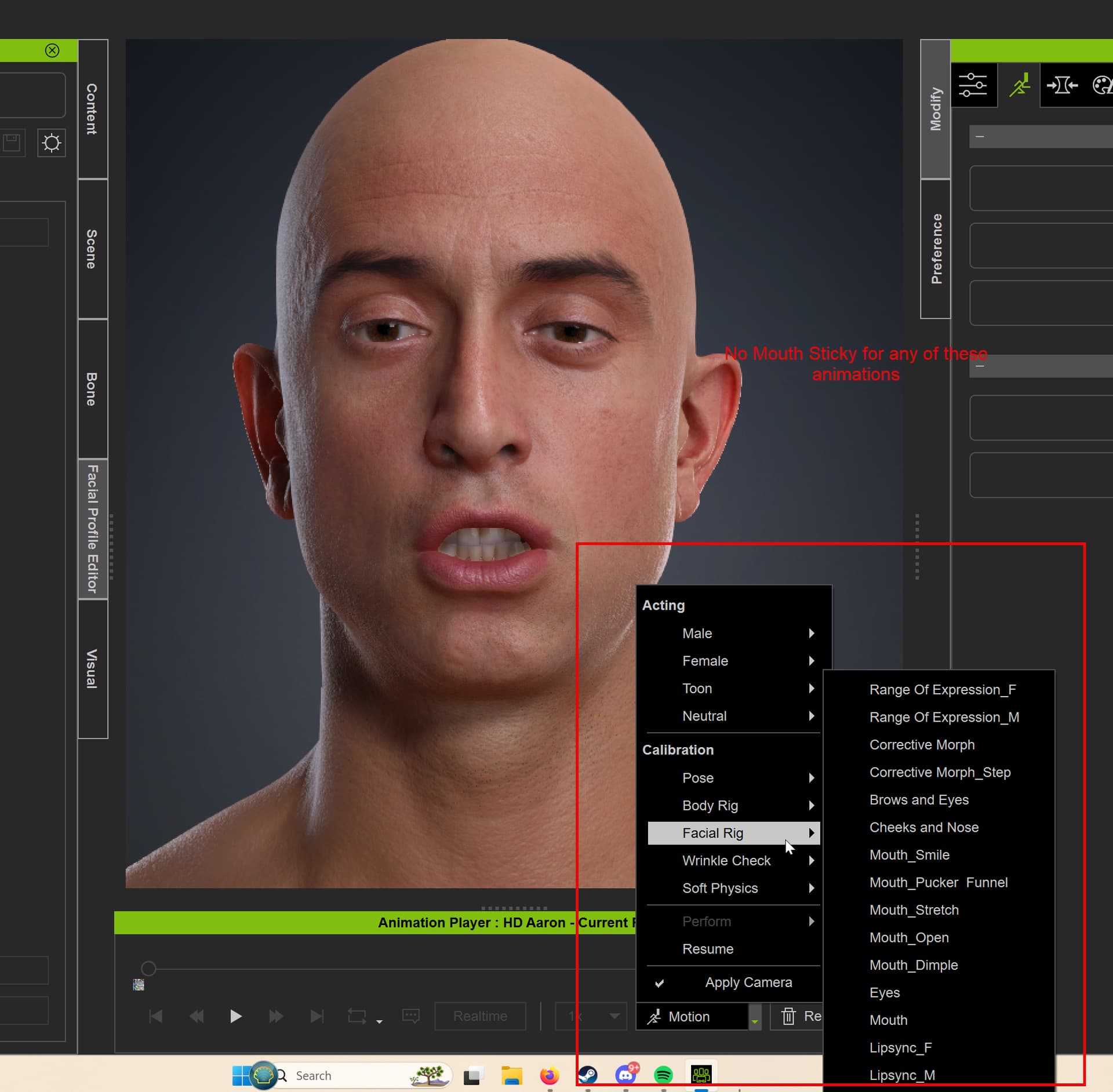
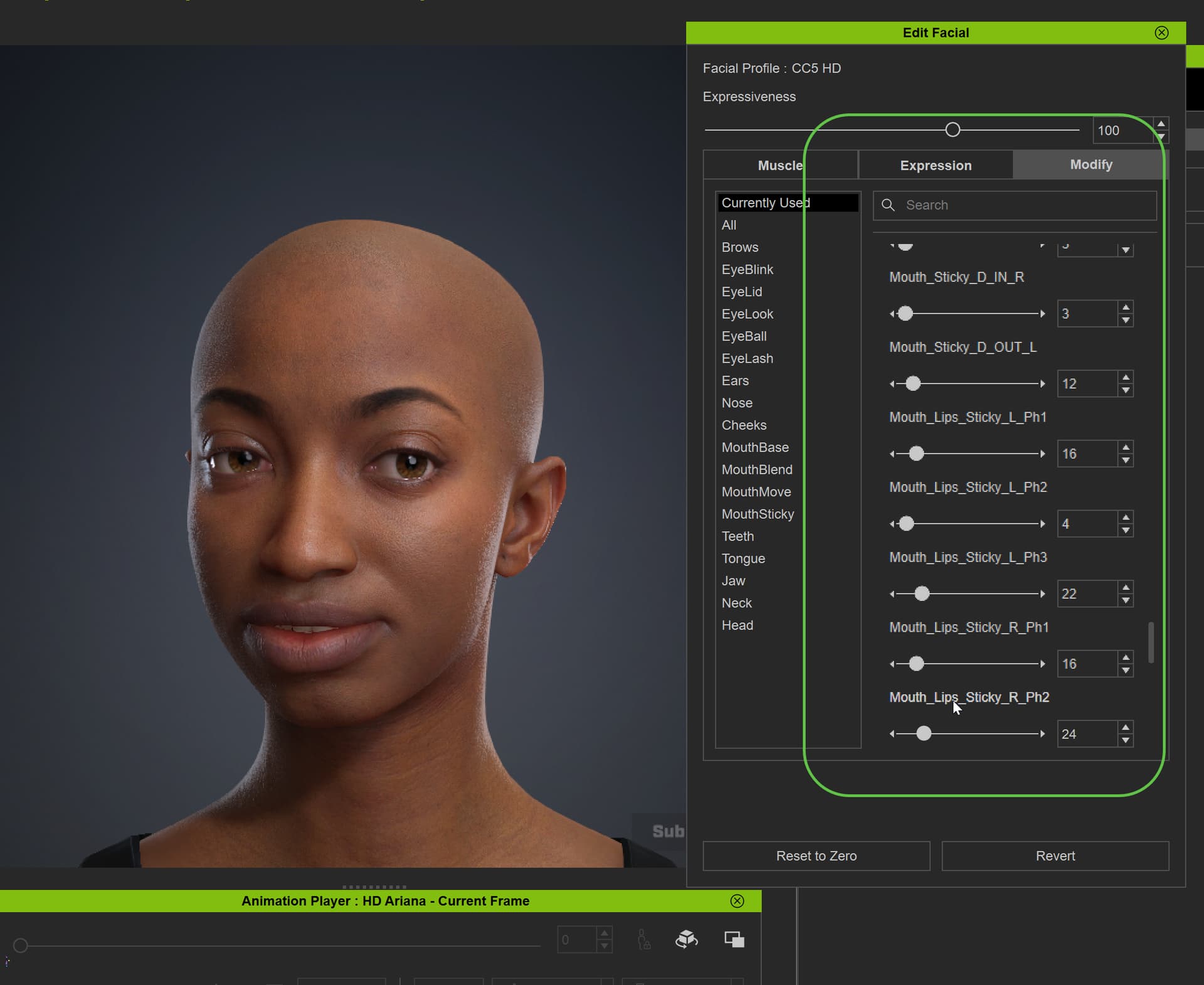
Hi there. I’m trying to debug why I don’t see any of the Mouth Sticky lip shapes engaging when playing facial animations, such as Corrective Morphs, Emotes or Range of Expressions or anything.
For testing I’m using CC5 HD Ariana asset.
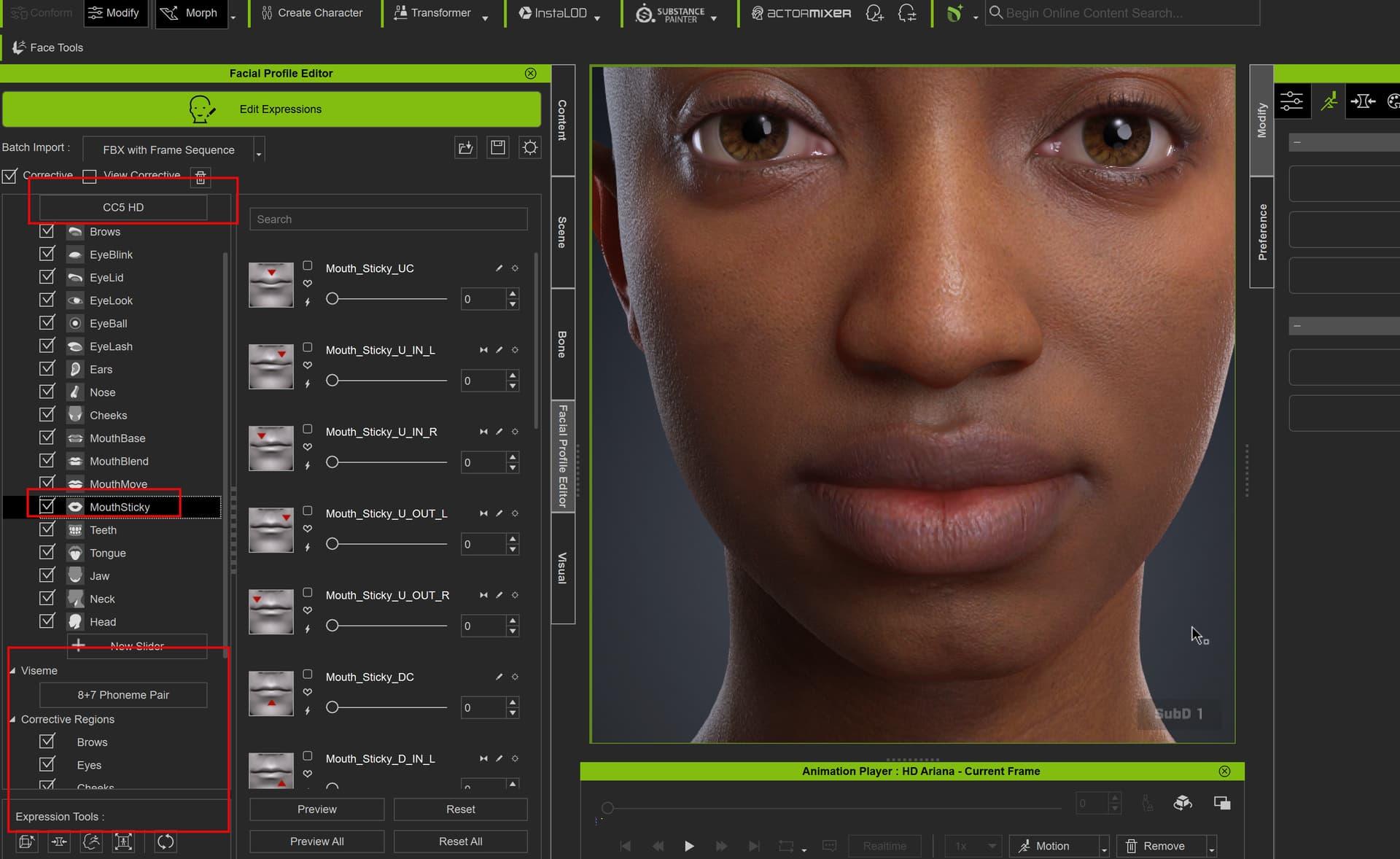
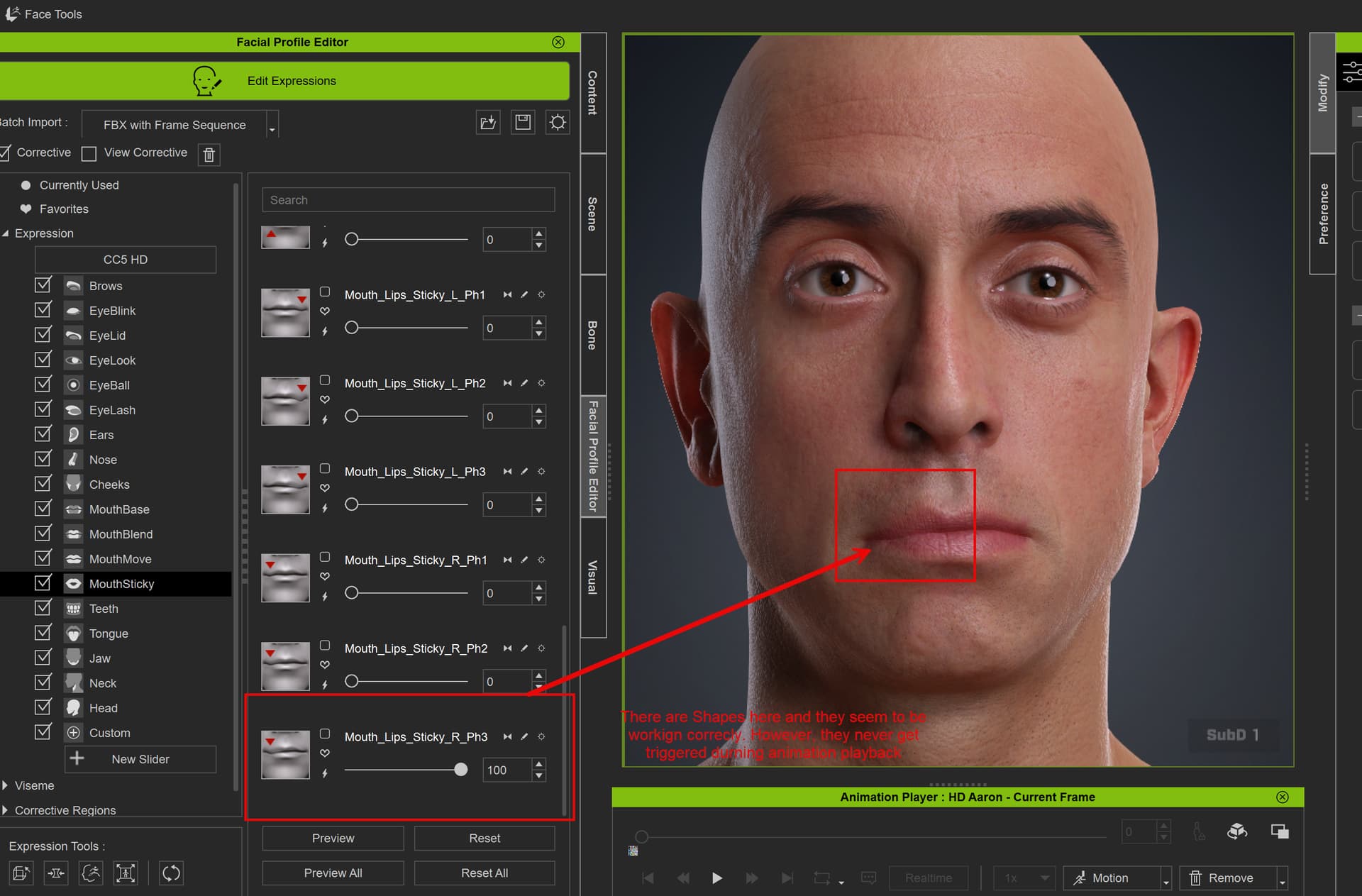
In the Facial Profile Editor, I can confirm that Correctives are enabled, the Mouth Sticky shapes are present ( and working ), and the Corrective Regions appear to have all the data. That said, when playing facial animations, I don’t see the Mouth Sticky shapes engage. If I pause on a frame and check which shapes are active, all of the Mouth Sticky shapes remain at 0.
Is there something else that needs to be enabled or configured for the Mouth Sticky correctives to trigger?
Thanks in advanced!
Some screenshots below:
Facial Profile Editor Setup
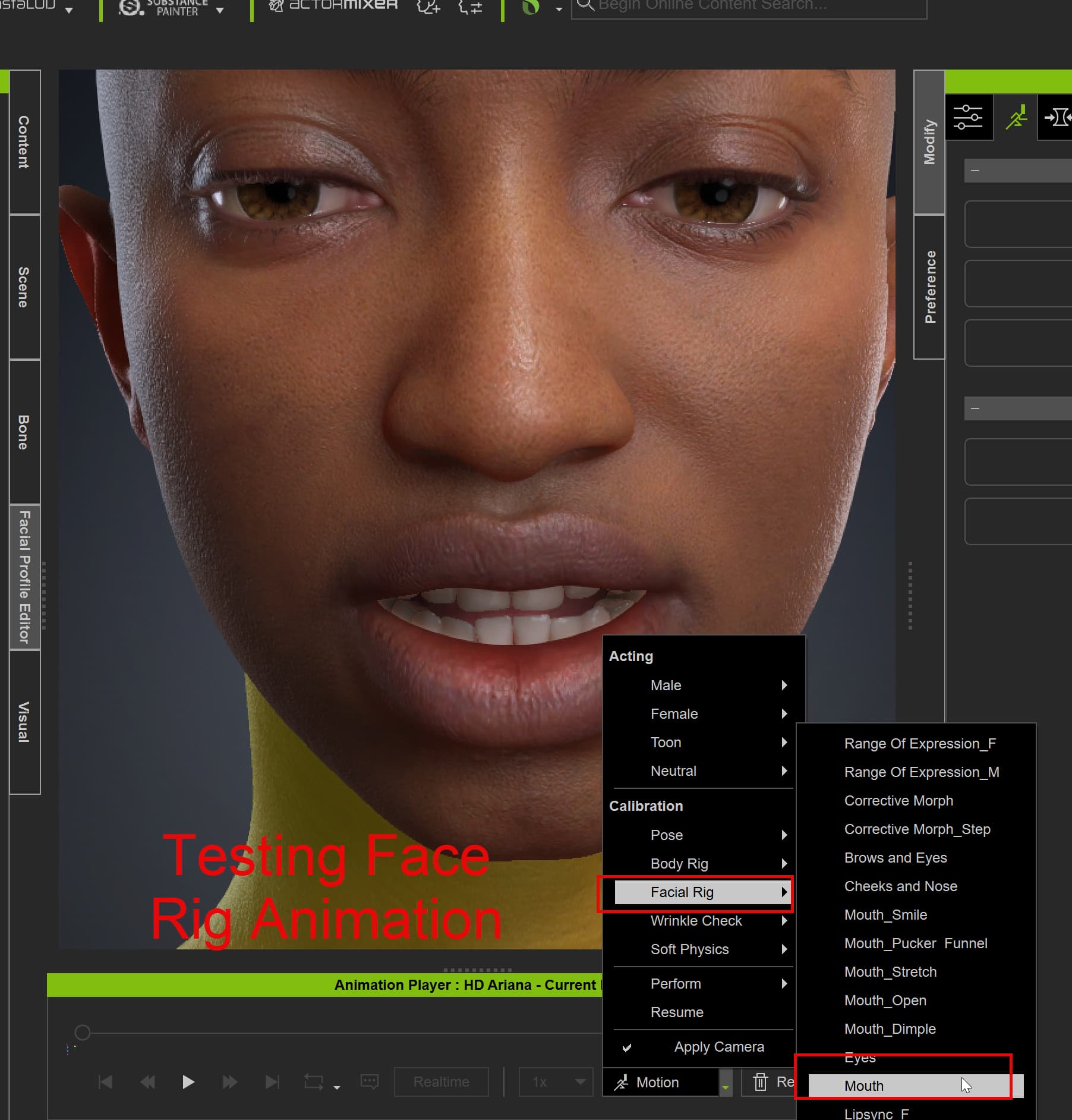
Example of testing animation:
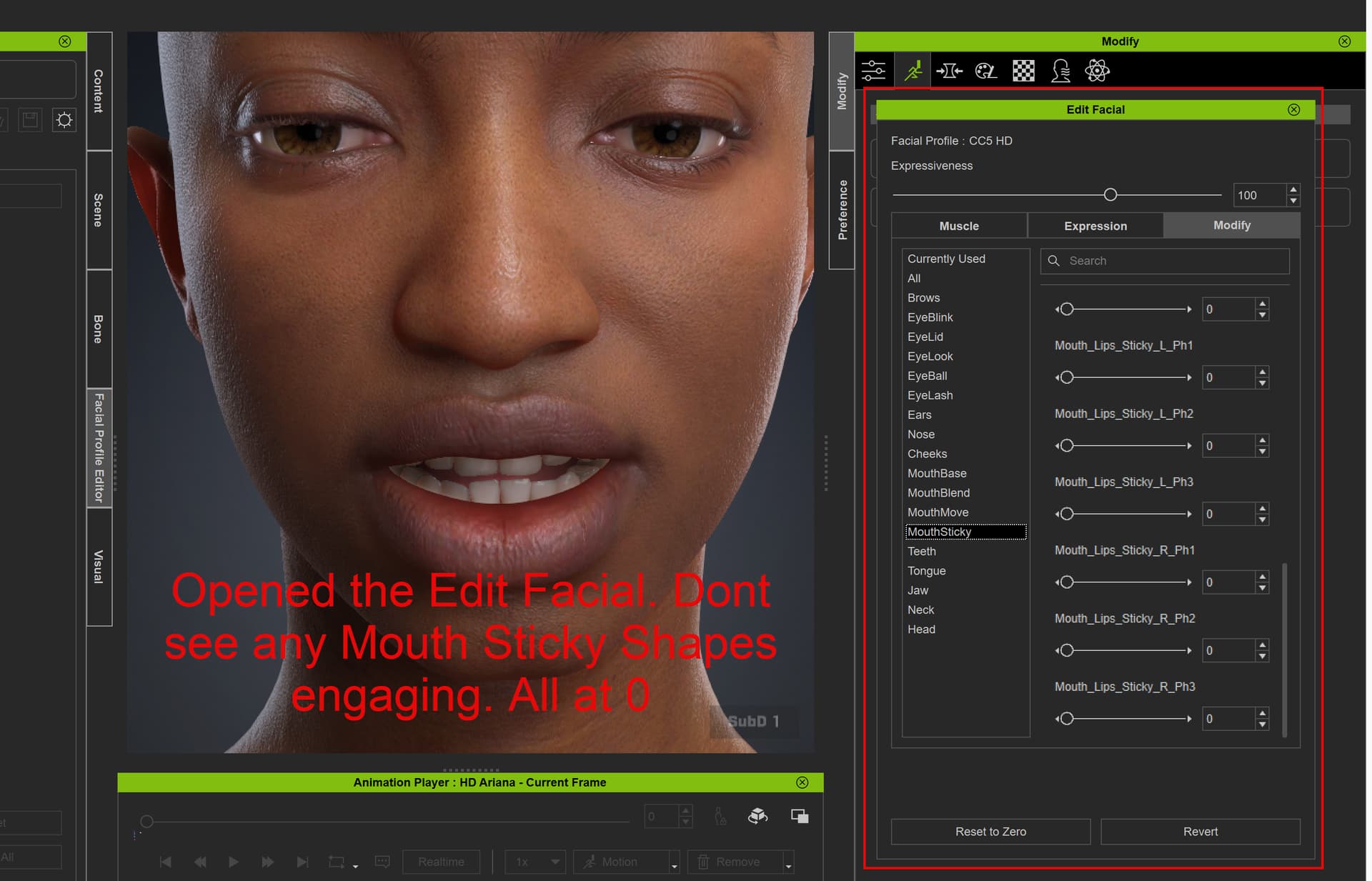
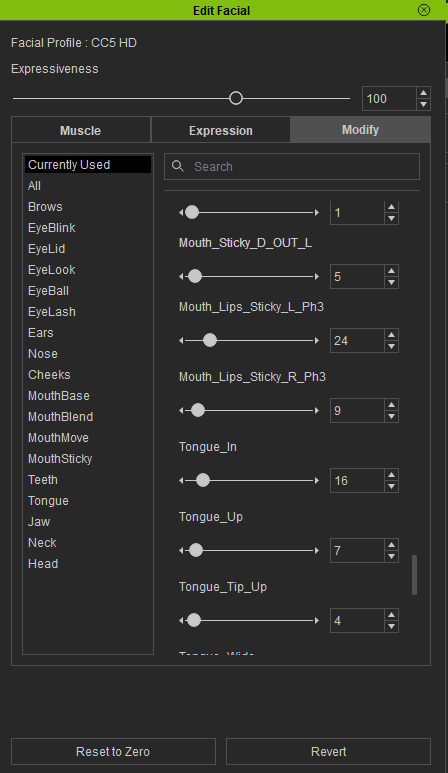
Example of all Mouth Sticky shapes at 0
Hi mjspurchase59305,
Please note that Mouth Sticky is included in a few of the facial animations for reference purposes only. It is enabled by default and operates completely independently of the correctives.
Could you let us know how we can best assist you with integrating these reference animations into your workflow moving forward?
Regards
Hello, and thanks for following up. I have two questions:
-
What known animations take advantage of the Mouth Sticky shapes? I’m just trying to view Mouth Sticky working on the base CC5 HD Ariana asset, but I currently don’t see it engaging during any of the animations I’ve tested.
-
What is the best way to debug and confirm that Mouth Sticky is working during an animation? My current workflow is to pause an animation, open Edit Facial tab and use the Currently Used tab to see which shapes are engaged while the animation is playing. Is this the correct way to verify that the Mouth Sticky shapes are being triggered?
Thanks so much!
Hi mjspurchase59305,
That is currently the standard method to check which facial expressions are in use. While we can follow up with the content team, could you share your end goal for this workflow? Understanding your target outcome will help us provide the most direct solution.
Thanks
Hi there, thanks for following up!
My end goal is to get Mouth Sticky working correctly on my own custom character. Before investing time into setting that up, I want to first confirm that Mouth Sticky is working correctly on the base CC5 characters.
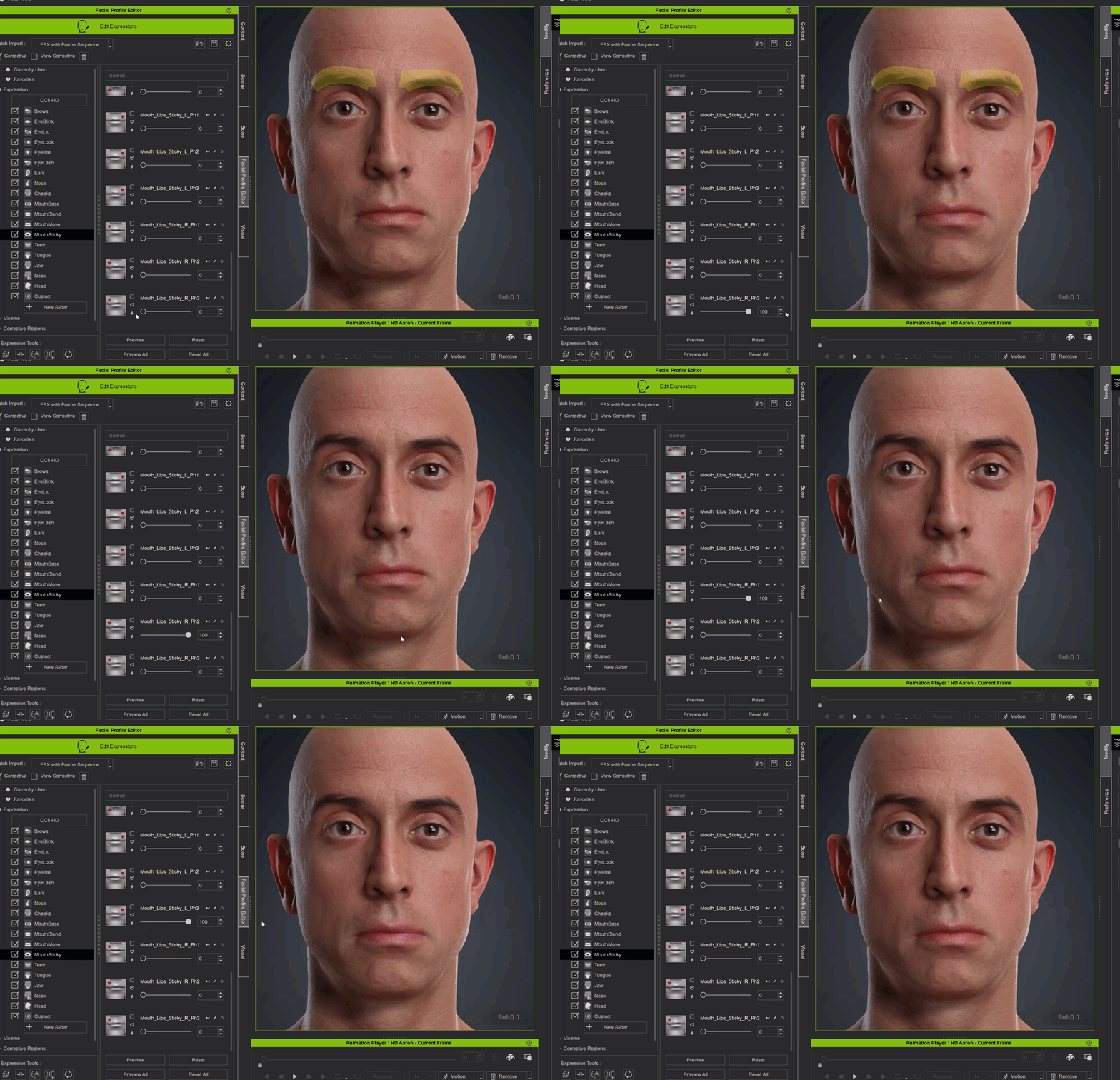
Right now, I’m testing with both the CC5 HD Ariana and HD Aaron assets. I can confirm that the Mouth Sticky shapes are present and working in the Facial Profile Editor. If I manually move the individual Mouth Sticky sliders to 100, I can clearly see the shapes working on the character.
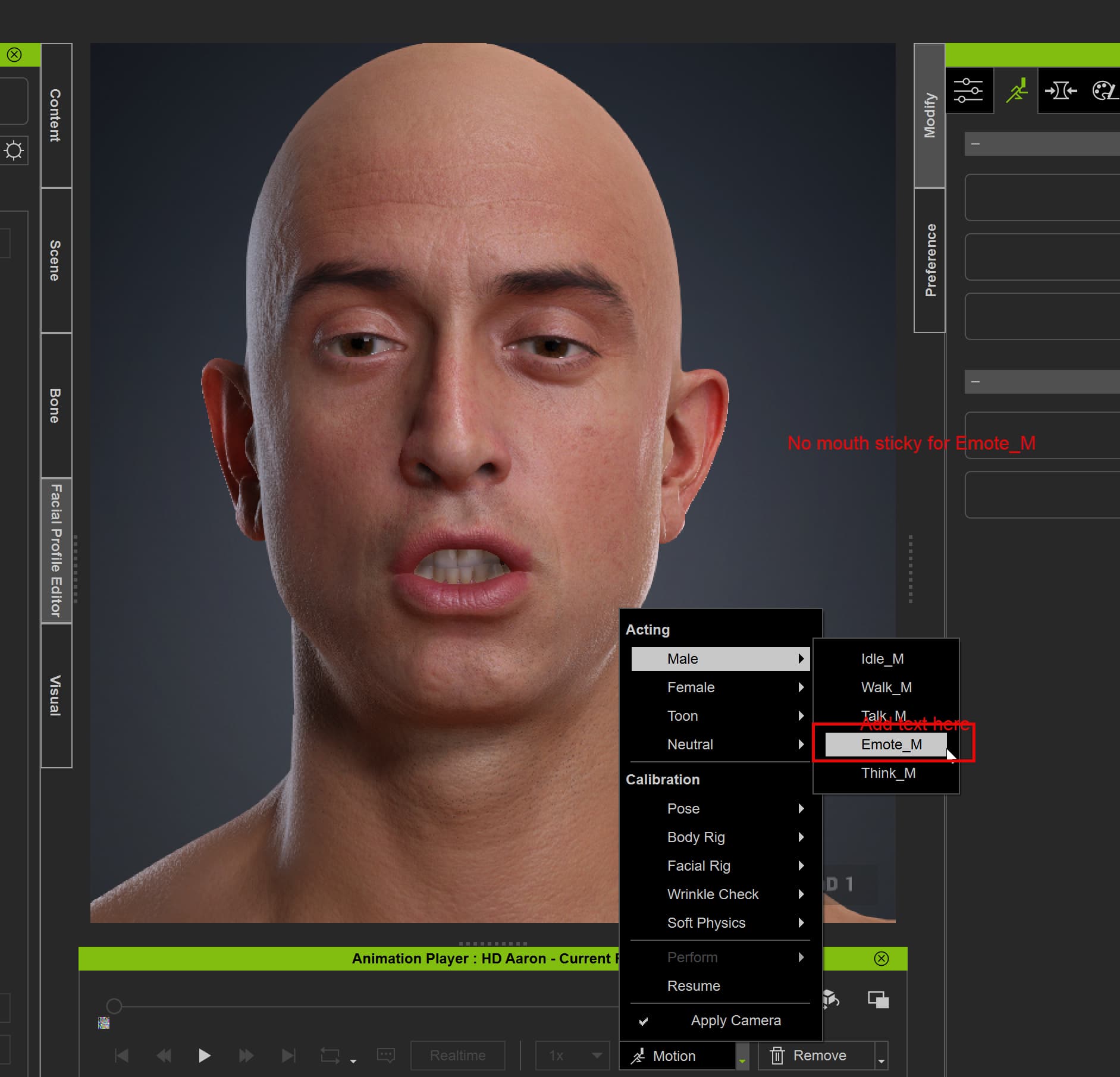
The issue is that I haven’t been able to find any animation that actually triggers these shapes, which is what seems suspect to me. I would expect the Mouth Sticky shapes to become active at some point during facial animation playback, but none of the provided facial animations I’ve tested under Acting or Calibration appear to trigger them, including animations from the Digital Soul asset pack. When I use the Currently Used tab to see which facial shapes are active during playback, all of the Mouth Sticky shapes remain at 0.
What I need help resolving is:
- Can you confirm which animation or specific test should trigger the Mouth Sticky shapes on a base CC5 HD character?
- If Mouth Sticky should be triggering on HD Ariana or HD Aaron with the provided animations, can you help determine why the shapes are remaining at 0 during playback?
Ultimately, I need to be able to reproduce and verify Mouth Sticky working correctly on a default CC5 HD character. Once I have that working as a baseline, I can move forward with implementing and validating it on my custom character.
Thanks so much!
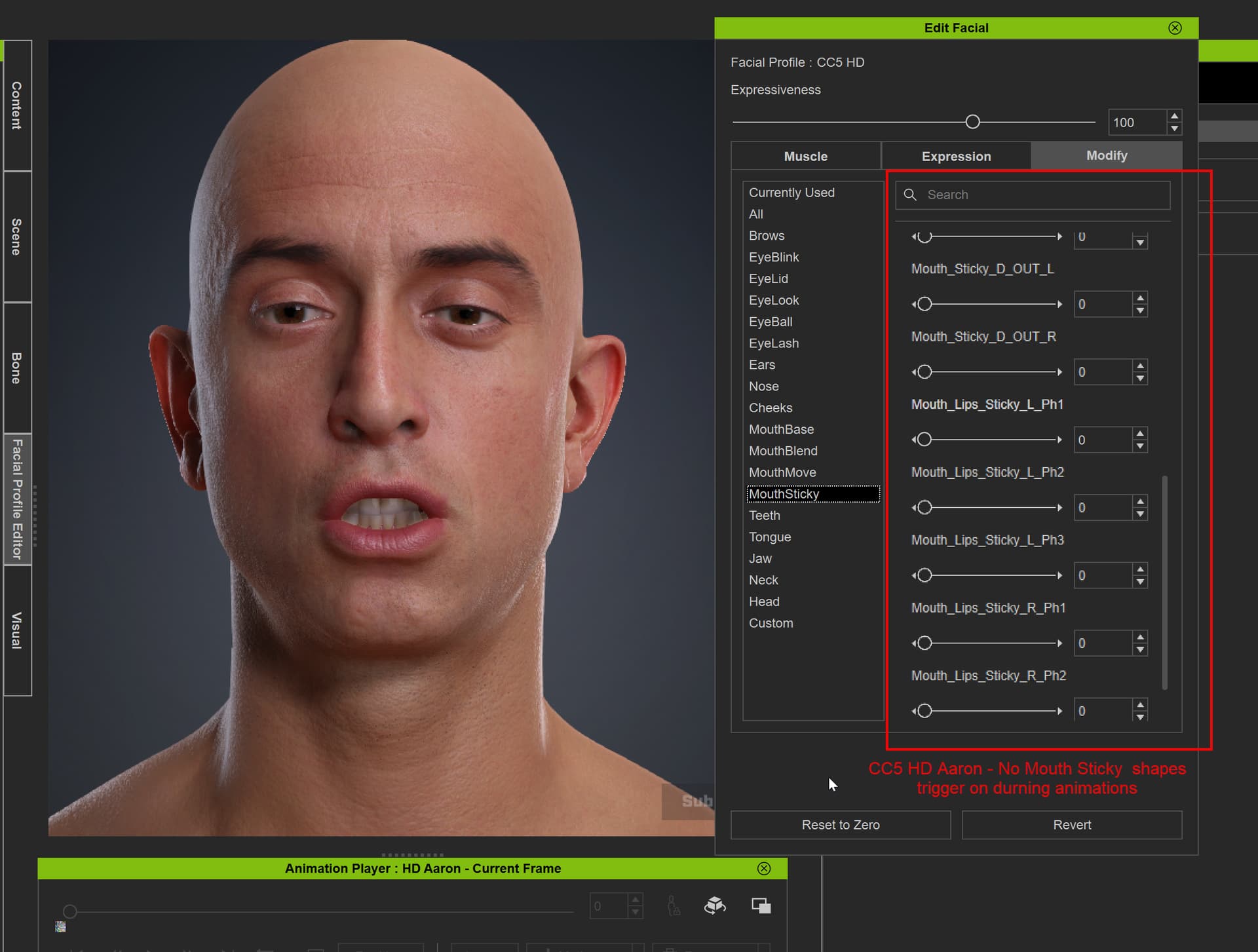
example with CC5 HD Aaron:
Example of testing calibration animations but none show mouth sticky
Example of testing Acting animations but no mouth sticky
Example of the Facial Profile Editor - When toggling the mouth sticky shapes from 0 - 100, they are there, they do show up, and are visually correct.
Hi mjspurchase59305,
We have confirmed with our team that 3 facial animations—Emote_M, Emote_F, and Talk_M—currently include the Mouth Sticky expressions.
Below is an example of the Mouth Sticky values in Emote_F:
We hope this information helps you apply these expressions and validate them on your custom characters.
If you have any further questions, please feel free to let us know.
Cheers
I’m experiencing something very similar with the Mouth Sticky correctives. The shapes appear correctly in the Facial Profile Editor and work when tested manually, but they remain at 0 when playing facial animations. I’d also like to know if there’s a specific setting ,profile configuration, or activation step required for these correctives to trigger automatically. Hopefully someone can clarify what might be missing.
Hi feghili74h,
Are you trying your own custom character with the CC facial animation? Please use the Emote_M, Emote_F, and Talk_M—currently, they include the Mouth Sticky expressions.
Thanks
Hey @Winner_RL thanks for getting back to us. I just loaded up a fresh scene with HD Ariana, and I can now see some of the Mouth Sticky shapes engaging when playing the Emote_F animation. That’s great, thank you!
My next question is: what is the intended workflow for getting Mouth Sticky shapes to work with other facial animations?
For example, I have the Digital Soul expression pack from Reallusion, and I would like to have Mouth Sticky working with those animations as well. Currently, those animations don’t appear to trigger the Mouth Sticky shapes.
What would be the correct workflow or process for adding or enabling Mouth Sticky behavior on those animations?
emote_f animation.
Thanks!
Hi mjspurchase59305,
The Digital Soul Expression animations were created based on the CC4 Facial Profile available at the time, which did not yet include the Mouth Sticky sliders. Therefore, the animation data does not contain any Mouth Sticky effects.
Currently, iClone does not support automatically driven or triggering additional sliders when applying an expression. To add Mouth Sticky effects to Digital Soul Expressions, you will need to manually keyframe the relevant sliders.
Regards