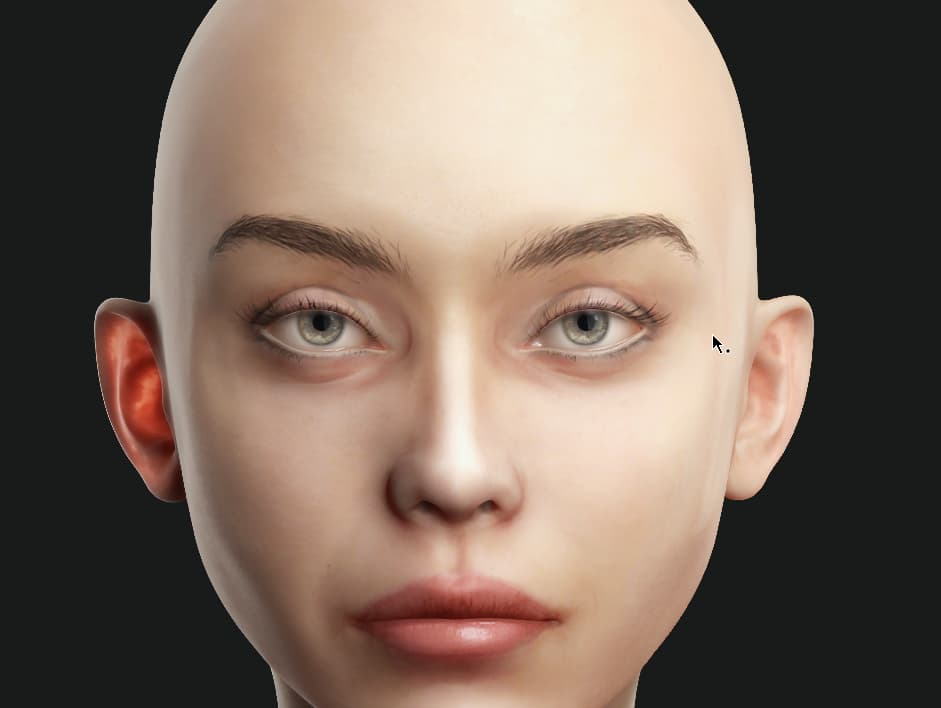
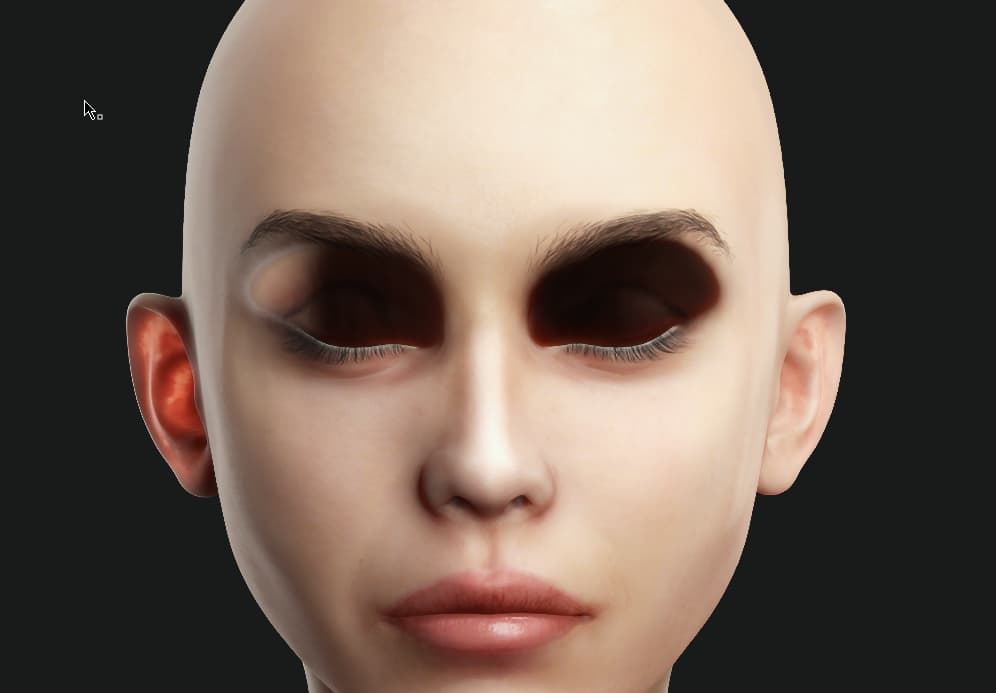
In CC5 there seems to be a bug that occurs when switching to the Makeup/Skin editor and then back. Whenever I do this, even if the character has no makeup applied the eyes area gets messed when switching to close eyes in the editor, like this …
I can’t reproduce the problem myself so can you share more details of your workflow up to this happening.
Also, is this issue only happening with the character shown in your screenshots or with all characters (HD & Standard CC3+) including the embedded characters that come with CC5?
I would also recommend checking your graphics drivers are up to date. Strange graphical issues are often down to outdated drivers.
I found the issue! I had to apply CC5 Facial Profile and Expression Wrinkles and the dark shadows disappeared. I noticed this after playing some facial animations and the whole face had dark shadows appearing all over it.
Also, is this issue only happening with the character shown in your screenshots or with all characters (HD & Standard CC3+) including the embedded characters that come with CC5?
I had this also appearing with the CC5 default Ariane character, where, when I closed her eyes some weird eye shadow apeared.