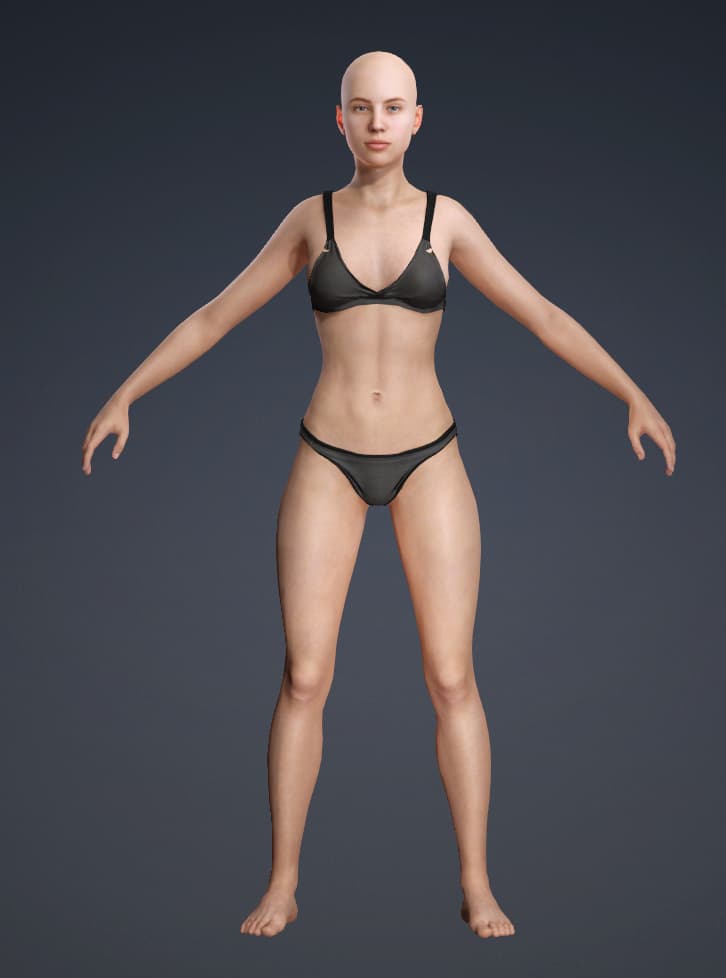
When exporting an animation from Character Creator to Marvelous Designer for clothing creation, how can the character’s pose be changed to this T-pose on the first frame?
Export either in OBJ format as “Character With Current Pose”
or FBX with “Current Pose” option and uncheck “First Frame Pose type option”
What I mean is that after export, the character should be in a T-pose as the first frame, and then the animation should start; but now after export the first frame is the first frame of the animation 
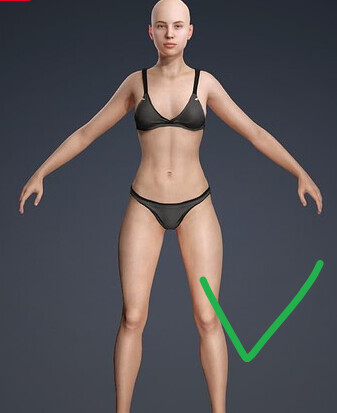
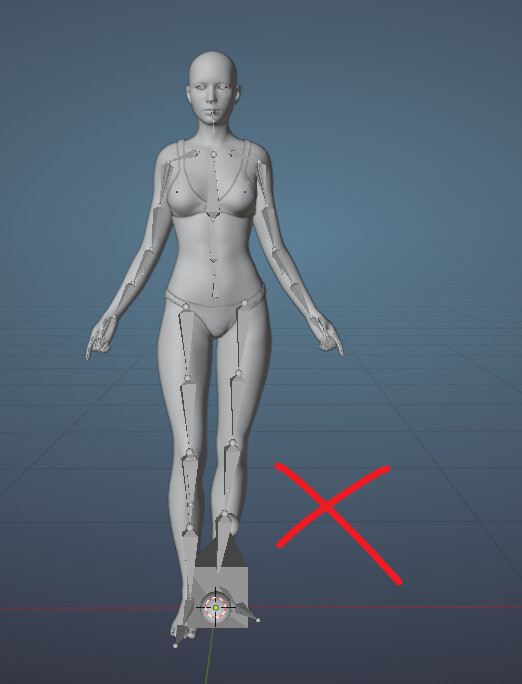
Ah, no. Not possible from CC. Beside you probably do not want to have an A pose only on frame 1 and then abrupt merge with animation started on frame 2 - not good for cloth simulation in MD animation mode (or any other software for that matter).
iClone or other software with animation editor (such as Blender) would require for that.
I usually make appropriate animation clips for MD in iClone, where I have a bind pose for about a second or two and then another couple of seconds for a smooth transition to main animation clip. This would produce a best outcome in MD when I need to have an alembic sim output for instance.
Thanks