Hello,
I want to put a decal on a shirt. I purchased and downloaded the CC esentials cloth and fabric pack. But I can’t find the menu for decals. Where is it located?
Thanks,
Tim Seifert
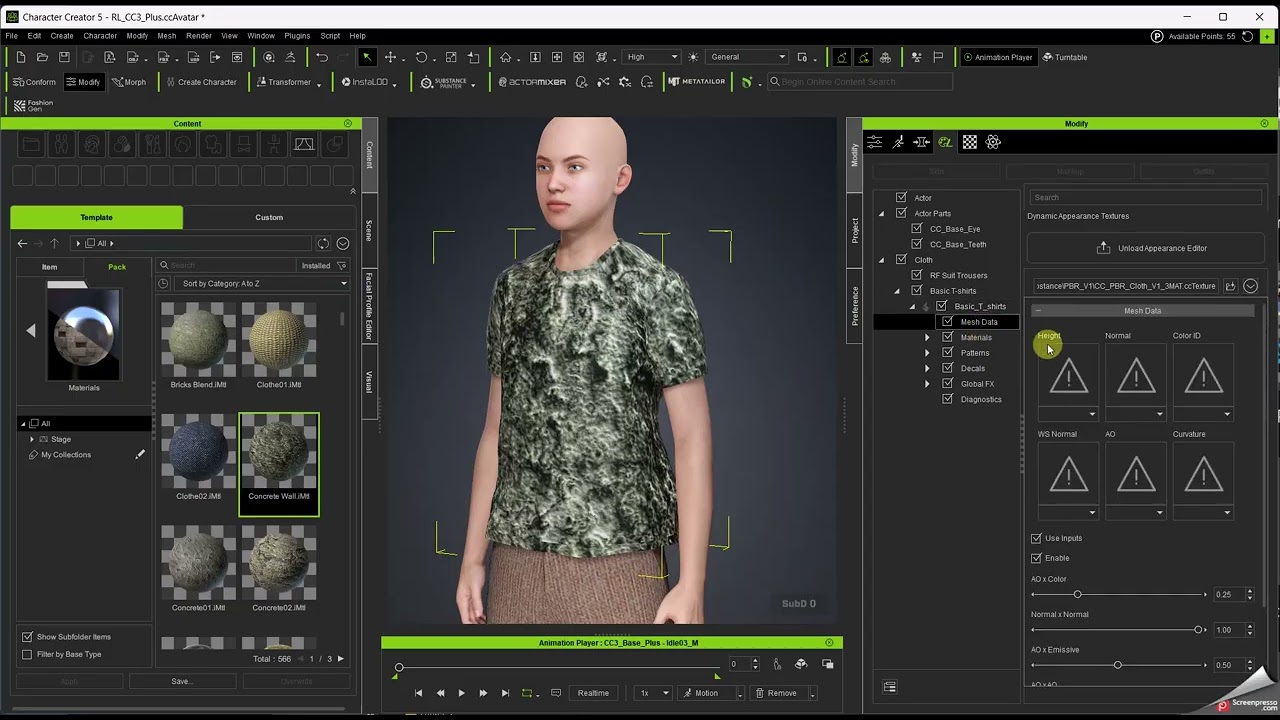
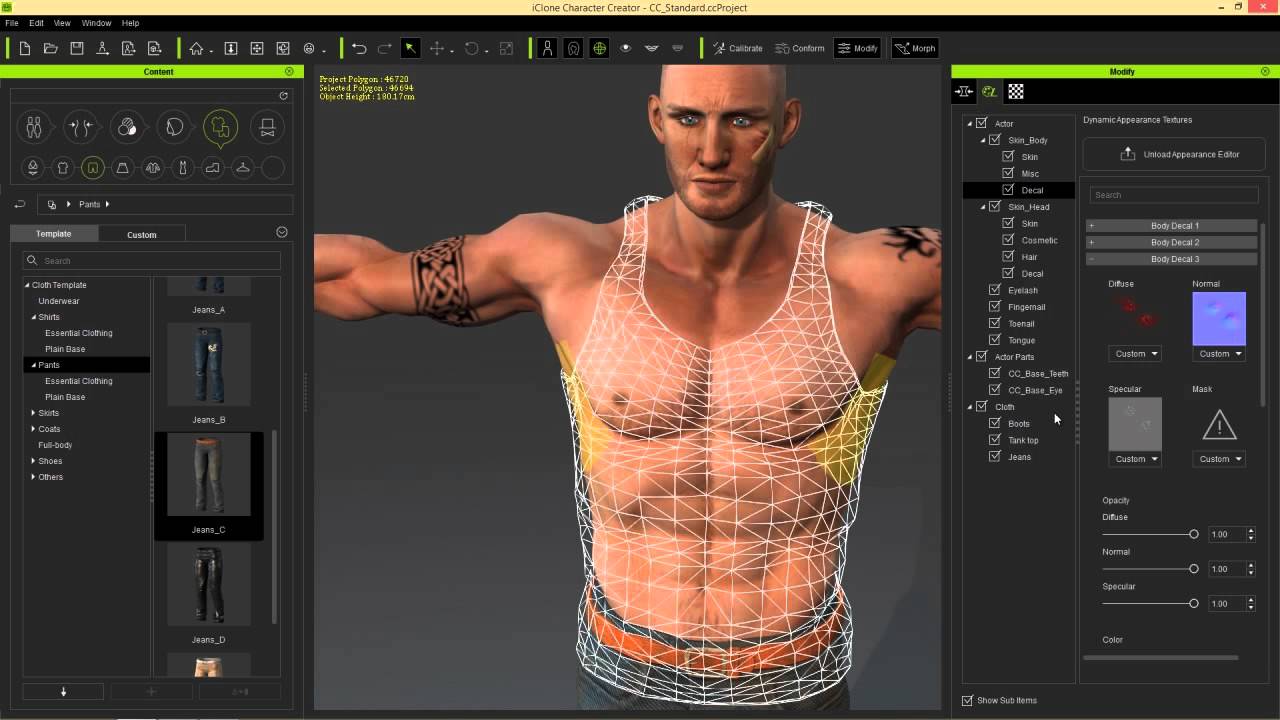
Select the appearance tab. Then select the clothing and click Activate Appearance Editor. Then expand the menu till you see the six substance characteristics (Mesh Data, Materials, Patterns, Decals, Global FX, Diagnostics).
2 Likes
Thanks for the post! I have a look when I get home after work.
Tim Seifert
Hello,
I followed the steps in the video, except that the decal option doesn’t appear in the menu. How can I check that it is installed?
Thanks,
TIm Seifert
Here try following the page from the manual.
It also shows how to load the substance options. If you are still having trouble finding the decals option post a screencap of the clothes and the panels.
Hi playtossandl675,
Here’s a tutorial showing how to enable Decal:
https://youtu.be/kdLWq5b2H-I
You can also try our new FashionGen feature, which makes it much easier to customize clothing textures:
https://courses.reallusion.com/home/character-creator/pipelines-and-render/fashiongen?v=installation-guide-for-fashiongen-|-character-creator-5-tutorial
Hope this helps! Let us know if you have any questions.
Hello,
Thanks for the reply. I followed the instructions in the manual and the video with no success. I have attached a screenshot, which I hope is relevant. Thanks,
Tim Seifert
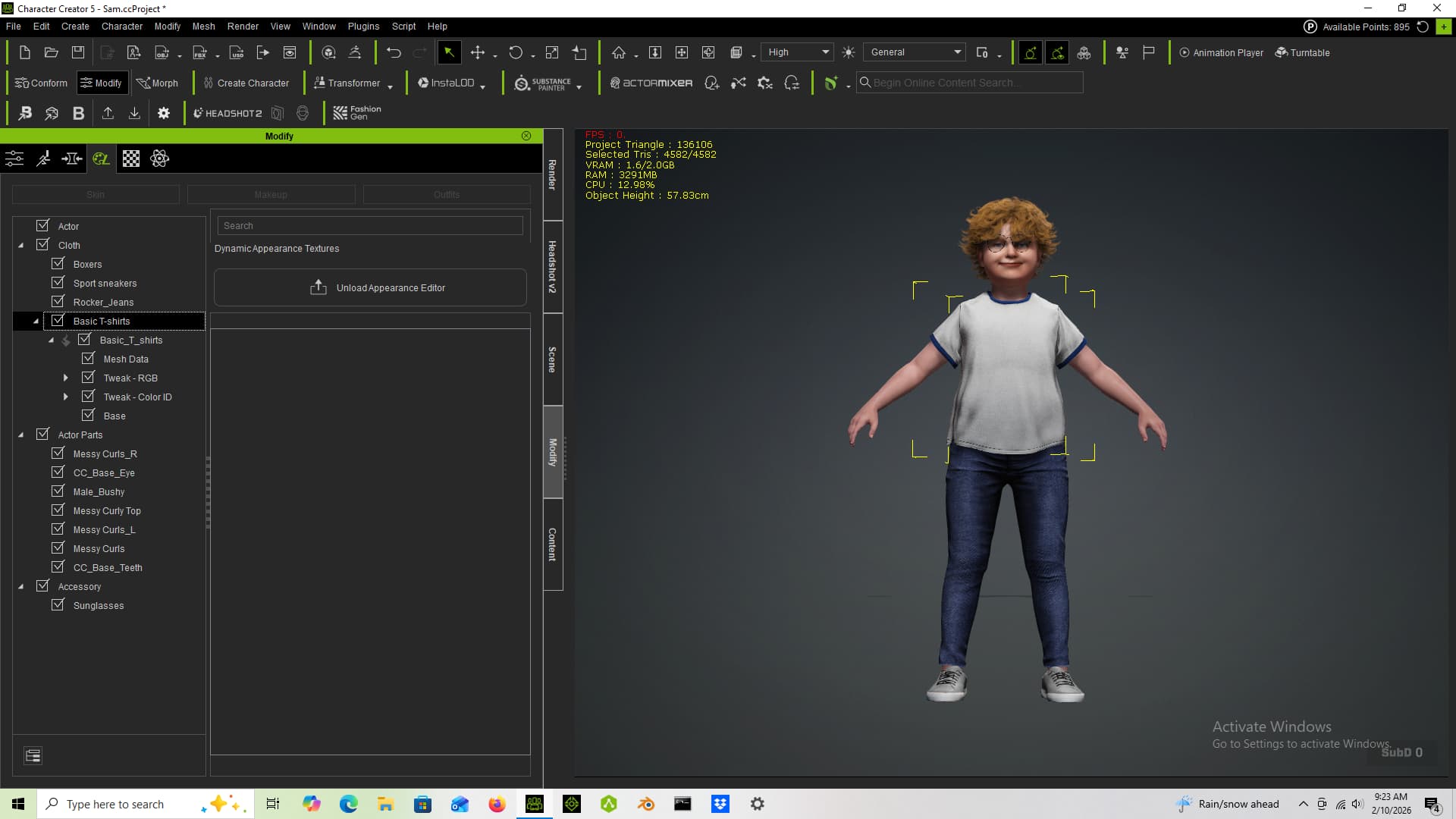
Newer types assets (such as one you have shown) have a built-in material modifier which for whatever reason cannot be replaced with 3/5/7 substance. That modifier needs to be stripped from cloth first. And the only way to strip it as I aware, is to use a Blender pipeline (send character with cloth to Blender and back right away). Then you may freely apply 3/5/7 substance and have all the features it provides.
You can actually just drop a new material onto your shirt from the material library. Then choose the Substance version you want. It will basically do a material reset and give you the proper Substance for editing.