Getting a conflict with the pipeline addon Blender 5.1.2, add-on v2.4.1 and CC/iC v2.4.0. I’ve updated CC4 and the add-on in Blender, don’t know how to resolve the issue?
It needs to be 2.4.1 on both sides.
Blender Plugin 2.4.1
When I apply Proportion Edit in Blender
and send it back to Character Creator 5,
I get an error with the hands.
Best regards, Robert

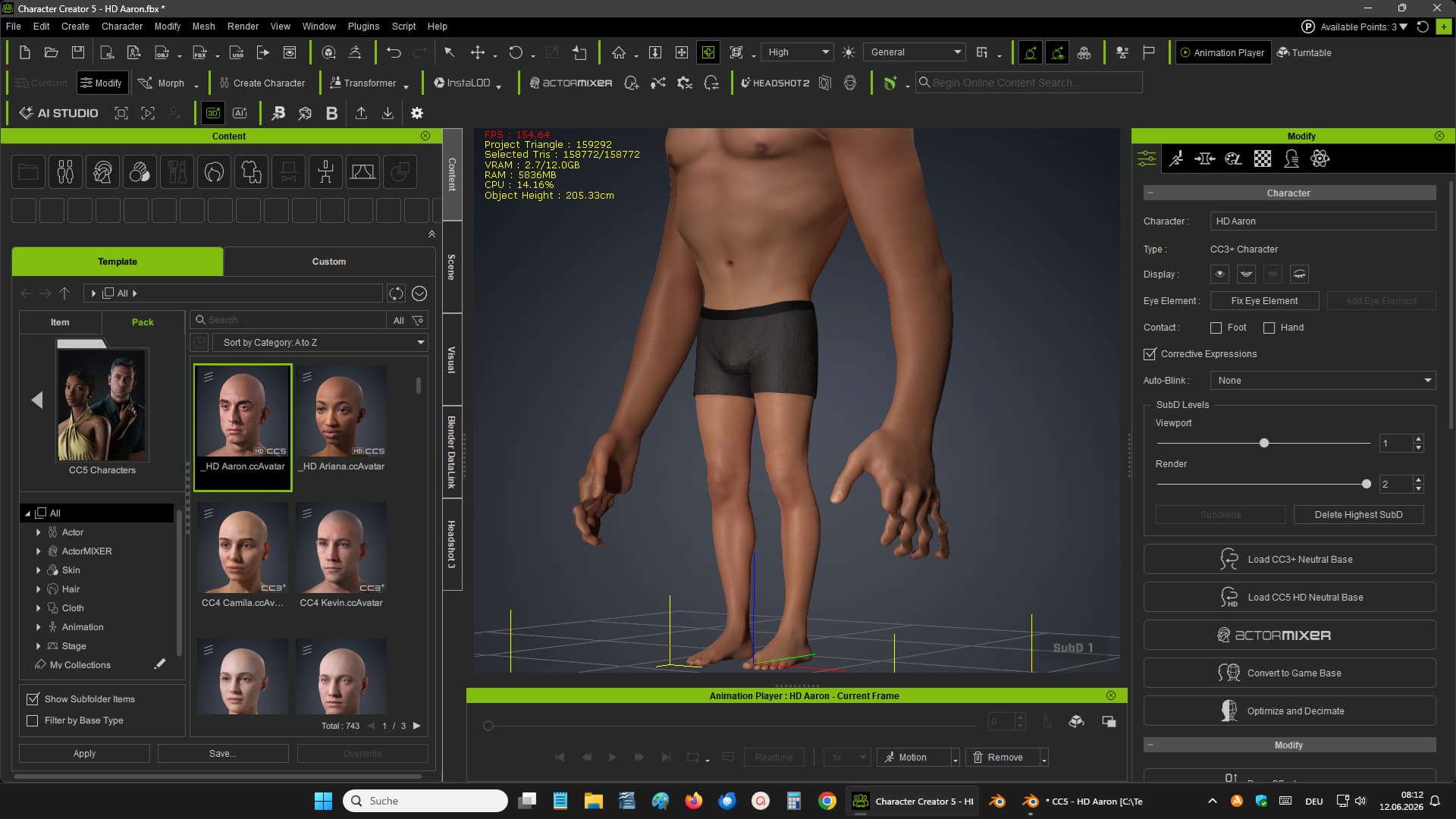
Confirmed. As there have been no changes to the proportion edit in the Blender add-on, this is something Character Creator is doing in the latest version.
As a work around: Instead of sending the character back via go-CC:
- In Blender
- Put the character armature in the Rest Pose.
- Use the Send Mesh function.
- Then in CC5:
- Go to Adjust Bones
- Auto Position Bones
The proportion edit function has always had a problem with the feet, when sending via Go-CC as the FBX key stores and overrides the toe positions, I think maybe it’s doing the same with the fingers now.
The Proportion Edit → Send Mesh, may be the new revised process for this. I can streamline this when the API function to auto-position the bones is added.
1 Like
Thank you very much, Victor
Blender 2.4.1 Plugin
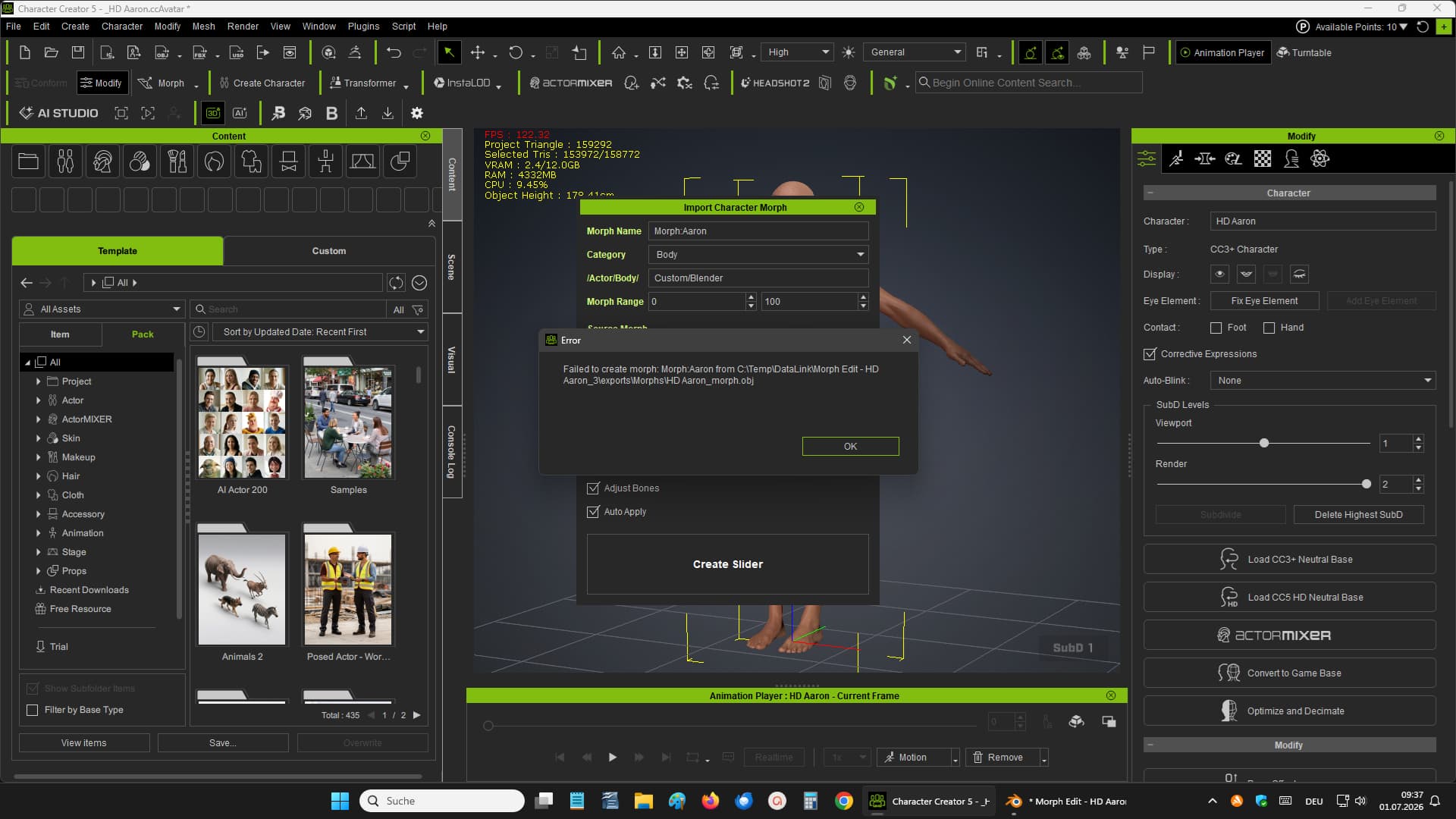
I sent a character CC5 to Blender using Go_B Morph.
When I try to send it back to adjust a morph slider, I get this error.
Greeting Robert
A couple of days ago I see that the plugin/addon has been updated to version 2.4.2. I installed the addon into Blender and the plugin into the OpenPlugin folder following the manual instructions outlined. I was sure to delete the older versions first before installing the update. CC5 plugin and the Blender addon versions match, however, the iClone8 plugin still indicates version 2.4.0 and I’ve tried multiple times uninstalling/reinstalling the plug-in there to no avail. Any workaround or some other fix for this issue?
I fixed the issue I was having with the iClone 8 version mismatch. There was another folder in the OpenPlugin directory called “Blender Pipeline Plugin”. Removing this folder and then copying over the updated plugin files corrected the issue. Thanks.