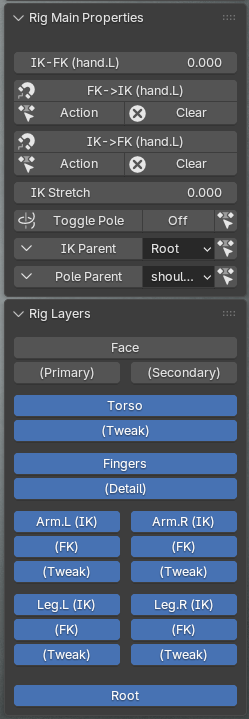
Hi there. I just noticed on the CC5 Blender auto setup, when I was working inside Blender the Rigify posing seems to have problems.
Basically if I open a previously saved file that was created in Blender 5, the pose has been cleared from the rigify (CC5) character, and it’s back in the default position A pose.
There is also a warning message that pops up when I open the file saying that a python script is causing an issue – and it lists the CC figure rig as the cause. Sorry I didn’t take a screengrab just yet.
This also happens when I open previous files that work fine when I open in Blender 4.5 (they open in the correct pose inside 4.5 but not in Blender 5.0).
I updated to Blender 5.0 this morning, and updated to the latest CC Link addon via the Blender preferences.
Is this a known issue, or perhaps just something I need to fix? Just wanted to let you know in case others have the same problem.
Thank you.