While working on animation projects, I usually end up collecting a lot of reference links — tutorials, motion samples, textures, lighting references, etc. Opening each link one by one becomes a bit distracting and breaks the workflow.
I’m curious how others here handle this. Do you organize everything in bookmarks, docs, or tabs? Recently I came across the idea of using a url bulk opener to open selected reference links together, especially during research or planning phases, and it felt like it could save some time if used carefully.
Would love to hear how professionals here manage multiple reference links while keeping focus on animation work. Any tools, browser extensions, or workflow tips you’d recommend?
This is a problem that I’ve had too, and I’m going to suggest my favorite (not perfect, but good) solution: Milanote.
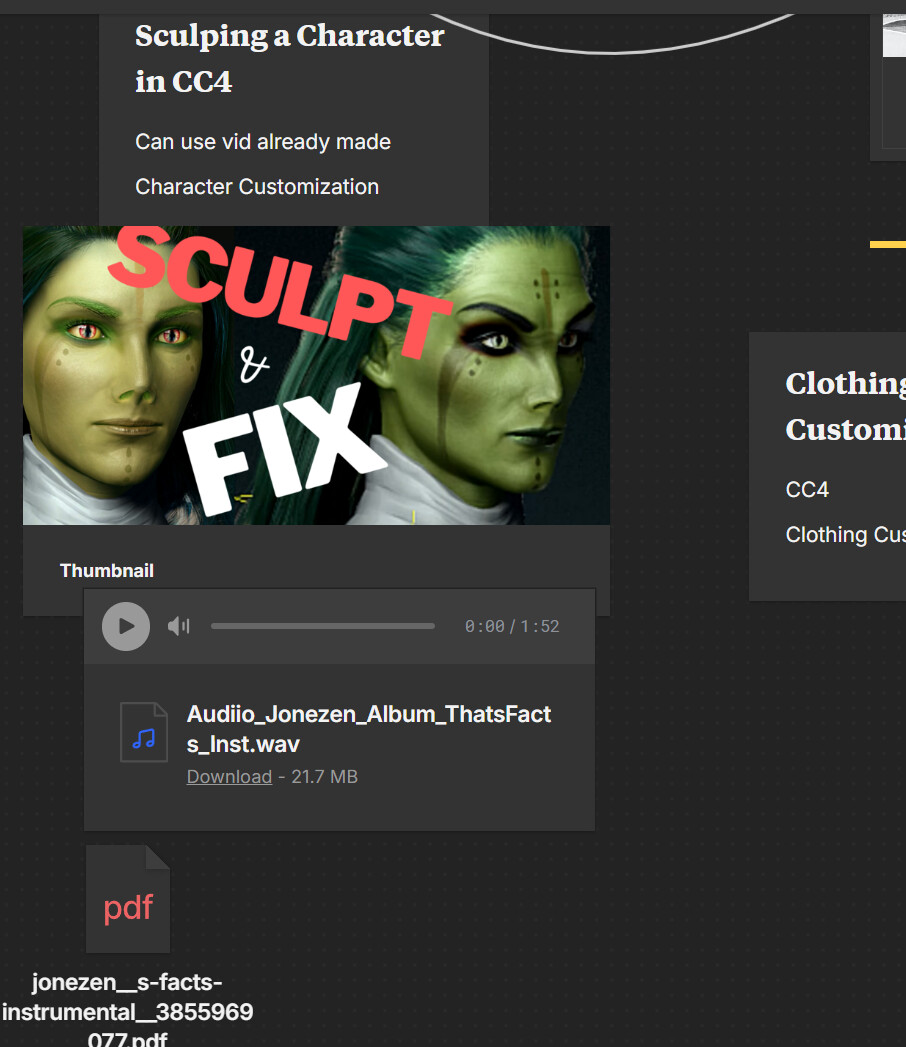
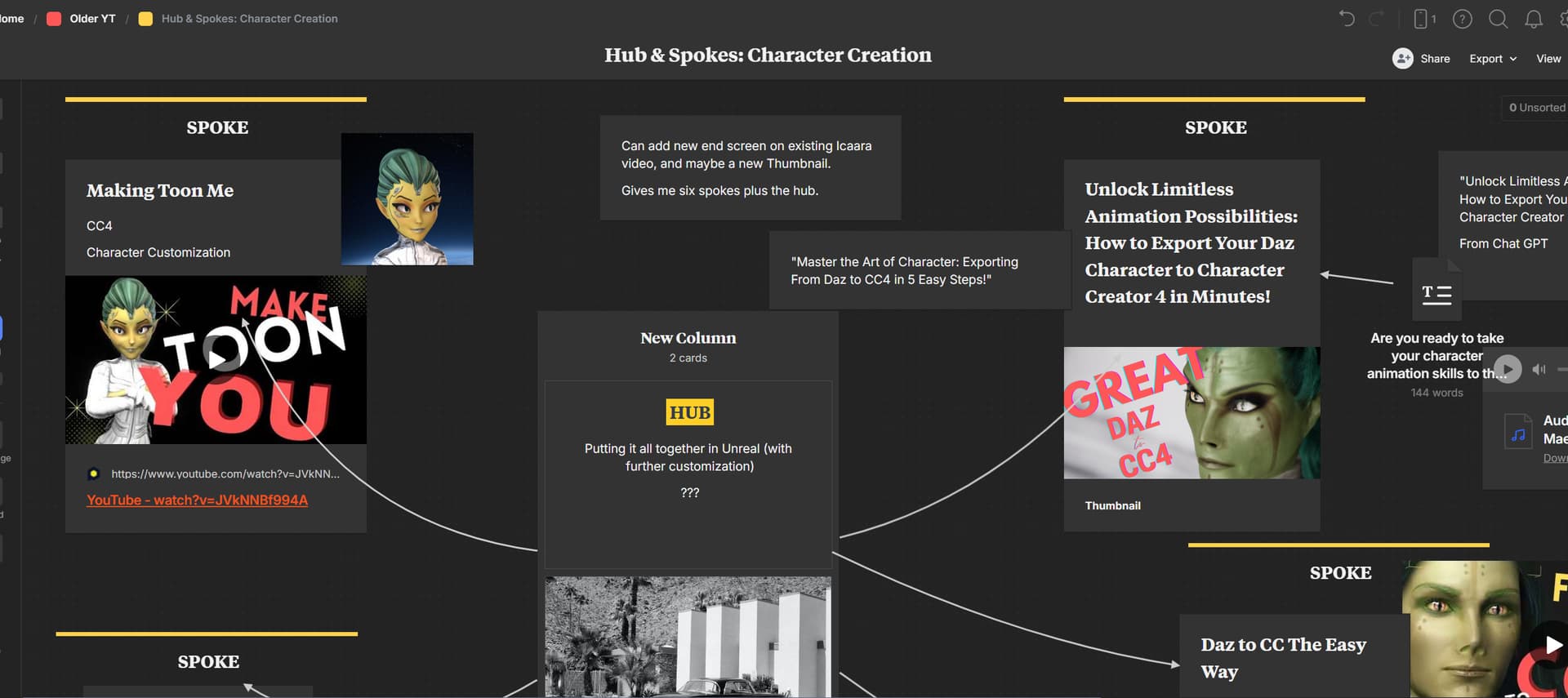
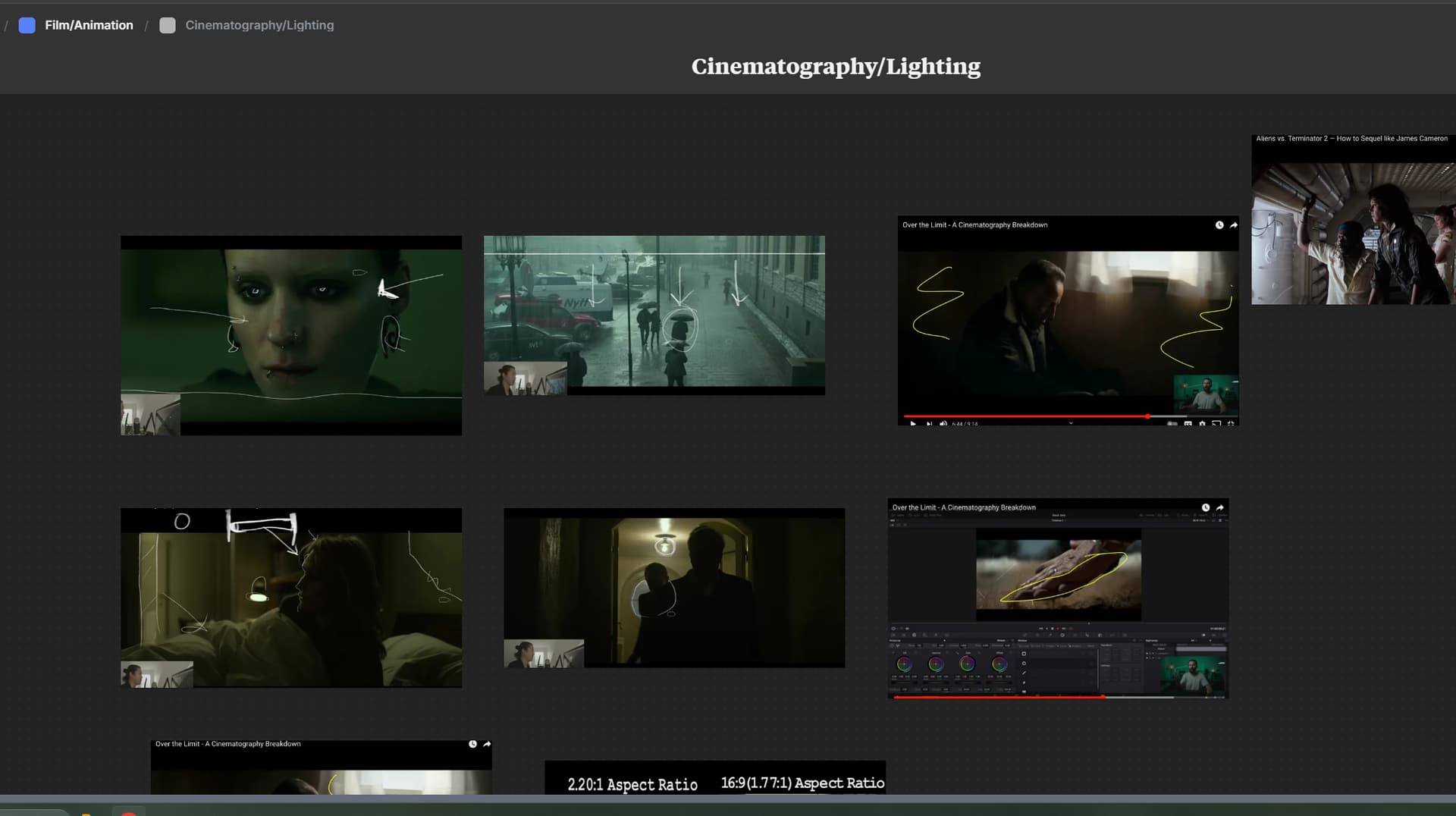
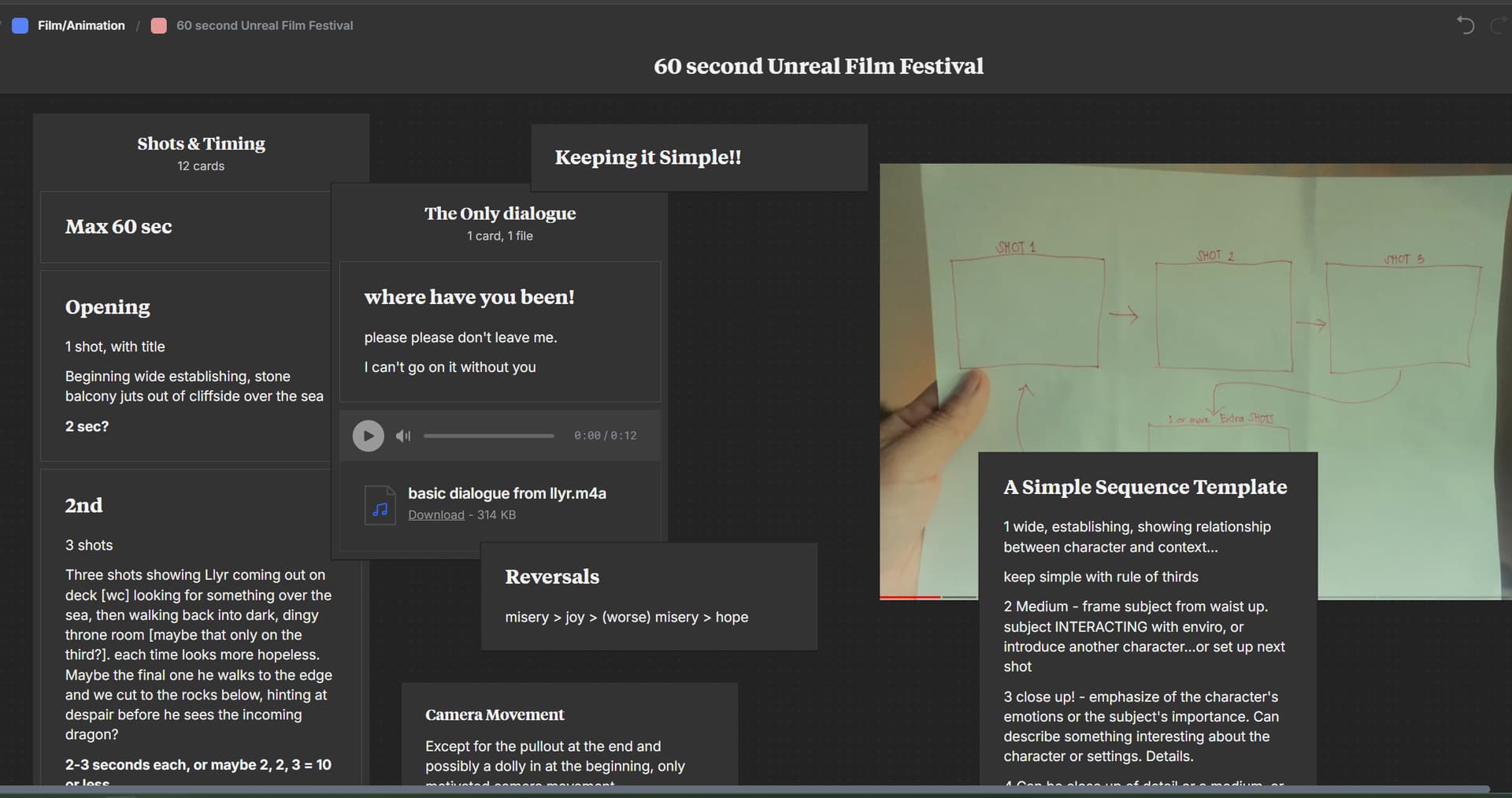
I use it to keep track of my YouTube stuff, because I can easily dump ref images, videos, receipts, song licenses, scripts, etc, there, as well as plan videos, with moodboards, templates, etc. You can even just draw, like for storyboarding. It’s really awesome software. It is a sub, not bad per year. And it’s platform agnostic, so I can plan on my Mac and open on my PC. The big drawback for me is with my ADHD, I forget it exists for months at a time (sigh). That’s not Milanote’s fault. That’s just my brain.
Not sure this is still applicable, but I have a copy of Office 2010 that included OneNote – I find it a great way to create tabs for various s/w titles that include S/N’s, images, links, tutorials, and my own notes all in one place.
There is also an iClone plugin called TaskNotes that let you keep all your notes about each project “inside” the project. Not sure if it will hold/launch hyperlinks though…