I believe it was debated a long time ago on old forum and I just want to bring it up again as a request (I will open an FT later on).
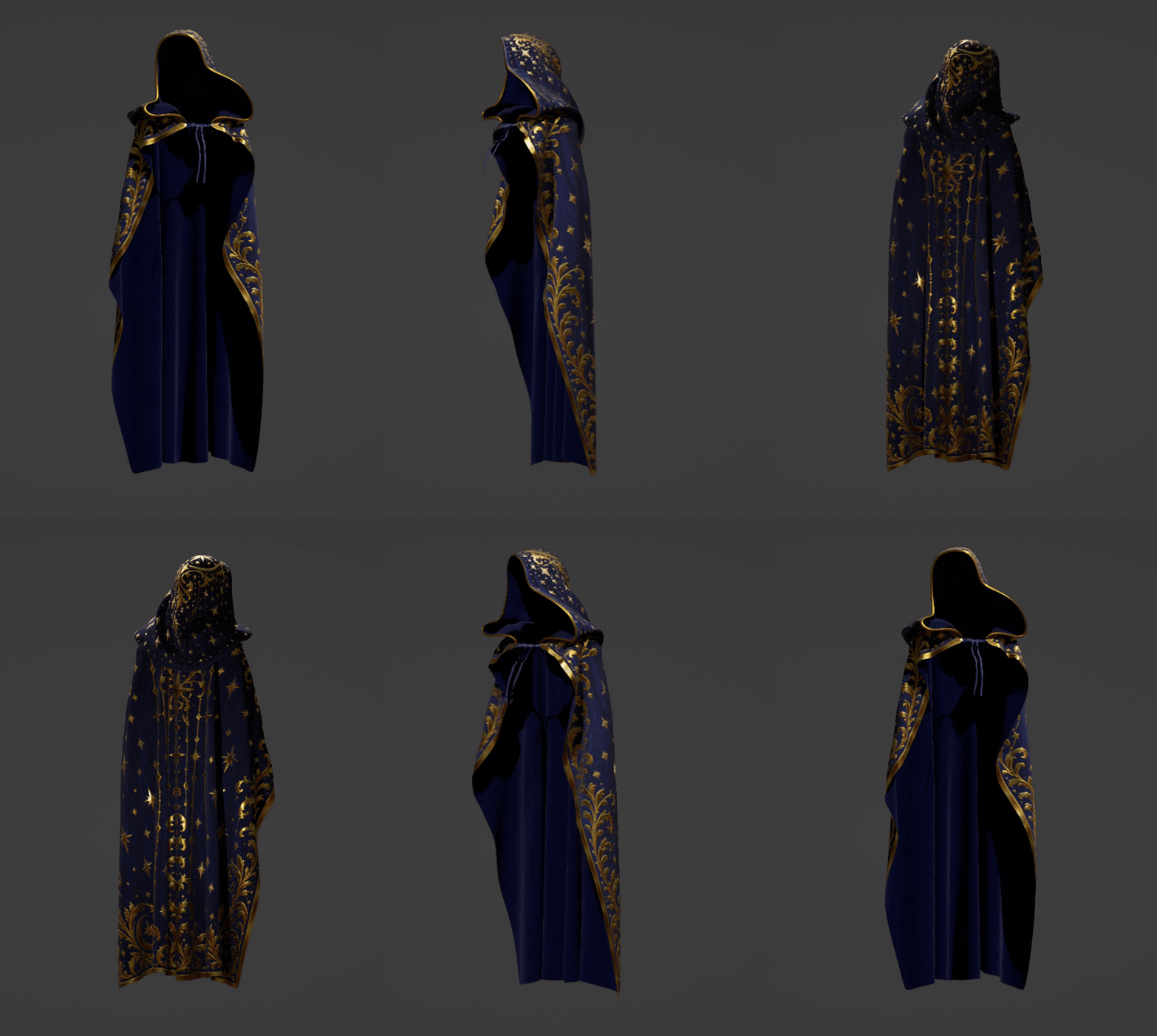
So basically we cannot achieve such a result in iClone:
It’s a thin mesh cloth simulated in Blender with soft physics.
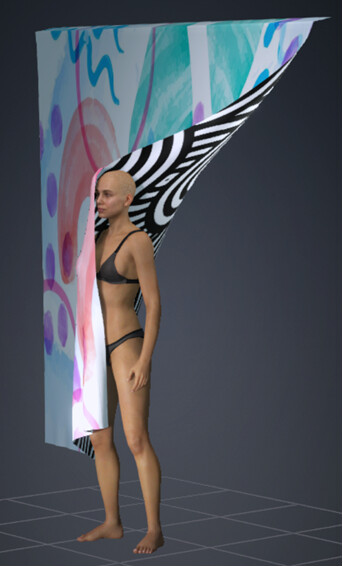
Cloth has different textures assigned for the front and back sides of the same mesh material.
The closest you can do in iClone, is to have 2 meshes (or double faces) in close proximity with unique material for each.
But then with cloth simulation a heavy intersection takes place between 2 meshes.
Improvements can be achieved by disabling “2 - sided” for both materials. Yet it still is not enough as depending on fold angles during simulation and angle of view, you may still see a back side of each mesh through the intersection.
And another major issue is double polygons count, degraded physics performance and complication with design, UV… etc.
Thus ideal solution would be allowing a separate texture assignment (possibly a special shader) for back faces of the same mesh like in most other 3D apps.
4u2ges. Do you know a way to create just duplicate faces in Blender, using the same verts? I only know basic duplicating which also duplicates the verts.
I am not aware Rampa (I know you refer to Lord Ashes). I have no idea how he made it and if it was made in Blender
Update… I know how it can be created.
You have a quad plane.
Select 3 vertices and hit F
Then select 3 opposite vertices and hit F again.
Now you have 4 vertices and 3 faces.
2 tris faces can be painted with one material and quad plane face with another.
Not sure how it will work on large scale and how stable it is and issues free.
I’ll see what I can kluge together. It has to be a single material and a single mesh to work with physics cloth. Of course an actual shader would be far superior.
Looks like there is no way to have 4 tris faces created for 4 vertices (only 3 as I tried) within UI.
But here is a Blender script which bypasses Blender safeguard and duplicates faces leaving vertices and edges intact.
import bpy
import bmesh

o = bpy.data.objects['Plane']

me = o.data
bm = bmesh.new()
bm.from_mesh(me)

for face in bm.faces[:]:
    face.copy(verts=False, edges=False)

bm.to_mesh(me)
bm.free()
It sort of works when assigning 2 materials - one for each side.
When importing into iClone (I did it with pipeline) only initially visible material must have 2-sided unchecked. After applying a weight map for each material I had to slide opacity for one material to 99 from a 100 (because it disappear for whatever reason).
Tested with basic physics and it looks OK - no extensive folding tests though.
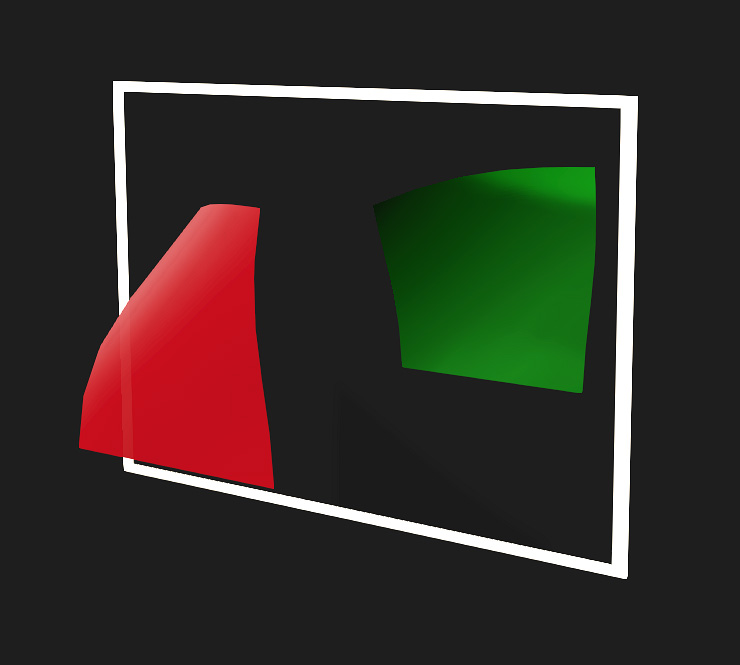
Reflection in the mirror:
But again, 2 materials with 2 physics maps and 2 sets of physics controls (although “Affect All Materials” allows to control both sets of physics controls from one panel).
And also it’s not a valid mesh to begin with (non-manifold), so expect unexpected. For instance when exporting to FBX or sending back to Blender with pipeline, extra faces are getting stripped and both materials apply randomly to the mesh:
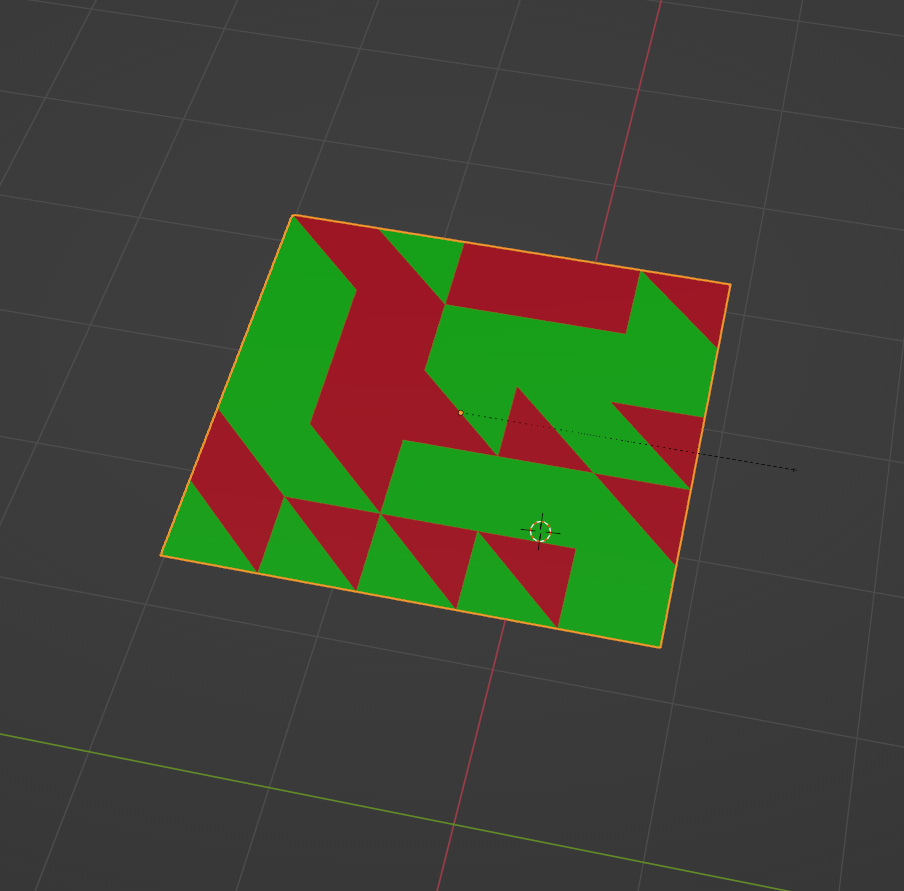
I was thinking to create the extra back-facing faces, then unwrap the mesh into a single UV. You would basically get the “front” island and the “back” island side-by-side, but in a single material. Then you just paint the texture map half one texture and half the other.
Yes, that looks good. Did you create faces in UI or with script?
I tried to work with existing cloth but it kind of unpredictable with normals and crash Blender constantly.
Better leave it alone and hope RL would come up with a shader
I was able to do it in UI, with several steps that finally worked. I started with a “plane” primitive to figure out the front back faces, then subdivided. I had to triangulate everything to get the subdivide face option to not crash. If anyone would like a video, I can make one. But it is not perfect, or efficient. LOL.
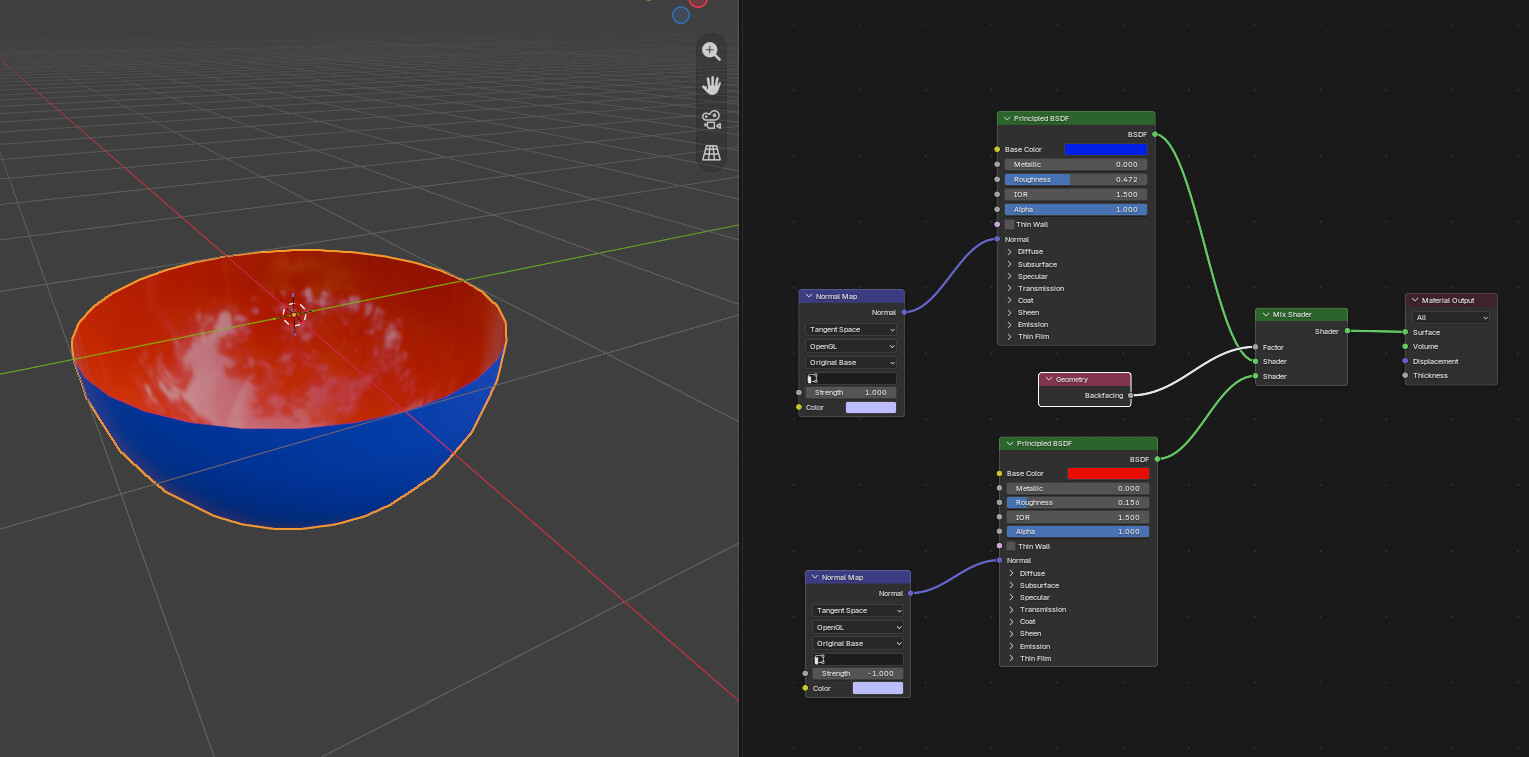
It can be done in Blender with a mix shader using the geometry>backfacing as a factor. Key thing is to reverse the normals on the backfacing shader so the lighting calculates correctly.
Edit: Actually, maybe you don’t have to reverse the normals. It would depend on the effect you wanted to achieve.
(Or you could use a single BSDF shader and mix each individual input by backfacing)
I was able to finally figure to use Fill to create back faces. But with script mesh can retain quads. Only needs to be subdivided first. But as you said - not efficient, specially for something that already been created and does not have a perfect mesh. Split normal are all over the place…
Yes, I know. That is what I made for the asset in my very first post
The problem is to bring that back to iClone, which has nothing native to support dual texture on thin mesh. That’s why I have opened a ticket (but with very little hope it will ever be implemented in iClone )
In the rest of the thread we were trying to figure the most efficient way to create backfaces with inverted normals so that 2 materials can be assigned (or as Rampa did with split UV over the same texture)



 )
)