Does anyone have or know of a script that could save iprojects in a batch.
I am making a camera setup to build Image Quilts for my looking glass display.
I have to create 48 unique camera views, for different angles of a scene.
As it is now…I would have to manually save each camera view, so 48 manual iprojects saves.
Anyway to automate this.
Thanks
LarryJ
You do know that you can have multiple cameras in a project, right? Assuming it’s a static scene, there are a couple different ways to do it using a single project (you still have to manually setup each camera shot…)
- Create 48 different cameras and use the camera switcher to step through each camera.
- Use one camera and change the camera location/shot for each frame for 48 frames
Either way you would want to render as .PNG image sequence
Hello larryjbiz,
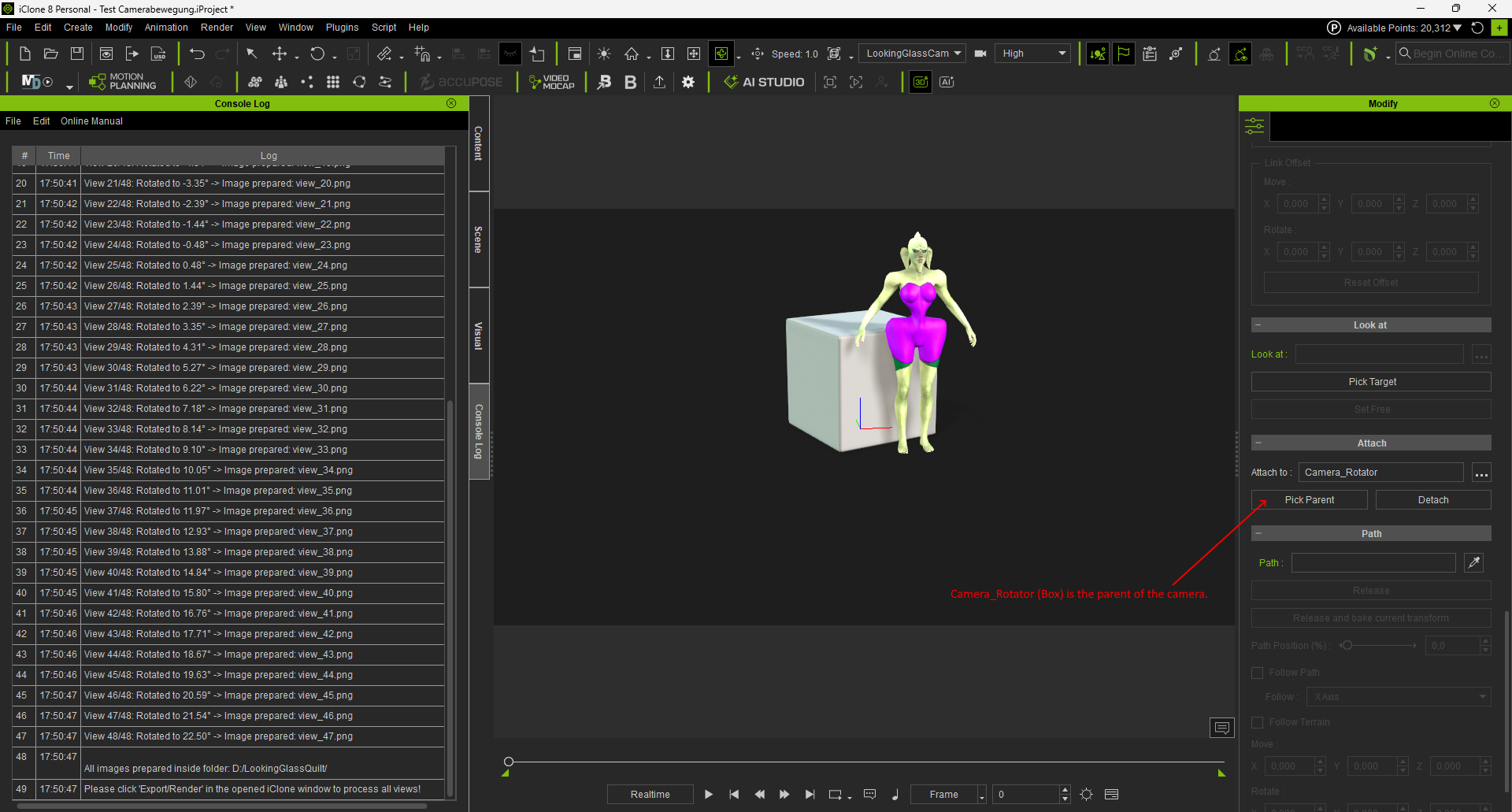
here’s how I tried to solve it: Place a box in the center of the scene, name it - Camera_Rotator, make it the parent of the camera, and set it to invisible. Load the script.
It rotates the Camera_Rotator by the desired number of degrees, which in turn rotates the camera. Then, an image is rendered to the OUTPUT_DIR.
You’ll need to adjust the output directory and the angles in the script. In the moment really 48 images are rendered.
import RLPy
import math
import os

# --- CONFIGURATION ---
NUM_VIEWS = 48                      # Number of camera angles for Looking Glass
FOVEA_ANGLE = 45.0                  # Total field of view (degrees)
TARGET_PROP_NAME = "Camera_Rotator" # Name of your invisible pivot prop in the center

# ENTER YOUR TARGET STORAGE FOLDER HERE:
OUTPUT_DIR = "D:/LookingGlassQuilt/"

rl_plugin_info = None
ap_version = RLPy.RApplication.GetProductVersion()[0]
if ap_version == 8:
    rl_plugin_info = {"ap": "iClone", "ap_version": "8.0"}

def transformro2(p, i, j, k):
    p_control = p.GetControl("Transform")
    time = RLPy.RGlobal.GetTime()
    p_db = p_control.GetDataBlock()
    p_db.SetData("Rotation/RotationX", time, RLPy.RVariant(i * RLPy.RMath.CONST_DEG_TO_RAD))
    p_db.SetData("Rotation/RotationY", time, RLPy.RVariant(j * RLPy.RMath.CONST_DEG_TO_RAD))
    p_db.SetData("Rotation/RotationZ", time, RLPy.RVariant(k * RLPy.RMath.CONST_DEG_TO_RAD))

def main():
    # Check if the output directory exists
    if not os.path.exists(OUTPUT_DIR):
        print(f"Error: OUTPUT_DIR does not exist. Execution stopped.")
        return

    # Grab the central rotator prop
    rotator_prop = RLPy.RScene.FindObject(RLPy.EObjectType_Prop, TARGET_PROP_NAME)

    if not rotator_prop:
        print(f"Error: Target prop '{TARGET_PROP_NAME}' not found!")
    else:
        # Calculate angular steps
        half_angle = FOVEA_ANGLE / 2.0
        start_angle = -half_angle
        end_angle = half_angle
        angle_step = (end_angle - start_angle) / (NUM_VIEWS - 1)

        # Loop through all views, rotate the parent prop and render
        for i in range(NUM_VIEWS):
            angle = start_angle + (i * angle_step)

            # 1. Rotate the central prop (which moves the attached camera)
            transformro2(rotator_prop, 0.0, 0.0, angle)

            # Force iClone to update the viewport transform
            RLPy.RGlobal.ObjectModified(rotator_prop, RLPy.EObjectModifiedType_Transform)

            # 2. Generate file names (view_00.png, view_01.png, etc.)
            file_name = f"view_{i:02d}.png"
            full_path = os.path.join(OUTPUT_DIR, file_name)

            # 3. Register image inside iClone's render engine
            RLPy.RGlobal.RenderImage(full_path)

            print(f"View {i+1}/{NUM_VIEWS}: Rotated to {angle:.2f}° -> Image prepared: {file_name}")

        print(f"\nAll images prepared inside folder: {OUTPUT_DIR}")
        print("Please click 'Export/Render' in the opened iClone window to process all views!")

main()
Have a good day
Tesira
Thanks…that’s nice…would probably work for my static images…but to create an animated quilt for looking glass…I have to capture the animation from the 48 cameras…and save them out as individual files to build the quilt.
Reallusion has a batch renderer for once the iprojects are saved …but right now I have to save each iprojects(48 camera angles) one at a time.
Your script for images is what I need for animations
Thanks again
Could script be used for animation? that rotating camera is just what I need for looking glass captures.
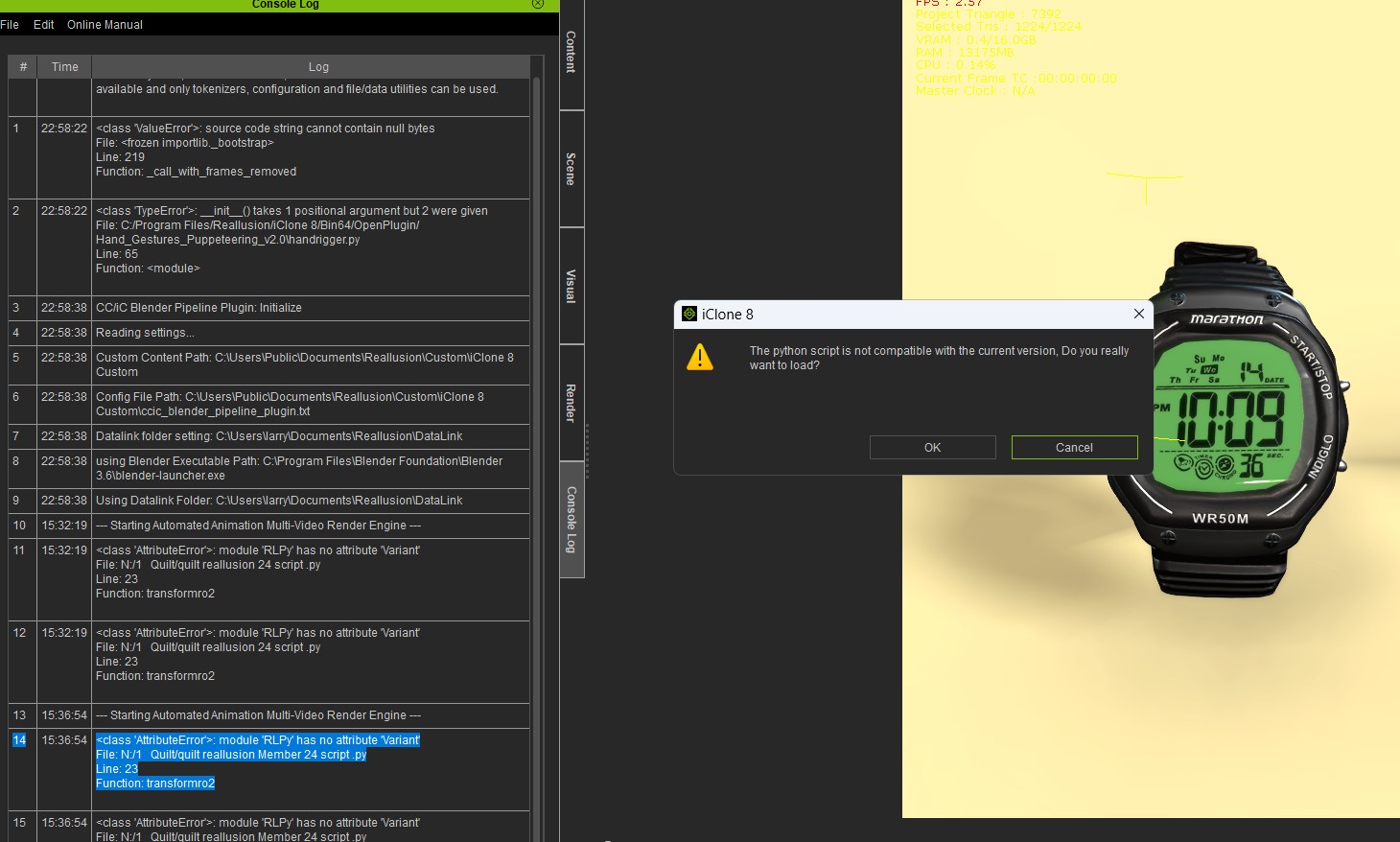
okay I got it…but if you do come with an idea or way to do the same thing for animation, let me know…I’m also working it on my side.
Thanks again.
hi larryjbiz,
for me this has worked - it takes now images in 30 frames steps and changes also the angle.
import RLPy
import math
import os

# --- CONFIGURATION ---
NUM_VIEWS = 48                      # Total number of unique views / images
FOVEA_ANGLE = 45.0                  # Total field of view (degrees)
TARGET_PROP_NAME = "Camera_Rotator" # Name of your invisible pivot prop

# TIME-SPLICE CONFIGURATION:
FRAME_STEP = 30                     # Advance the timeline by 10 frames after each shot

# ENTER YOUR TARGET STORAGE FOLDER HERE:
OUTPUT_DIR = "D:/LookingGlassQuilt/"


# --- iCLONE 8 COMPATIBILITY CHECK ---
rl_plugin_info = None
product_version = RLPy.RApplication.GetProductVersion()

# Tuple-Fix: product_version[0] zieht die '8' aus (8, 75, 5630)
if product_version and product_version[0] == 8:
    rl_plugin_info = {"ap": "iClone", "ap_version": "8.0"}


def transformro2(p, i, j, k, current_time):
    p_control = p.GetControl("Transform")
    p_db = p_control.GetDataBlock()
    p_db.SetData("Rotation/RotationX", current_time, RLPy.RVariant(i * RLPy.RMath.CONST_DEG_TO_RAD))
    p_db.SetData("Rotation/RotationY", current_time, RLPy.RVariant(j * RLPy.RMath.CONST_DEG_TO_RAD))
    p_db.SetData("Rotation/RotationZ", current_time, RLPy.RVariant(k * RLPy.RMath.CONST_DEG_TO_RAD))

def main():
    # --- iCLONE 8 COMPATIBILITY CHECK ---


    if not os.path.exists(OUTPUT_DIR):
        print(f"Error: OUTPUT_DIR does not exist. Execution stopped.")
        return

    rotator_prop = RLPy.RScene.FindObject(RLPy.EObjectType_Prop, TARGET_PROP_NAME)

    if not rotator_prop:
        print(f"Error: Target prop '{TARGET_PROP_NAME}' not found!")
        return

    # Calculate angular steps
    half_angle = FOVEA_ANGLE / 2.0
    start_angle = -half_angle
    end_angle = half_angle
    angle_step = (end_angle - start_angle) / (NUM_VIEWS - 1)

    # --- THE TIME-SPLICE LOOP ---
    for i in range(NUM_VIEWS):
        # 1. Calculate angle
        angle = start_angle + (i * angle_step)

        # 2. Calculate frame (0, 10, 20, 30...)
        current_frame = i * FRAME_STEP

        # --- FIX: Using your working RTime.FromValue logic ---
        # Convert the frame into ticks matching your iClone configuration
        # iClone standard uses 60 ticks per frame internally
        ticks = int(current_frame * 60)
        current_time = RLPy.RTime.FromValue(ticks)

        # Move iClone's timeline slider to the correct time
        RLPy.RGlobal.SetTime(current_time)

        # Apply the unique rotation at this exact point in time
        transformro2(rotator_prop, 0.0, 0.0, angle, current_time)

        # Force iClone to update the viewport transform
        RLPy.RGlobal.ObjectModified(rotator_prop, RLPy.EObjectModifiedType_Transform)

        # Generate file name
        file_name = f"view_{i:02d}_frame_{current_frame:04d}.png"
        full_path = os.path.join(OUTPUT_DIR, file_name)

        # Queue the image in iClone's render engine
        RLPy.RGlobal.RenderImage(full_path)

        print(f"Step {i+1}/{NUM_VIEWS} -> Frame {current_frame} (Ticks: {ticks}) | Angle: {angle:.2f}°")


    print("Render window maybe will open. Close it, your images are already saved.")

main()
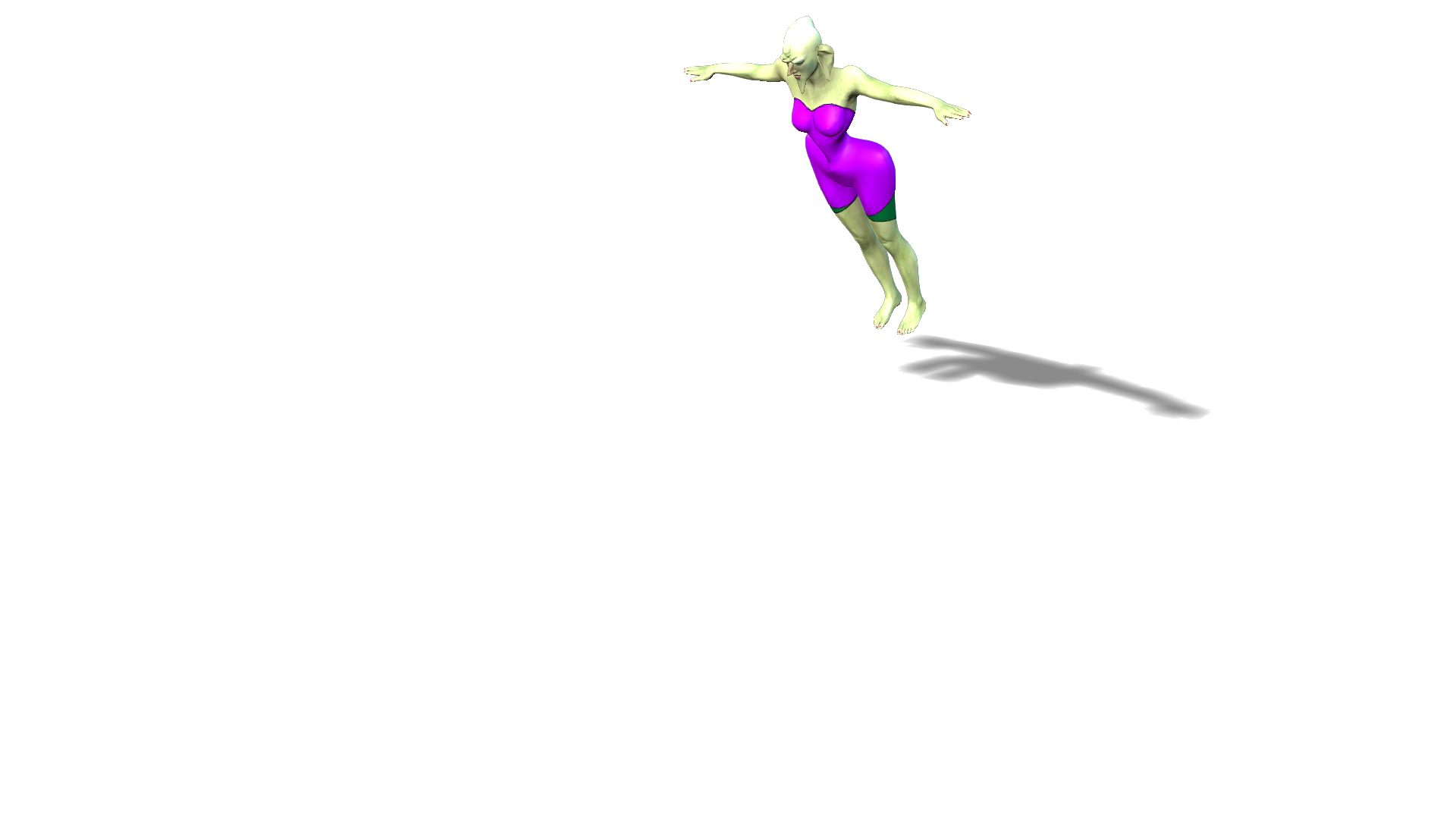
first image:

last image:
Have a nice day
Tesira
Thanks so much for taking the time…For you to go thru the trouble is appreciated
1 Like
Finally got a script created that will shift the camera 48 different views and automatically save out a video(MP4) for each view…then I can convert to looking Glass animated quilt…This is for the looking glass 16" Holographic landscape model… I’m going to be working on a script for the portrait model also…I may offer it up on the forum in case anyone has a unit and would like the script…Thank you… couldn’t have done it without your help.