Hi, I can’t get the plugin to load in 5.7.4. I’ve installed the 5.7 2.01 version into my project plugins folder and rebuilt my my project in VS 2022, but when I try to open my project I get the warning “The Following modules are missing or built with a different engine version: RLPlugin” It asks if I want to rebuild now, which if I agree to, fails to rebuild - and the plugin will not load.
Something I don’t understand is that when rebuilding in VS, I see no log info regarding recompiling the RLPlugin (although it does for other plugins I have in my plugins folder). I do have the RLPlugin set to enabled in my .uproject file, but perhaps I missing something else here? Are there clear instructions for adding this to a C++ project anywhere?
Hi,
Sorry for the late reply.
The build issue you’re encountering is likely because our plugin does not include the C++ source code. Since the plugin is distributed pre-compiled, the .cpp files are not provided in the package.
I assume you might be using a custom source build of Unreal Engine. If that is your setup and you need a way to get it working, please reach out to our customer support team, and they will be happy to assist you further.
Thanks!
Hi Alan,
No I’m not using a source build, just a c++ project with UE from Epic launcher. I did manage to solve this by adding the plugin to a Blueprint only project, opening that project and then copying the plugin from there to my c++ project.
1 Like
Ah, I see.
Thanks for sharing the workaround!
I am facing the exact same problem, but the same solution didn’t work for me!
Using UE 5.7.4 version.
For the Unreal Blueprint projects it works fine, but for C++ projects when i complies i get the same warning “The Following modules are missing or built with a different engine version: RLPlugin”.
If i open the project form .uproject then it opens fine, but when i compile form C++ it does not open and give the same warning.
For now I found a workaround for compilation like first set the RLPlugin to false in C++ and then compile it and if have to use plugin then i have to set it true and open the project form .uproject.
It’s not the peramanent fix, please look into this issue.
One more thing sometime i was able to compile the project form C++ with plugin set to true, IDK how but most of the time I was getting the same error.
Yes, a permanent fix for this would be good to have.
Hi,
Loading it in as a engine plugin instead of a project plugin will work without issue.
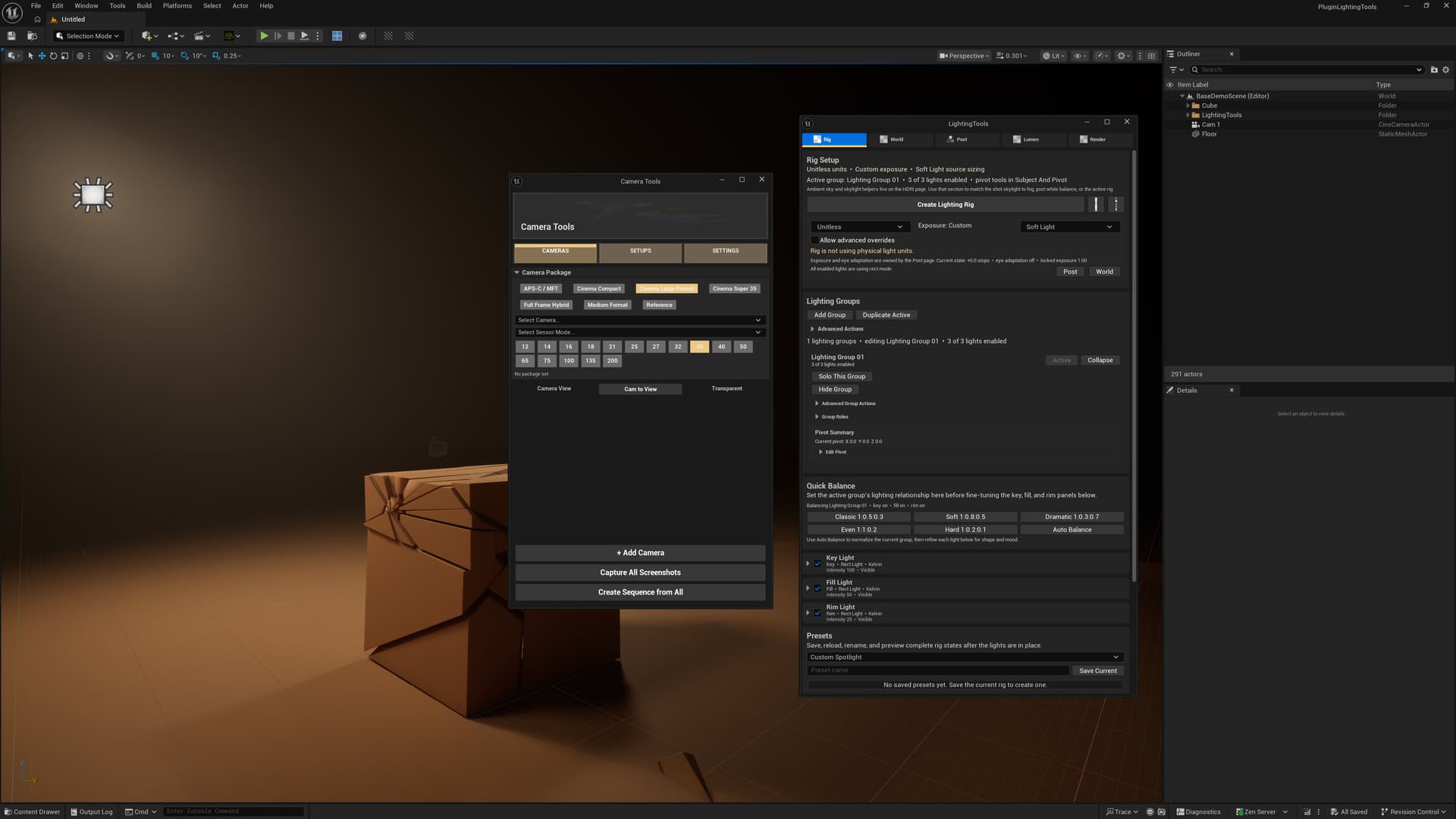
Here is my C++ project where I am developing two UE plugins, you can clearly see the RLPlugin icon in the bar.
1 Like