Unity Auto setup Version 2.2.3 is now released! (Release Date: 2026-02-12)
Starting from this release, users can download the Unity Pipeline Plugin directly via Reallusion Hub, as well as access Unity Auto Setup from the official website. This update also includes multiple bug fixes and stability improvements to ensure a smoother and more reliable Character Creator to Unity workflow. Be sure to update to enjoy the latest enhancements!
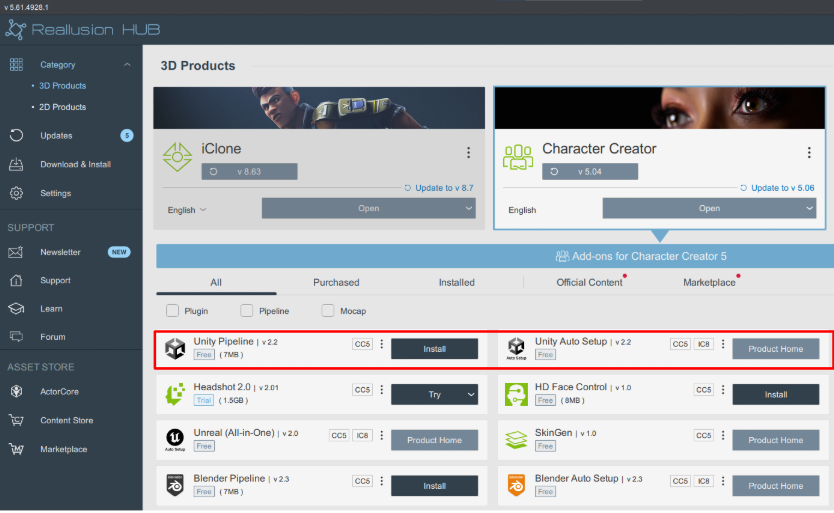
Unity Pipeline Plugin in CC/iC
Version 2.2.3 (Release Date: 2026-02-12)
Added:
- Add a Frame Rate option when exporting.
- Support Camera Switch data during export.
- Support re-linking in DataLink.
Enhanced:
- Allow exporting motion without requiring the character to be present in the Unity scene.
Fixed:
- Fix to iClone 8.7 accessory Skeleton Component bug.
- Fix to Sync view frame calculation at fps other than 60.
Unity Auto Setup in Unity
For Unity 2021.3 - Unity 6.3 (6000.3)
Added:
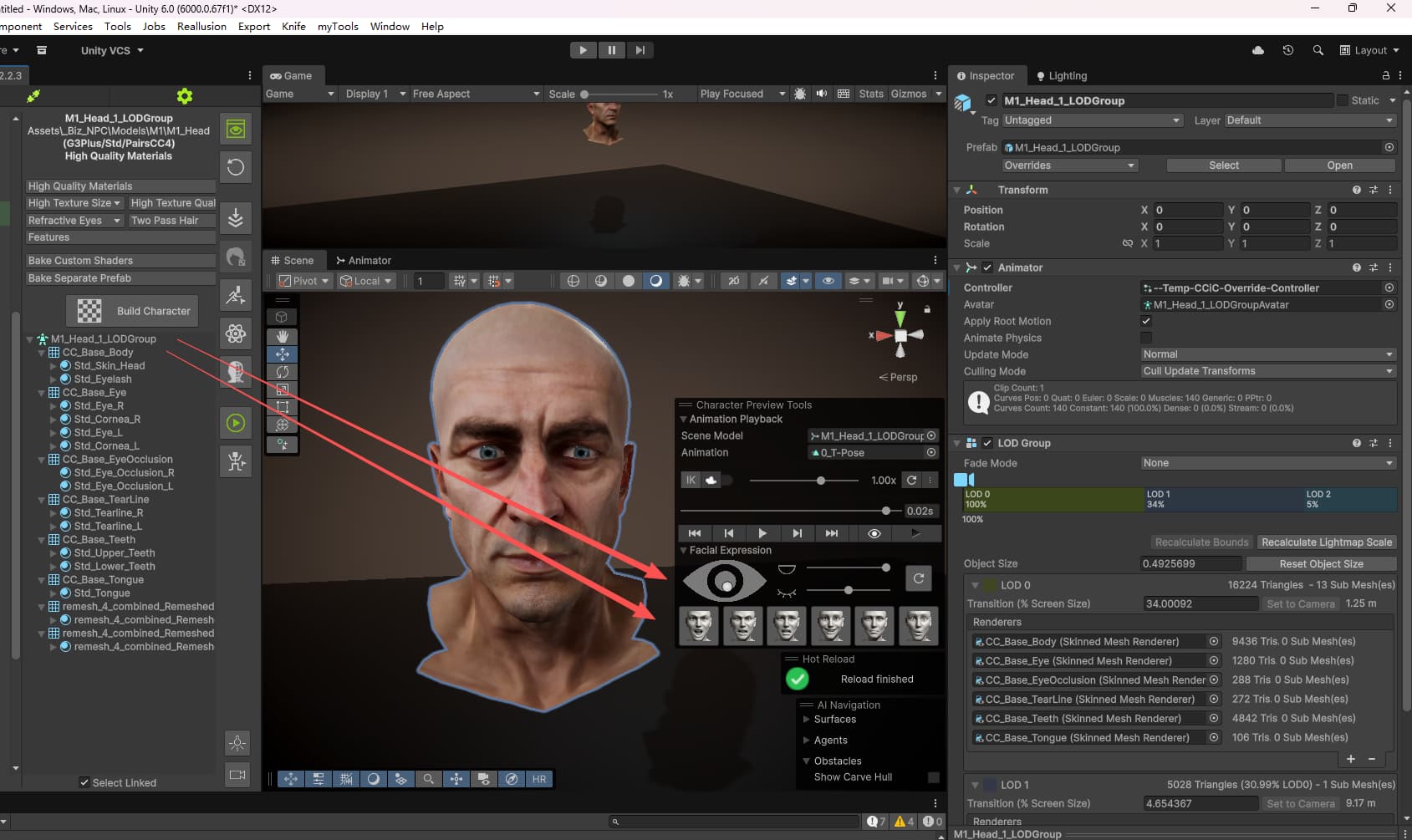
- Support CC5 HD Facial Profile in Animation Player.
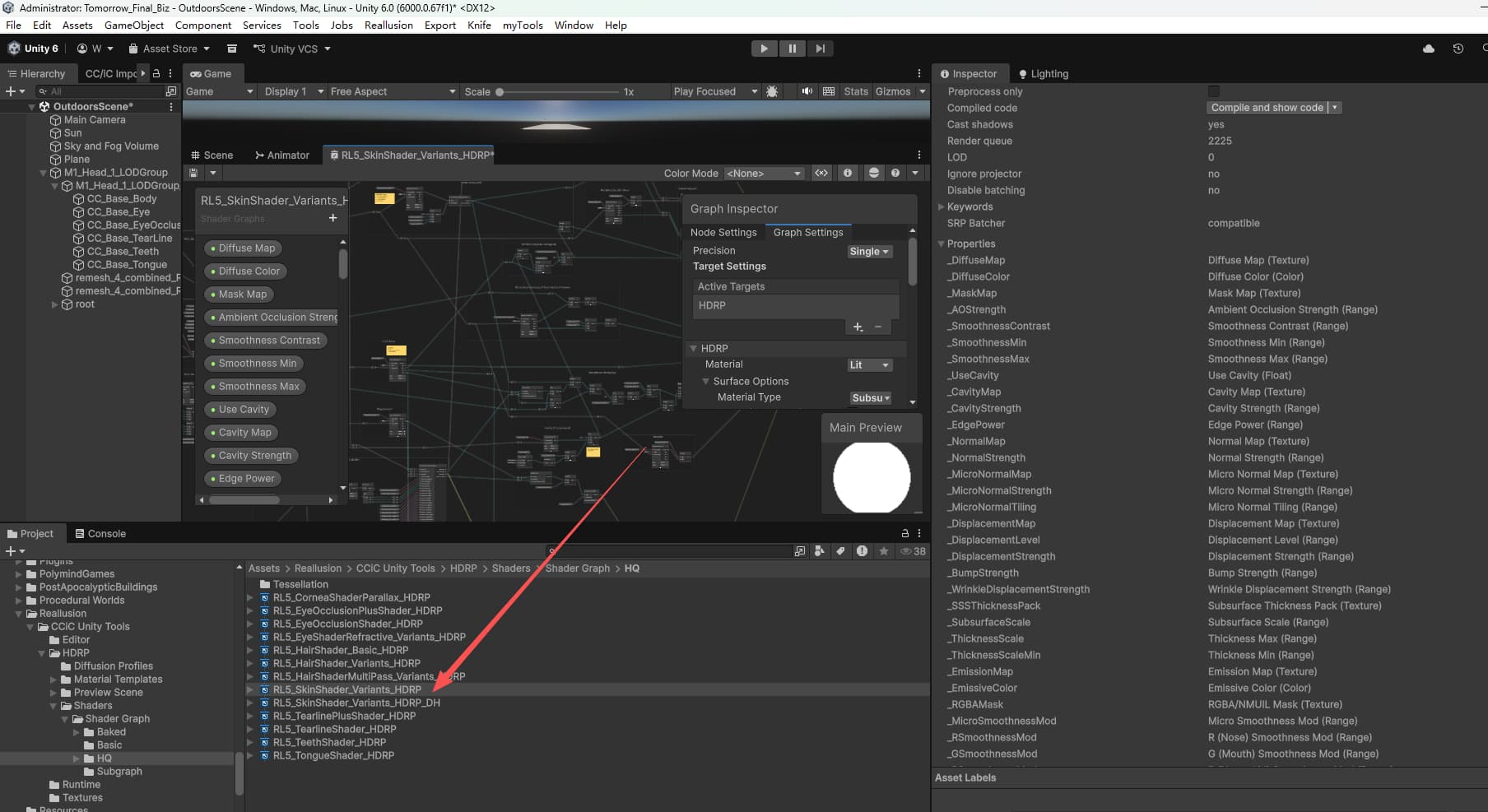
- A Wrinkle Displacement option to character build features.
Enhanced:
- The eye shader result has been adjusted to better match CC/iC eyes.
- Aligned facial animation results with IC/CC.
- Improved opacity detection for hair, eyebrows, and beards.
Fixed:
- When a CC5 HD character closes its eyes, the upper eyelid normal appears incorrect.
- After importing facial animation from IC/CC, the character’s beard does not follow the motion.
- If the character has HD eyelashes, the default body eyelashes are not automatically hidden.