Thanks! I got it working now.
I looked at the docs at Animation — CC/iC Blender Tools 1.3.8 documentation
But it seems this focuses more on a CC → Blender workflow.
I have my own custom character rigged in Blender with Rigify, that I want to import into CC, so I can use it with iClone. But when I export my character with the Blender tools, and import it into CC, I am unable to apply any animation to it.
When I go to the characterize window it just shows me this…
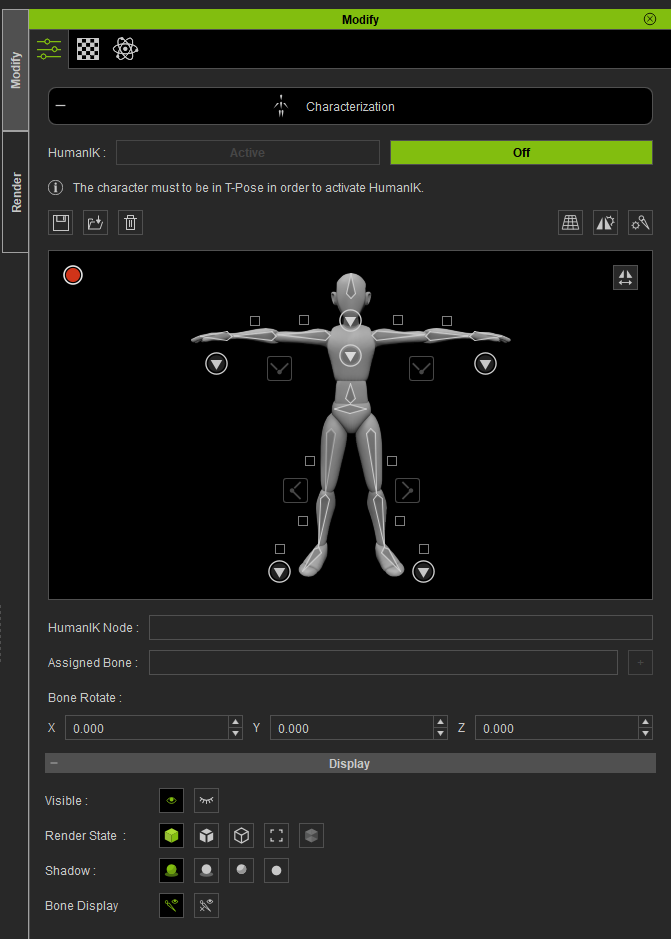
Is it even possible to import a custom rigged character from Blender back into CC?
Thanks