Hello Reallusion Support Team,
We are currently using iClone for character animation, and all our characters are created in Character Creator 5 (CC5).
We are experiencing an issue when transferring our animated characters from iClone to Blender.
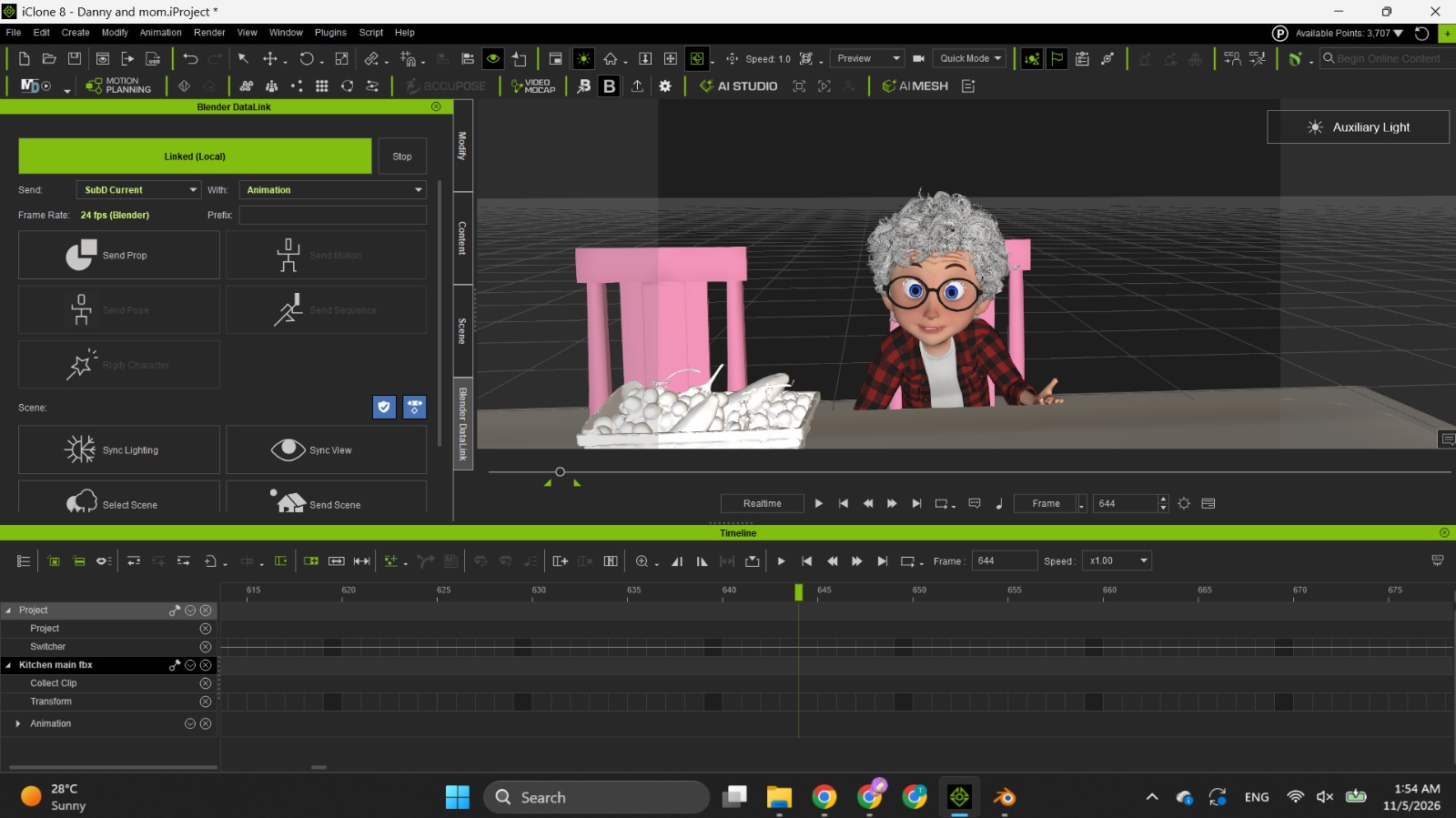
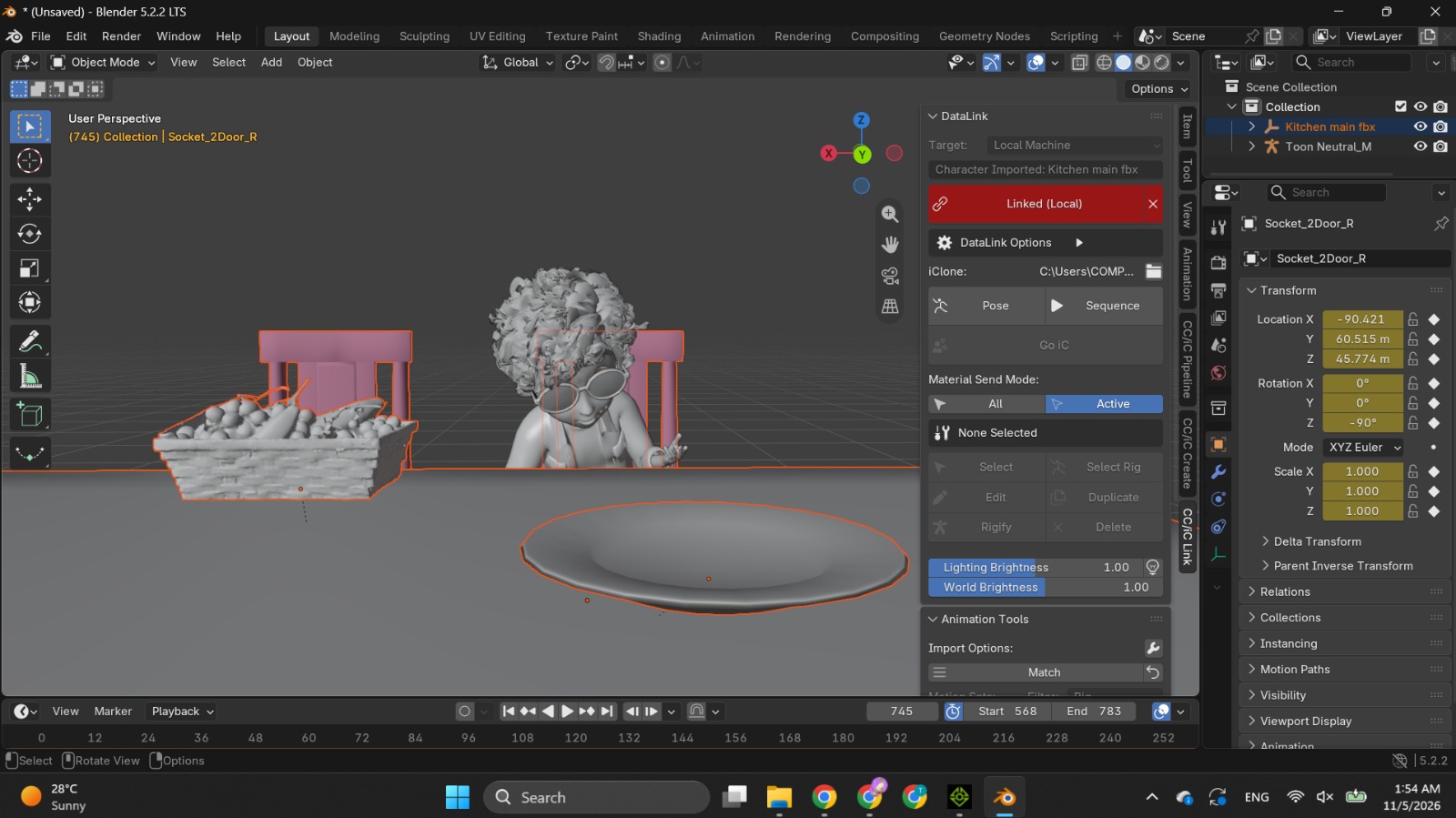
The animation and character movements look perfectly fine inside iClone. However, once we import the characters and their animations into Blender with the help of blender pipeline , we notice significant distortions and inconsistencies, particularly in the head movements and body poses. The head movements do not match the original animation in iClone, and some body poses also appear incorrect.
I have attached screenshots showing the differences and the issues we are experiencing.
Could you please help us understand why this is happening? Specifically:
- Why are the head movements and body poses changing when transferring animations from iClone to Blender?
- Could this be related to the FBX export settings, bone hierarchy, facial animation data, or any compatibility issue between iClone and Blender?
- What would be the recommended workflow or settings to ensure that animations are transferred from iClone to Blender without any changes or distortions?
We would really appreciate your technical guidance on this matter.
If you need any additional information, project files, export settings, or sample animations to investigate the issue further, please let me know, and I will be happy to provide them.