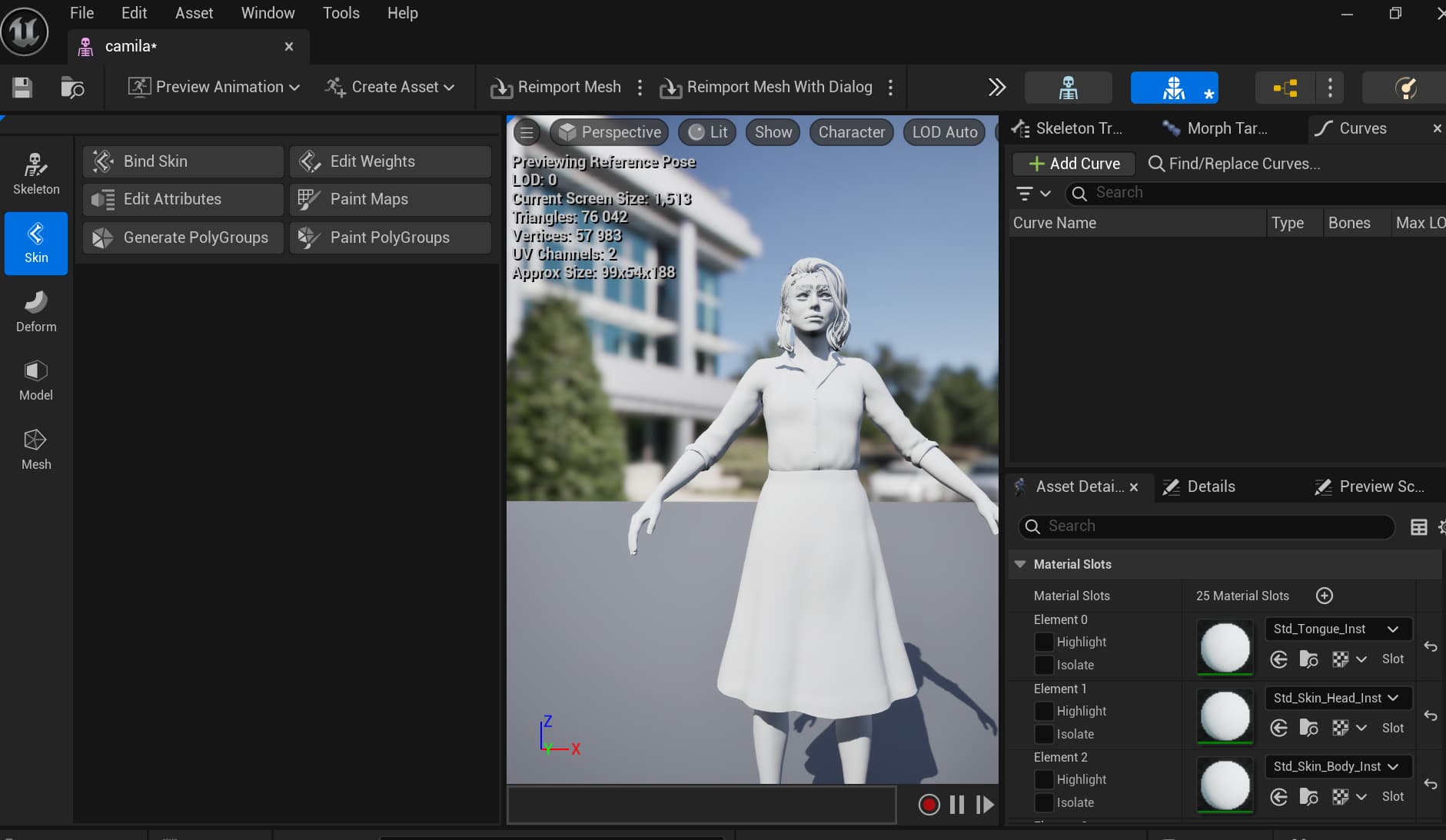
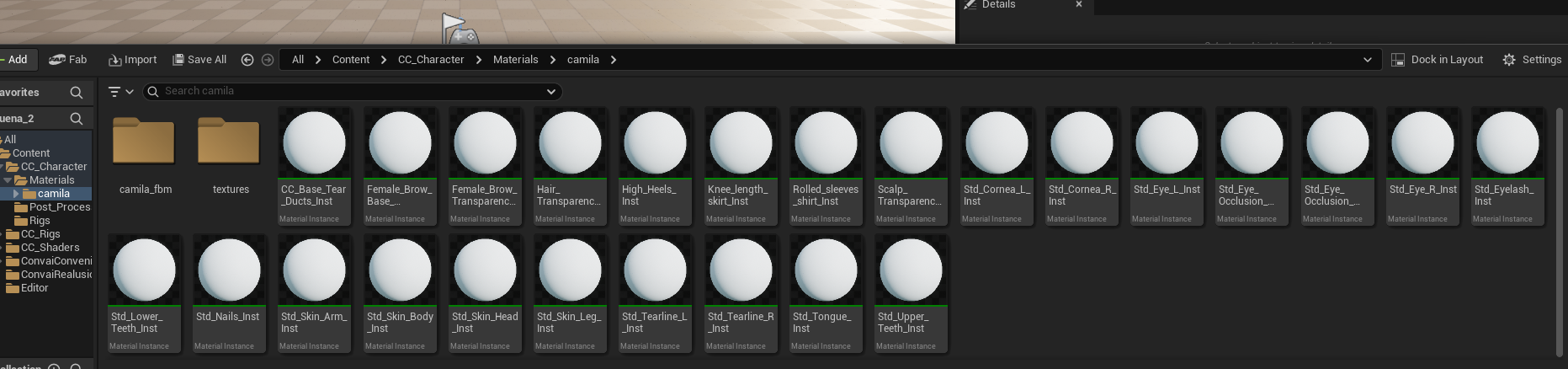
I’m trying to import my avatar created in Reallusion’s Character Creator using the All in One Auto Setup for UE5.5.4, and this process always results in a crashed.
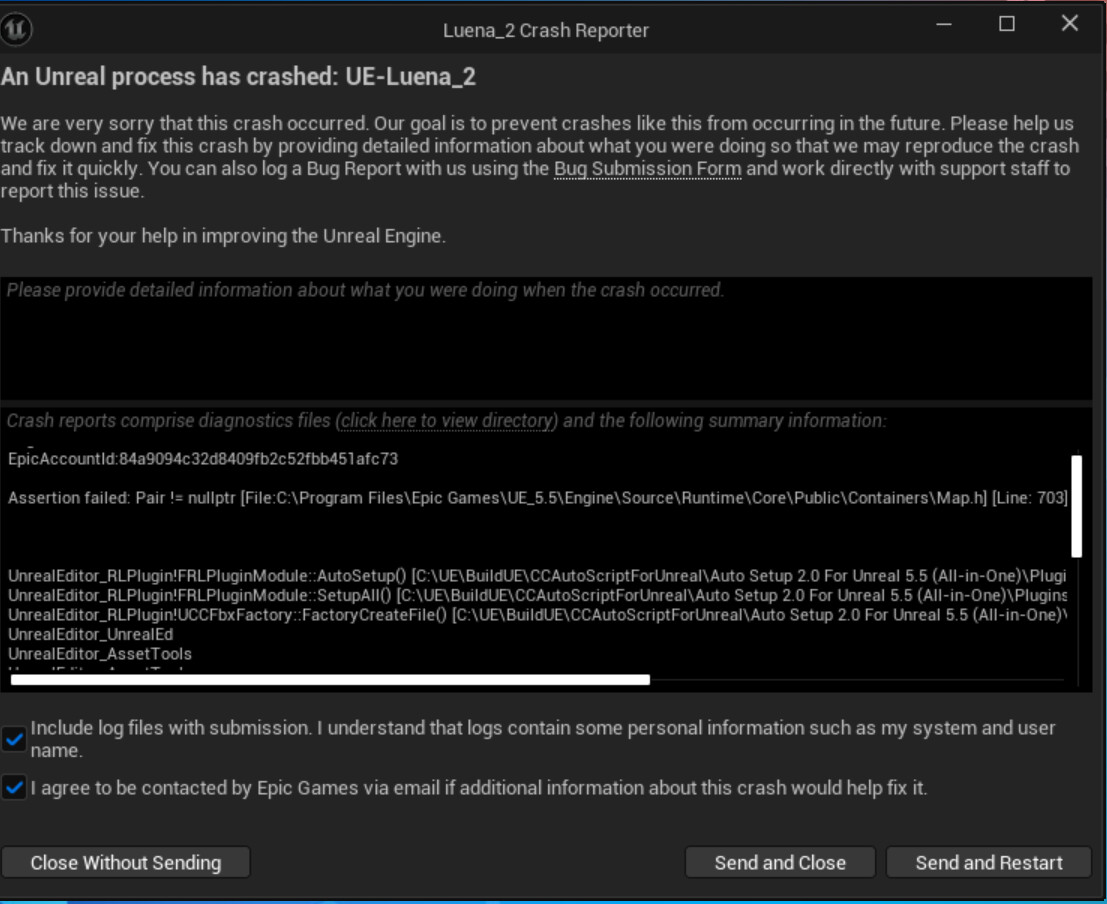
img’s description:
LoginId:1d910a0341cac98ec5b4738fff6a2149
EpicAccountId:84a9094c32d8409fb2c52fbb451afc73
Assertion failed: Pair != nullptr [File:C:\Program Files\Epic Games\UE_5.5\Engine\Source\Runtime\Core\Public\Containers\Map.h] [Line: 703]
UnrealEditor_RLPlugin!FRLPluginModule::AutoSetup() [C:\UE\BuildUE\CCAutoScriptForUnreal\Auto Setup 2.0 For Unreal 5.5 (All-in-One)\Plugins\RLPlugin\HostProject\Plugins\RLPlugin\Source\RLPlugin\Private\RLPlugin.cpp:1227]
UnrealEditor_RLPlugin!FRLPluginModule::SetupAll() [C:\UE\BuildUE\CCAutoScriptForUnreal\Auto Setup 2.0 For Unreal 5.5 (All-in-One)\Plugins\RLPlugin\HostProject\Plugins\RLPlugin\Source\RLPlugin\Private\RLPlugin.cpp:517]
UnrealEditor_RLPlugin!UCCFbxFactory::FactoryCreateFile() [C:\UE\BuildUE\CCAutoScriptForUnreal\Auto Setup 2.0 For Unreal 5.5 (All-in-One)\Plugins\RLPlugin\HostProject\Plugins\RLPlugin\Source\RLPlugin\Private\CCFbxFactory.cpp:284]
UnrealEditor_UnrealEd
UnrealEditor_AssetTools
UnrealEditor_AssetTools
UnrealEditor_UnrealEd
UnrealEditor_UnrealEd
UnrealEditor_UnrealEd
UnrealEditor_Engine
UnrealEditor_Engine
UnrealEditor_UnrealEd
UnrealEditor_UnrealEd
UnrealEditor
UnrealEditor
UnrealEditor
UnrealEditor
UnrealEditor
UnrealEditor
kernel32
ntdll