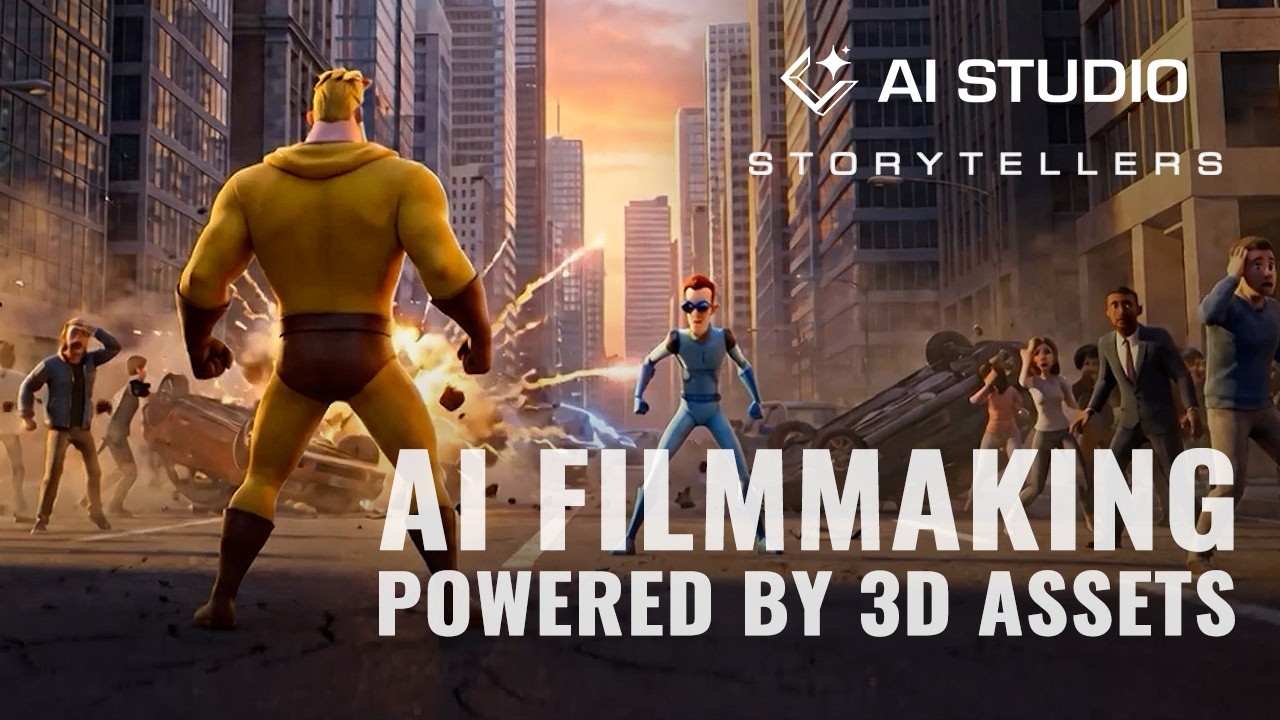
In this episode of AI Studio Storytellers, John Martin demonstrates how to direct generative AI filmmaking using iClone 8, Character Creator, and Reallusion AI Studio. Learn how indie developers and 3D artists can solve the challenge of unpredictable generative AI outputs by using existing 3D scenes, characters, and motion references to guide AI image and video generation.
Key Expert Insights:
- 3D as a Spatial Reference: Use iClone 8 projects—including environments like City Blocks Volume 1 and motion packs like Legendary Heroes Aerial Fighter Pack—as exact visual and motion controls to drive AI generation.
- Seamless Integration with AI Studio: Bridge the gap between 3D pre-visualization and AI generation by feeding iClone scenes into Reallusion AI Studio using generative models like Flux 2 Max (for image rendering) and Seedance (for video generation).
- Consistent & Controlled Output: Maintain strict control over staging, camera angles, motion, and visual style without fighting random AI generations or losing structural consistency across frames.
How are you integrating 3D scene controls into your generative AI pipeline? Share your thoughts and workflows below!