AI Studio is useful, but I hope iClone’s core 3D tools stay the priority

I’m not against AI Studio, and I can see how it could be useful for quick concepts, previews, or testing different looks. But I do feel mixed about how directly it’s now built into iClone 8. When I bought iClone around 3 years ago, it wasn’t presented as “The Ultimate 3D-to-AI Workflow” — it was a 3D animation tool.


Seeing this loading iClone up after the update gave me mixed feelings about it all.

Seeing the new startup screen split the product between 3D Creation and AI Studio, and now describing iClone around AI, makes me feel like the direction of the software is shifting into something different from what I originally bought into. If AI Studio was a separate product, I think I’d feel differently, but this is now inside the same software I’ve invested a lot of time and money into for my 3D characters, scenes, assets, and learning process.

My main concern is that I’m trying to get better at actual 3D — lighting, rendering, characters, animation, cameras, and building scenes properly. iClone helped me start doing that, so seeing this AI direction pushed before the RTX rendering update makes it look like the priority has changed. AI results can look good, but they can also change characters, add strange details, cost credits with every attempt, or get blocked by filters even when you’re using your own private 3D scene.
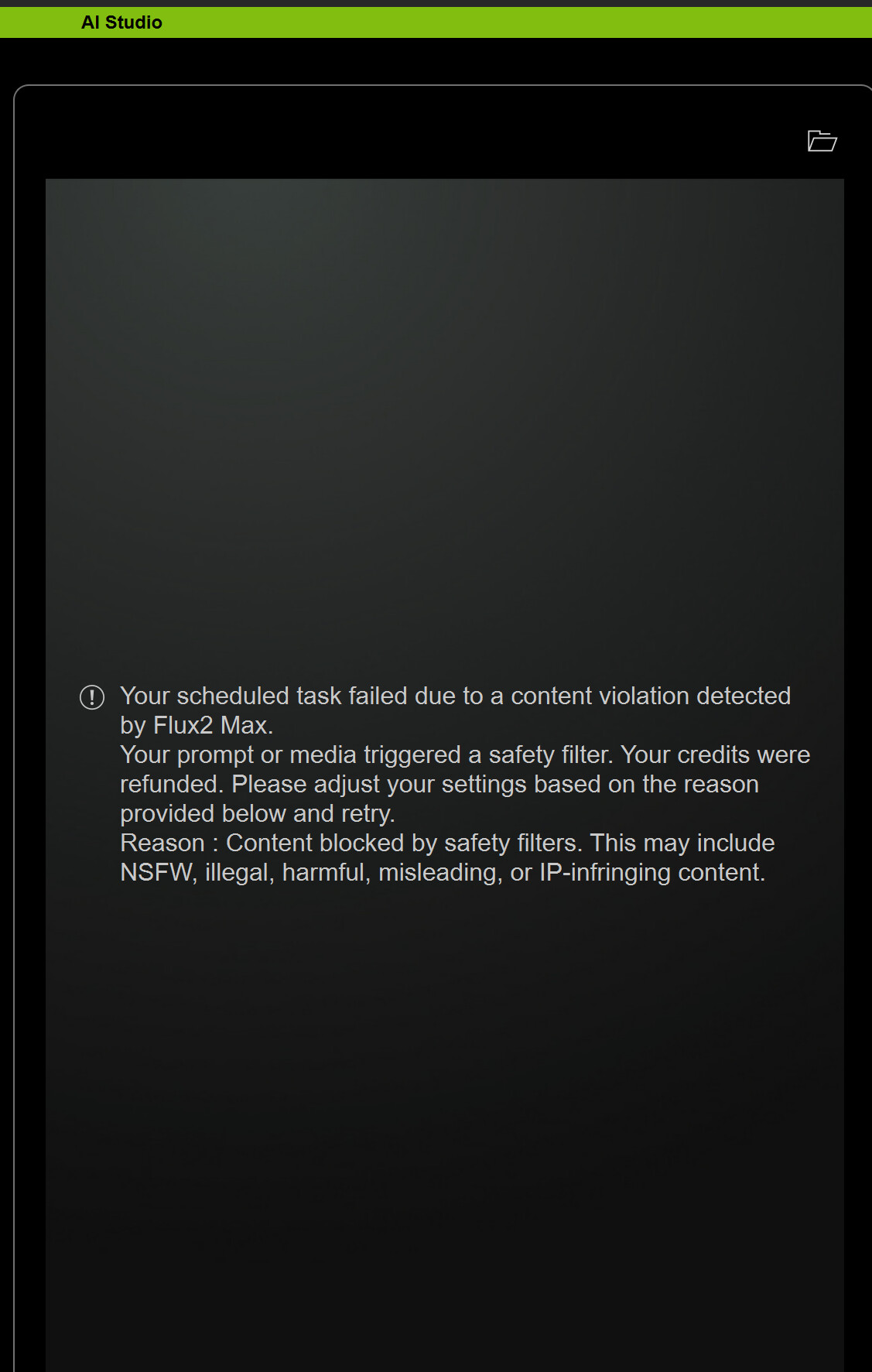

This was blocked but it worked on a second attempt with nano banana model for 3d to image.

If I’m spending money, I’d honestly rather spend it with Reallusion on things that improve the real 3D workflow — better hair, better physics, lighting templates, realism tools, render upgrades, plugins, or anything that helps us get stronger results inside iClone itself. I earn money through my work, and I’d rather reinvest that into my own tech, studio, assets, and production pipeline than spend countless credits trying to get the perfect AI image or video. I just hope AI Studio stays as an optional extra and doesn’t become the main identity of iClone. For me, the priority should still be improving the core 3D workflow so we can achieve better realism inside iClone, with full control over our own characters and productions.

7 Likes

@mstaylor If you are looking to improve your lighting and hair animation and wish to use AI for this, you can utilize free, local tools such as WanGP, provided your computer is equipped with an Nvidia GPU with enough storage/RAM/VRAM. Processing is likely to be slower than with an online service, but it’s free to use.

I completely agree with everything you said.

I didn’t get into this to spend half my time typing ultra‑precise prompts just to get a usable result — especially when every attempt costs money. If I wanted to obsess over wording, I’d have taken up writing instead. Like many Reallusion customers, I just wanted better lighting and rendering quality on par with Unreal or Blender.

Using AI for creation feels more like a guessing game for me rather than a creative tool, and that’s not what I bought Reallusion products for.

A shame we couldn’t get the RTX render update first.

5 Likes

Hey everyone!

We love seeing the discussion here. To make sure we see all your ideas and help troubleshoot issues faster, you can share your thoughts, creations, and questions over in the official AI Studio Category

Check out our FAQ resources in Official and find out how you can earn free AI Points just by sharing your work in Showcase & Earn! :rocket:

:white_check_mark: Update: This thread has been moved to the AI Studio Category

Agreed the push for AI and the increasing amount of new features that have become subscription or cost per use is of concern.

Like yourself, I’m not against AI, but so far I found it more of a novelty rather than useful for my purposes. I like full control of my characters appearance and generally the sets as well.

Where I might find AI useful is to assist with lighting (as I still struggle with lighting) and even some short animation sequences that can be tough and/or very time intensive to get looking right, like characters turning around, transitioning between poses etc. I know we have Accupose, but it’s not great and once again only a limited number of basic poses are included with iClone, anything else requires subscription. I’d rather have an option to purchase the poses rather than forced to pay an ongoing subscription to maintain access.

I just hope RL continues to offer iClone and CC as a ‘buy outright’ option. I do fear it’s headed toward the same path as the likes of Adobe who have almost completely moved to a subscription only service. If RL went that way, I couldn’t justify the ongoing cost.

3 Likes

At least with Accupose there are some good news, because it became fully perpetual licensed in 2026 as a one-time purchase. It also includes all poses.

Subscription makes sense for AI video generation as long as it uses server resources. For Accupose this never made sense, because it runs locally and they couldn’t add new poses forever.

Of course, we know that local video generation is also possible, as it was the case with the AI Render Beta. So, that would be great if this option is reintroduced in AI Studio.