After updating to version 8.73, Chinese, Japanese, and German characters do not display correctly, whereas they display fine when reverting to version 8.72. What settings do I need to adjust if I want to use version 8.73?
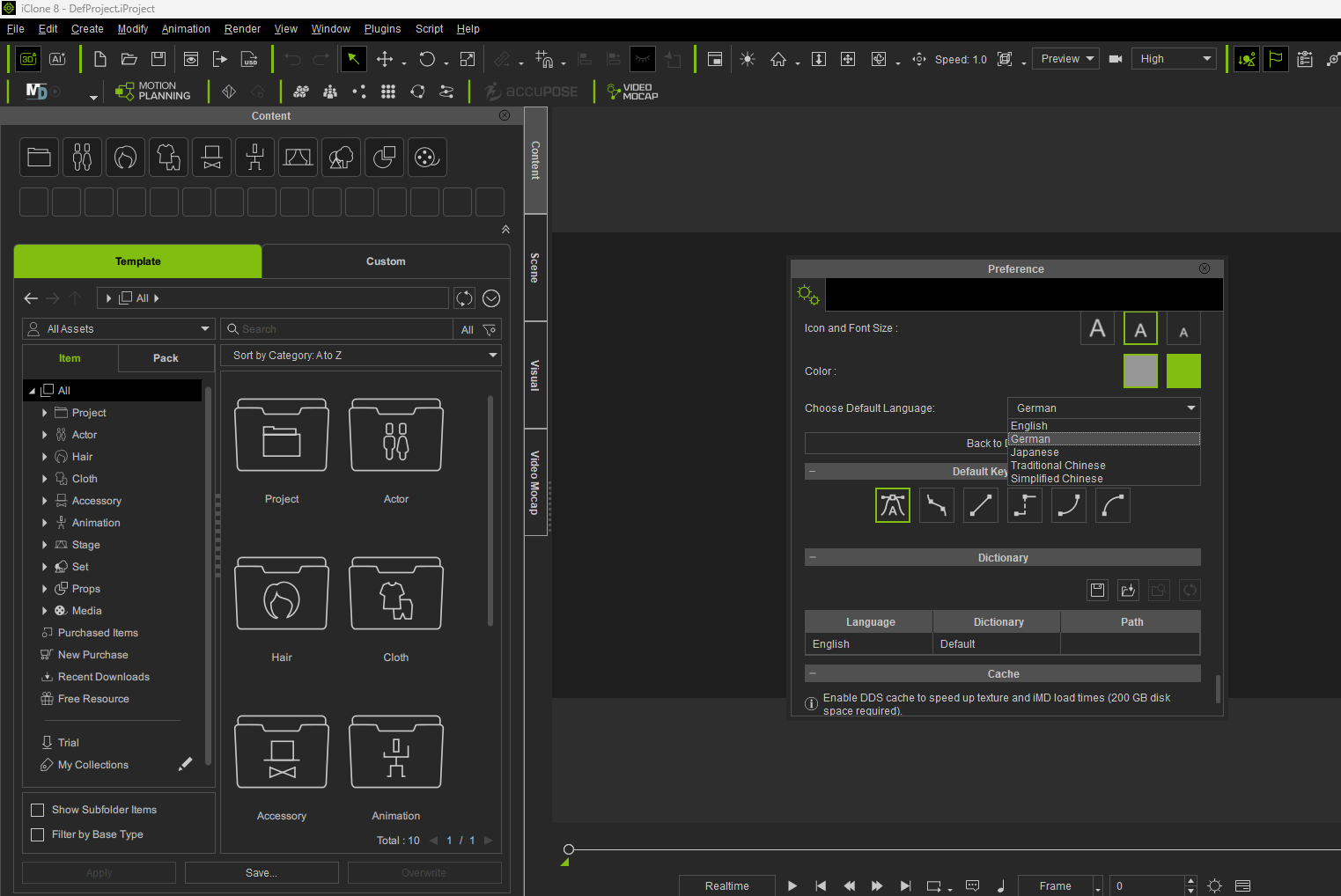
Hi…
After changing the language, have you tried restarting iClone? Does it make any difference?
If not, please see the post HERE which explains how to get official Reallusion Support.
Hello,
Thank you for the issue report.
We have confirmed that this is a bug in the newly released iClone v8.73.
We apologize for the inconvenience. Until this issue is officially fixed, please use the following workaround:
- Ensure you have installed the latest version of iClone (v8.73).
- Close the program.
- Download and extract the IC8.73_MultiLan_Resource.zip file to your local drive.
- Rename the existing “Resource” folder in your program directory to “Resource_0622”.
- Default path: C:\Program Files\Reallusion\iClone 8\Resource
- Copy the newly downloaded “Resource” folder into the main iClone 8 directory.
- Default path: C:\Program Files\Reallusion\iClone 8\Resource
- Done!
After replacing the file, it started working properly.