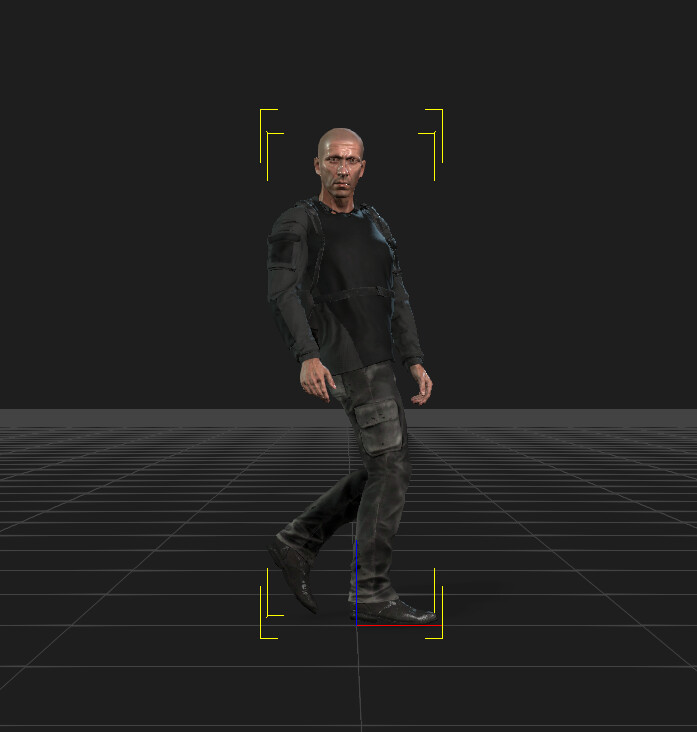
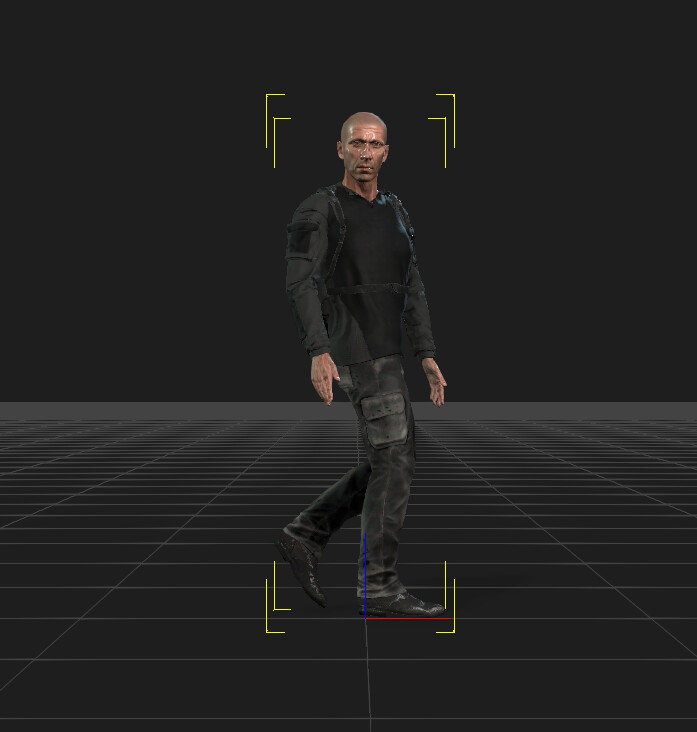
The default Motion Profile for UE5 animation conversion was giving me a weird spine twist so I created a new one using the CC5 Characterization tool.
Using that fixed the issue but I rather than having to go into the file browser each time to select it I was wondering if it was possible to add it as a default option?
Thanks
(Screenshot shows how the original forces a weird lean back effect?)
A default path for iClone profiles is: C:\Program Files\Reallusion\iClone 8\Program\Assets\Share\CharaterizeProfiles
(similar path should be for Character Creator of the respective version).
Make sure to give a unique name to your custom profile.
After dropping custom profile to the path above you’d have to restart iClone. It would now appear in the drop-down when iClone senses respective armature structure.