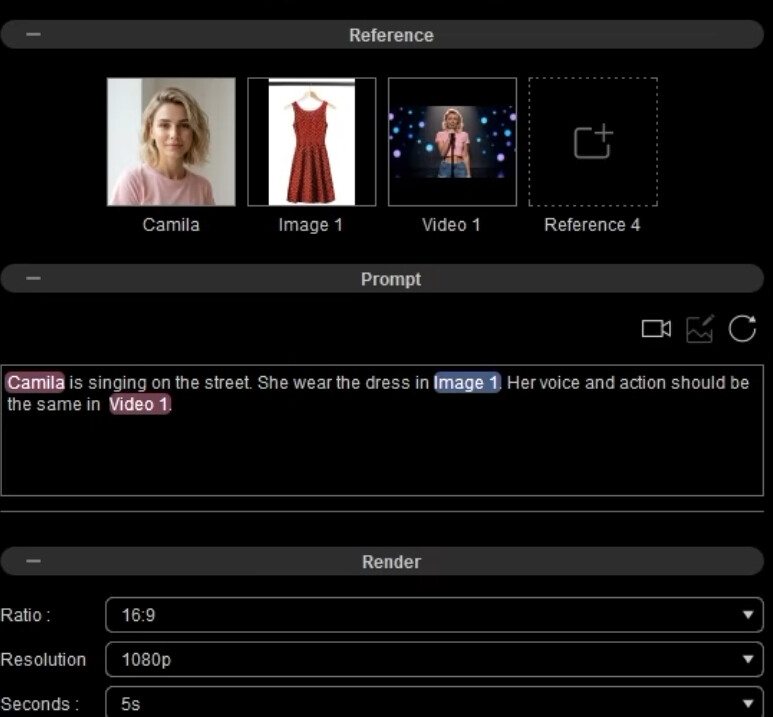
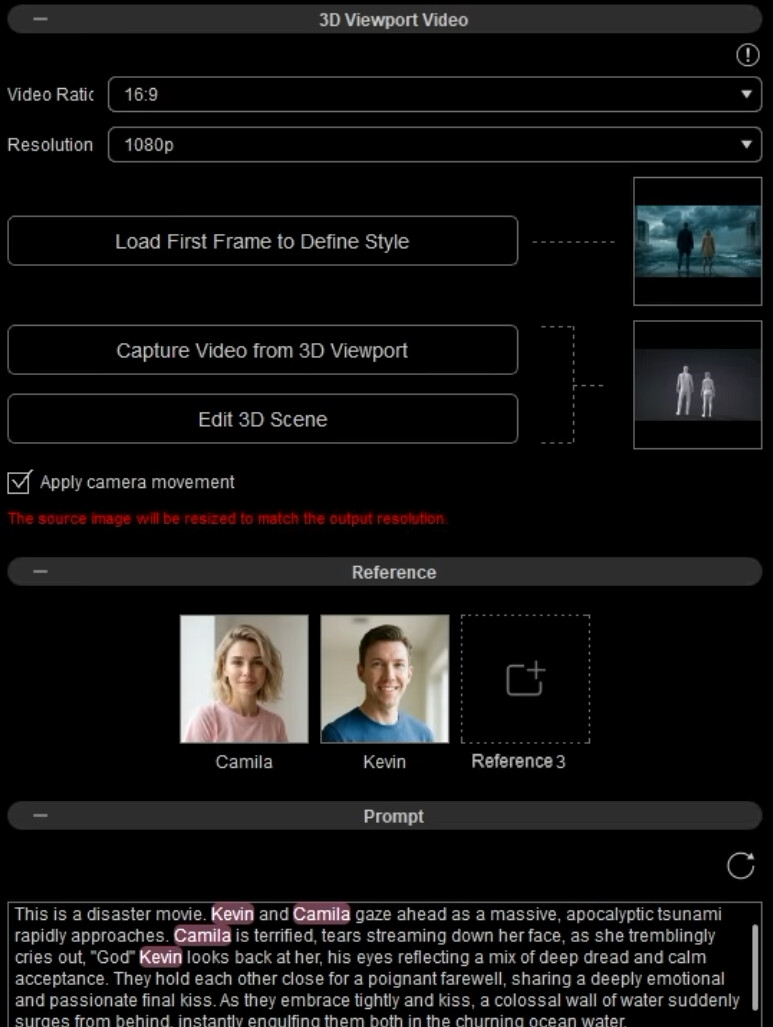
I went through the entire process of importing an iClone camera animation into AI Studio…
But I don’t know why it doesn’t use the same animation or camera.
I went through the entire process of importing an iClone camera animation into AI Studio…
But I don’t know why it doesn’t use the same animation or camera.
Even with a reference video you would need to explicitly state in the prompt to use the camera movement from the reference video. I don’t know Spanish, so I may misunderstand, but you seem to use the 3D to Image option, not the 3D to Video option.
hi !
3D to video (first 3D to image)
Playing the animation from this video. The animation with the dummies and camera movements.
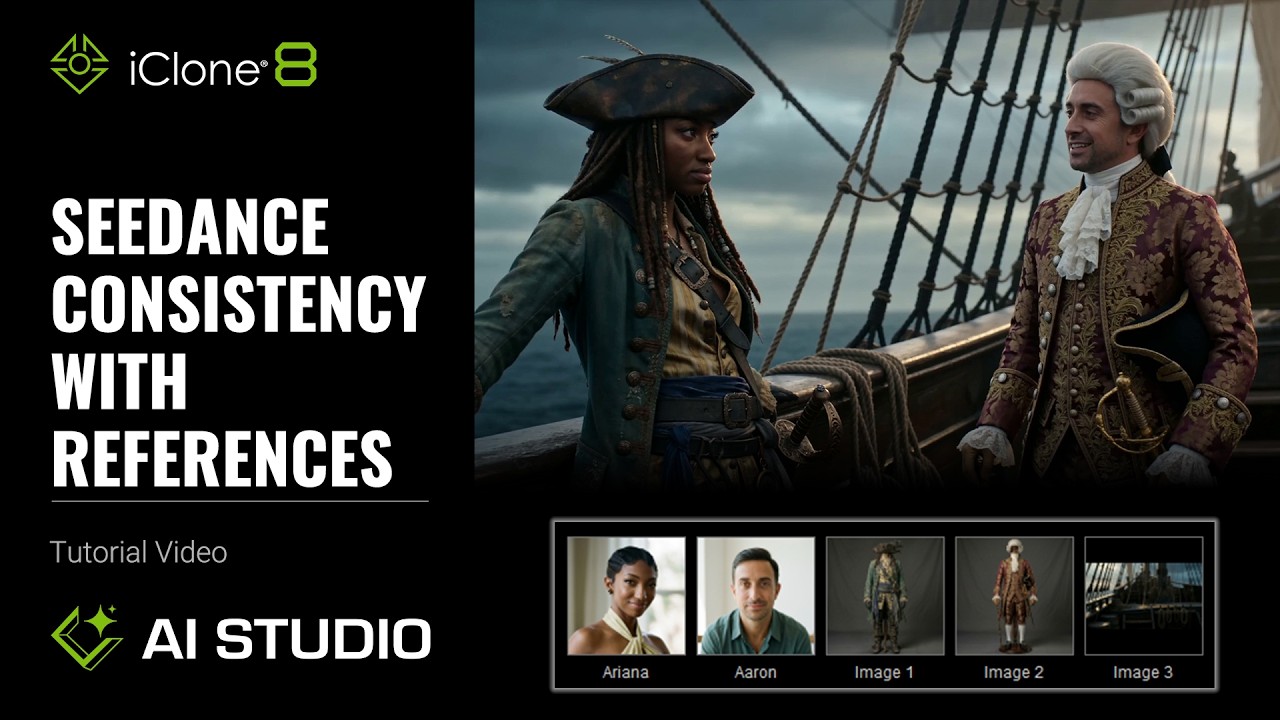
OK, so this is with the latest version of AI Studio. It should work then. I haven’t tried that myself yet. So much to learn to keep up!
Maybe you should use multiple cameras.
It works for me when I use multiple cameras.
Best regards, Robert👍
I also noticed something interesting at the end of the tutorial. There it mentions that a video can be used as reference to control the animation.
I wonder how that is different from using a reference in the 3D to Video option, using Capture Video from 3D Viewport, except that you don’t have to render out first as a separate video.
Good point. It also worked for me when using 2 or 3 cameras.
Yeah, I think that’s a good point.
Basically, they’re the same imo. They both use the Seedance 2.0 Reference-to-Video model. I think what Reallusion is doing here is mainly making the workflow more seamlessly connected with the 3D environment.
You can definitely achieve the same results by using Video Create mode. The main advantage of 3D to Video is that it provides a more straightforward workflow when you’re working with a 3D scene.