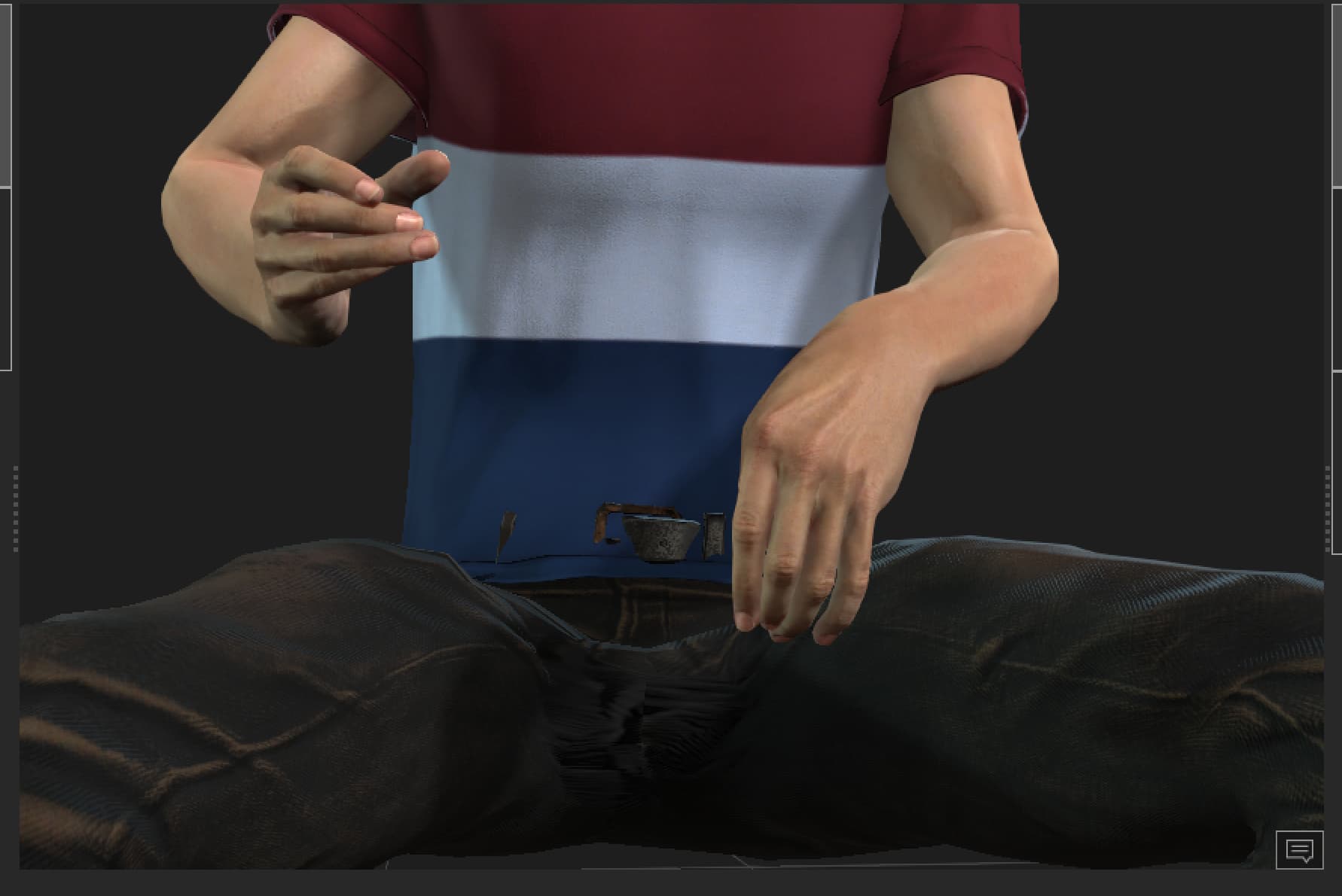
Does anyone else face this issue where fingers are messed up when retargating in iclone
How can i fix this i have been facing this issue since soo long!!!
1 Like
Hi harshulverma20,
May I ask if you are using Vicon?
Currently, hand retargeting in Vicon live recordings does have the known issue mentioned above.
Here are our recommended workarounds for Vicon users:
- Export the motion as an .fbx file from the Shogun Live environment, then import the .fbx into iClone and apply it to the same character to achieve the same result.
If you are not a Vicon user, could you please let me know the source of your motion?
no i am using ROKOKO
Thank you for your reply. I have a few more questions I’d like to clarify with you.
Could you let me know whether the finger issue occurs when you import motion recorded from Rokoko, or when you use Rokoko Live Record?
If the issue happens during motion import, I’ll need to review your project file for further investigation. Since files can’t be uploaded here, please submit the issue through the Feedback Tracker, and our team will look into it as soon as possible.
I believe the issue lies with the Character Profile. Got the same problem when I was importing from Quickmagic, before they integrated it into iClone.
Basically, export the Rokoko Rig in a T-Pose. Then create a new Character Profile, and use that newly created refference for your Character. That fixed the fingers for me.
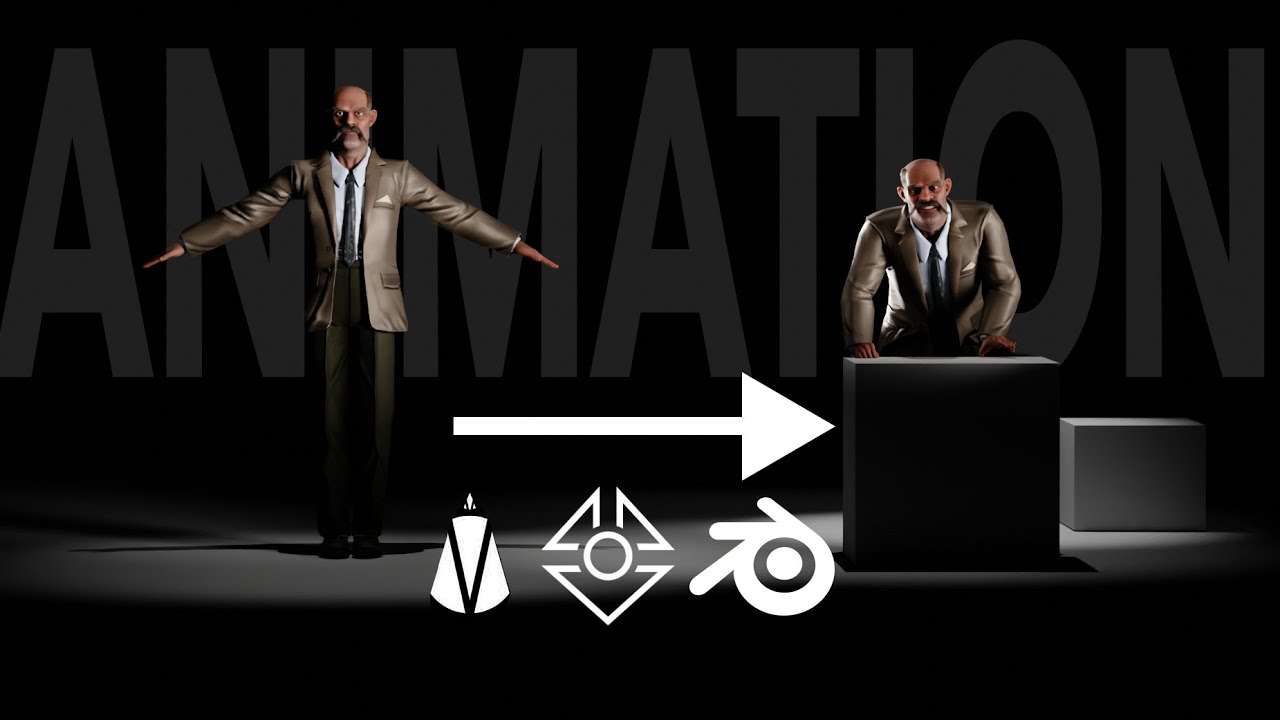
Sorry for linking my own stuff, but in this video from minute 4, I briefly go over the process in 2 minutes.
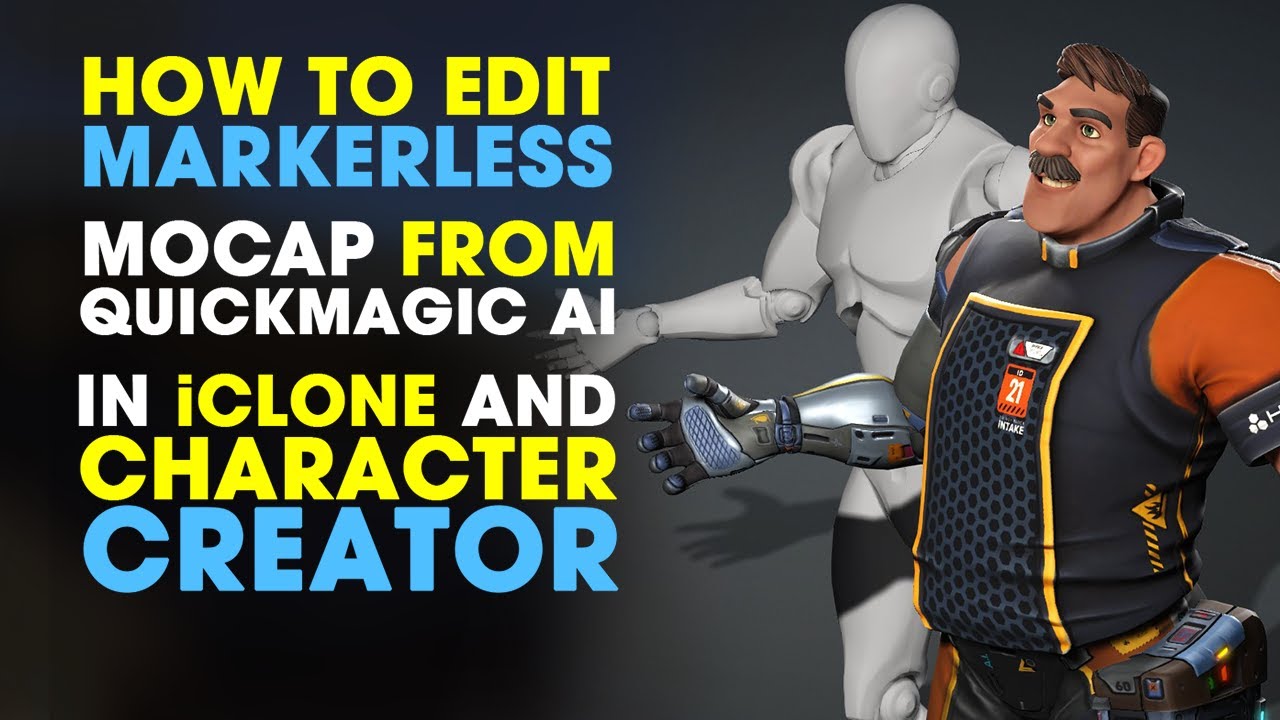
Solomon Jagwe goes into more details here on minute 16:
Hi, thanks for your reply.
To help us further reproduce the issue you’re experiencing, could you please upload the following files to the Feedback Tracker:
- Rokoko original file
- T-Pose FBX
- Motion FBX
- Character Profile
- iProject file
Your files will remain confidential and will not be shared externally. They will also allow us to verify and confirm that the issue has truly been resolved.
We appreciate your feedback and cooperation. Thank you!

hey i was following your guid and stumble appone these bones in the wrist,
Where do i map them?There are no relative mappin in CC.
The white bones? These are determined automatically.
These profile that i am making are already in the profile list i dont see the reason of making them again. I have tried your method for various skeletons yet my finger are still croocked.