I already submitted this to the feedback tracker, but seeing if anyone else is running into something similar.
I’ve been trying to generate some bikini concepts, not even super revealing, but every Ref Front image for pants I try to generate gets blocked by the content filter. To reproduce, I simply created a new character with the CC5 default, then put the full-body CC3_Base Female slider to the max. I also put the full-head CC1_Base Female slider to the max. Then, I opened the AI Mesh Generator, selected Single View, selected the clothing option, and selected the pants option.
First, I tried loading a reference image of a woman in green bikini bottoms (from the waist down). Then I clicked Generate REF. That failed with a content warning. Then I removed the reference image and just typed “green bikini” into the prompt. That generation failed with another content warning. I even tried just “bikini” as the prompt, and that also failed.
Can you work on reducing the strictness of the content filter? Right now, it’s preventing creating a lot of clothing and swimwear styles, even if nothing is NSFW in images.
1 Like
Thank you for the feedback. If you have reported this in the Feedback Tracker it will be looked into to see if anything can be done to help with this issue.
Hi dpstewart,
Sorry to hear you’re running into this issue.
Currently, the image generation service is powered by GPT. Due to GPT’s content policy, prompts or images with significant skin exposure have a high chance of being flagged as NSFW.
Depending on what you want to achieve, here are our recommendations:
- **To generate a character wearing a bikini:**We recommend using the first template in AI Studio and switching the model to Nano Banana 2. You will also need to adjust your prompt style to match what Nano Banana works best with.
- **To generate clothing only (standalone item):**If you only need the outfit itself, use the second or third template instead to get clean, isolated object results.
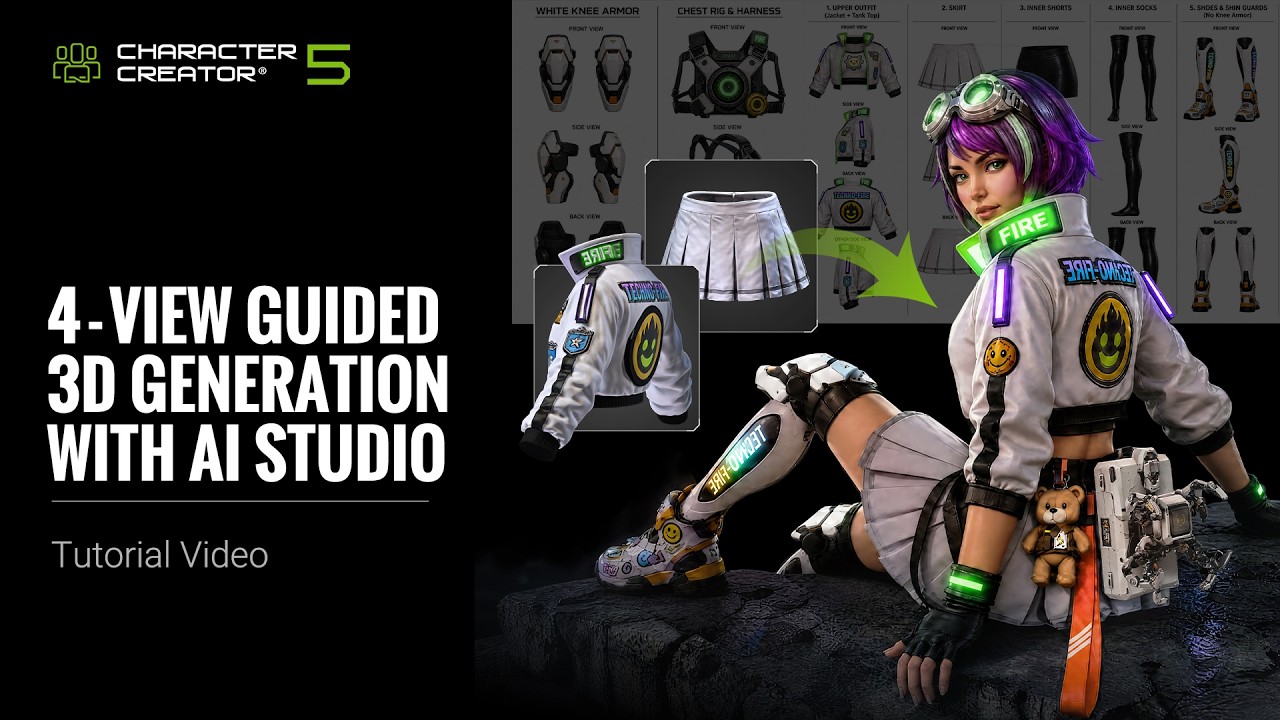
For a detailed walkthrough, please check out this tutorial video:
Hope this helps! Please let us know if you have any further questions.
Thanks for the suggestion!
I tried the AI Studio workflow and was able to get fewer content refusals using Nano Banana 2, although it still seemed a bit hit or miss on the refusals. A green cloth bikini went through fine, but a black leather one with similar coverage kept getting rejected by the filter. (This was at the full-body 4-panel creation stage template.) I tried using the Flux2 Max option with the same image and template, and it simply put a whole-body leather suit onto the generated mannequin, heh. I didn’t try to generate again with that one, since it’s almost twice as expensive and burns the points even if the generation doesn’t come out as desired.
Funny enough, I then tried just swapping the color of the leather bikini from black to blue, and then Nano Banana 2 generated the images without issue, despite the design and cut of the bikini being exactly the same.
I do like the direction you guys are taking with trying to streamline AI workflows, and for most clothing styles this probably works well. But it seems these image models are quite finnicky with what they’ll accept or reject. I’m not sure what other image models that are out there might fit all your criteria for use, but an option for one with less stringent and more consistent filters would be appreciated.